OBDLink + BimmerCode - Complete BMW Coding Guide
Affiliate disclosure. BimmerTalk is a proud partner of the Amazon Associates Program and Turner Motorsport. We may earn a small commission on qualifying purchases through our links, at no extra cost to you. Read the full disclosure.

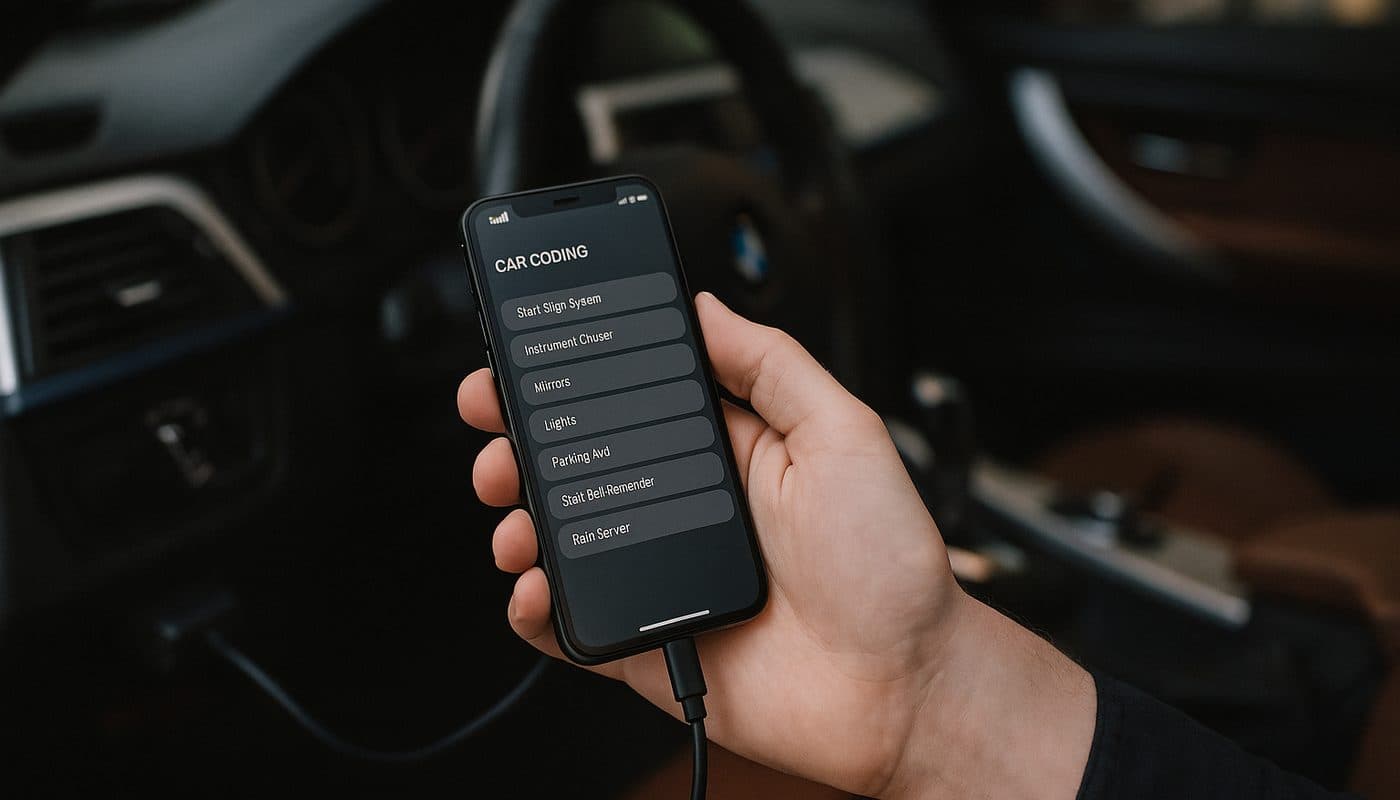
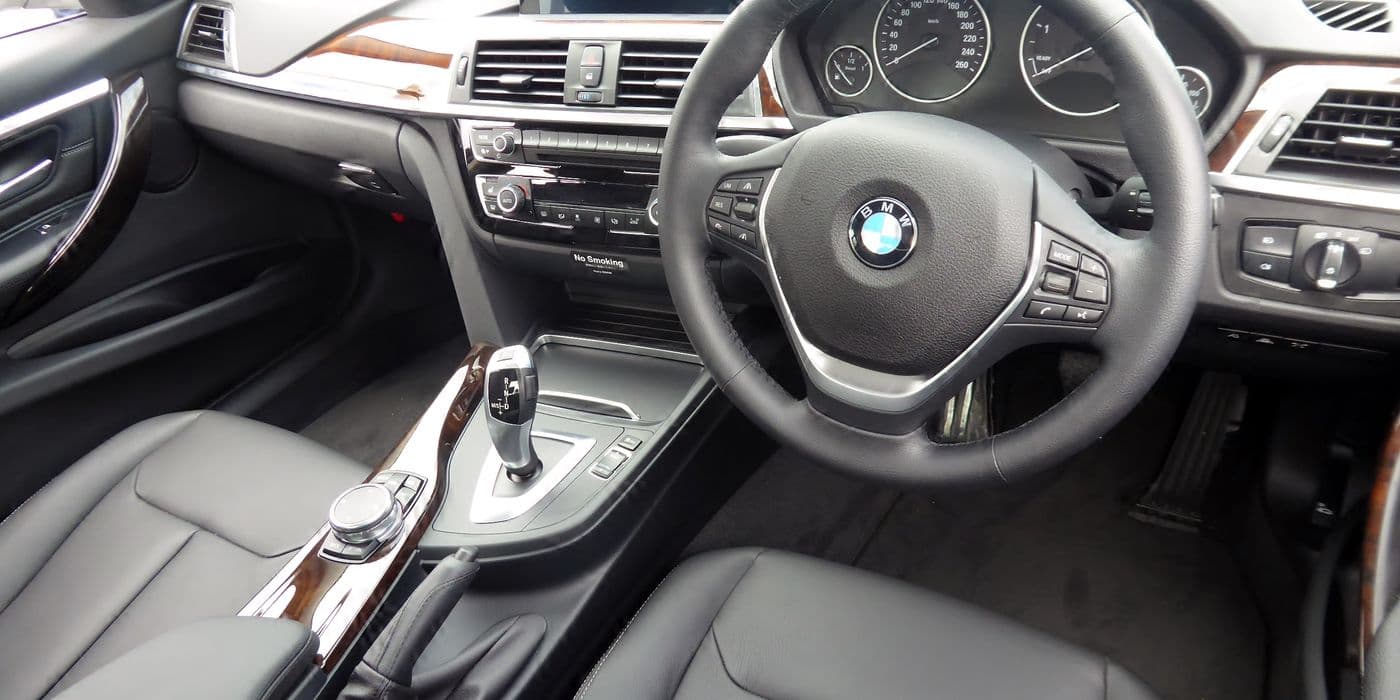
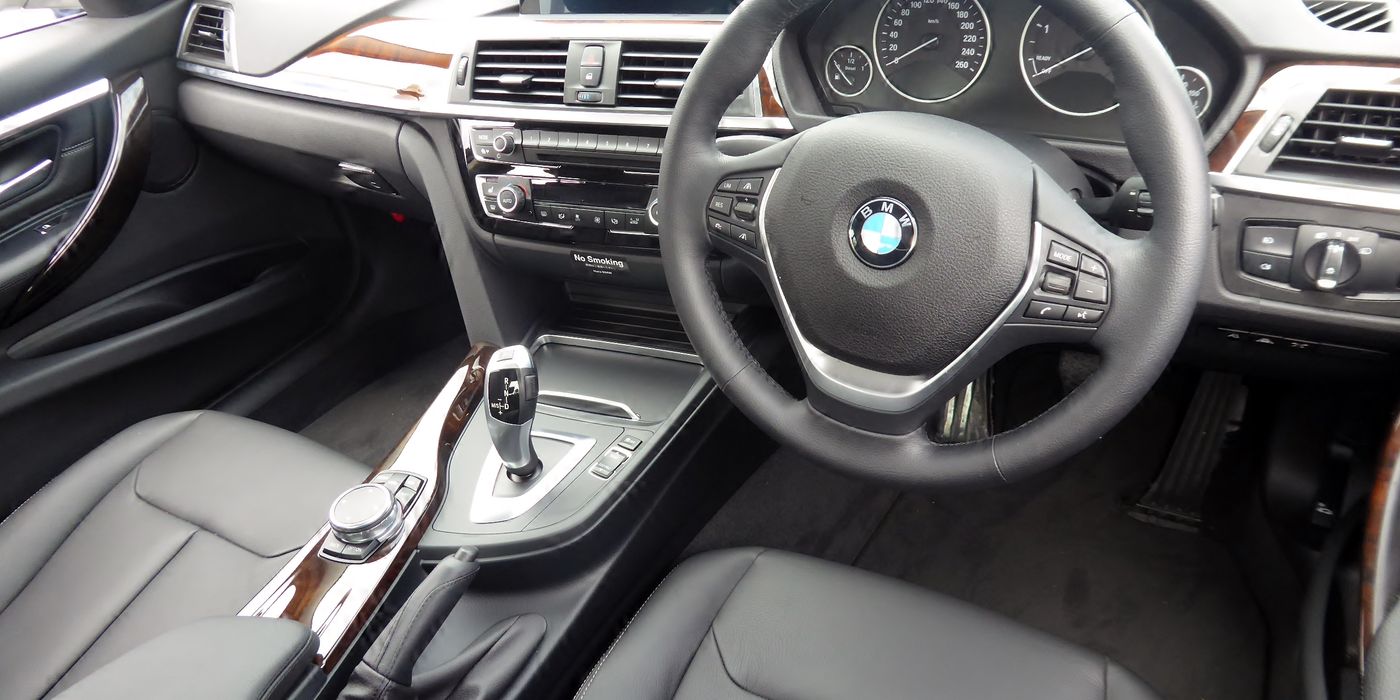
I had owned my G20 330i for three weeks before I could not stand it anymore. The car was brilliant, but BMW had shipped it to me with Apple CarPlay crammed into a small rectangle on the iDrive screen, the seat belt chime was louder than the engine, the mirrors would not auto-fold when I walked away, and the legal disclaimer screen greeted me every single morning like I had never used the car before. I knew the features were in there. BMW installs the same hardware on every trim and then decides what you are allowed to enable at the factory. So one Saturday I plugged an OBDLink MX+ into the diagnostic port, opened BimmerCode on my iPhone, and fifteen minutes later the car was exactly how I had wanted it from day one. Total cost - $139 for the adapter plus $34.99 for the app. $174 to unlock roughly 400 features BMW had silently left dormant.
That was in 2021. Since then I have coded my own G20, coded my dad's G20 330i, coded a client's F82 M4, helped a buddy code his G05 X5, and answered an embarrassing number of Bimmerfest forum threads about pairing issues and failed writes. I spent years in BMW marketing before I went independent, and I can tell you from the inside that coding is the single highest ROI modification you will ever make to a BMW. You are not installing parts. You are not voiding anything that matters. You are flipping software switches that BMW already tested and shipped.
This guide is the one I wish I had found when I started. The OBDLink MX+ is my top overall pick because it does everything on BMW and also works on every other car you will ever own. The OBDLink CX is a newer BMW-specific alternative that BimmerCode themselves co-engineered. I will tell you which one to buy, why cheap ELM327 clones will brick your modules, what BimmerCode actually costs, how to code your first feature step by step, which features are worth coding on your specific chassis, and the mistakes I watch new coders make on the forums every single week. No fluff. No affiliate hype. Just what works.
400+ verified codes
BimmerCode Presets
Late E-series through G-series + iDrive 8
Chassis Coverage
$170-175 all in
Total Entry Cost
$500+ per trip avoided
Dealer-Equivalent Savings
| Feature | OBDLink MX+ | OBDLink CX | Veepeak BLE+ | ELM327 Clone |
|---|---|---|---|---|
| Price 2026 | $139 | $79-99 | $40 | $10-20 |
| Bluetooth | 3.0 Classic | 5.1 LE | BLE | BT 2.1 |
| BMW Chassis Support | All E/F/G | All F/G iOS | F/G limited | Risky |
| BimmerCode Certified | Yes | Yes (co-engineered) | Partial | NO - can brick |
| Warranty | 3 years | 3 years | 1 year | None |
| Multi-app | 18+ apps | BMW-focused | Limited | Varies |
| Top Pick For | Multi-car DIY | Pure BMW / newer iOS | Budget BMW | Avoid |
Price 2026
- OBDLink MX+
- $139
- OBDLink CX
- $79-99
- Veepeak BLE+
- $40
- ELM327 Clone
- $10-20
Bluetooth
- OBDLink MX+
- 3.0 Classic
- OBDLink CX
- 5.1 LE
- Veepeak BLE+
- BLE
- ELM327 Clone
- BT 2.1
BMW Chassis Support
- OBDLink MX+
- All E/F/G
- OBDLink CX
- All F/G iOS
- Veepeak BLE+
- F/G limited
- ELM327 Clone
- Risky
BimmerCode Certified
- OBDLink MX+
- Yes
- OBDLink CX
- Yes (co-engineered)
- Veepeak BLE+
- Partial
- ELM327 Clone
- NO - can brick
Warranty
- OBDLink MX+
- 3 years
- OBDLink CX
- 3 years
- Veepeak BLE+
- 1 year
- ELM327 Clone
- None
Multi-app
- OBDLink MX+
- 18+ apps
- OBDLink CX
- BMW-focused
- Veepeak BLE+
- Limited
- ELM327 Clone
- Varies
Top Pick For
- OBDLink MX+
- Multi-car DIY
- OBDLink CX
- Pure BMW / newer iOS
- Veepeak BLE+
- Budget BMW
- ELM327 Clone
- Avoid
Why BMW Coding Is the Highest ROI Mod You Will Ever Make
Before I show you the tools, you need to understand what coding actually is and what it is not. Coding is not tuning. Tuning rewrites engine maps to make more power. Coding rewrites the factory configuration data that tells each control module which features are enabled on your specific VIN. When BMW assembles a 330i, the physical hardware for things like automatic mirror fold, angel eye DRL mode, Sport+ driving dynamics, full-screen CarPlay, and video in motion is often already installed. Whether those features turn on depends on a set of configuration bits in the relevant ECUs. Coding flips those bits.
Here is the math that sold me. A BMW dealer service visit to install a single feature retrofit (say, enabling Apple CarPlay on a car that shipped with it disabled) ran around $500 when that was actually available from BMW, and most features are not officially retrofittable at all. I paid $174 once and unlocked hundreds of features across every ECU in the car - and because BimmerCode auto-backs up before every write, I can revert any change in under a minute. If you are a BMW owner who is going to keep the car more than a year, the payback window on a coding setup is measured in weeks, not months.
There is also the category of features that BMW does not sell at any price. Disabling the seat belt chime, turning angel eyes into always-on DRL, adding one-touch window roll-down from the key fob, making Sport mode remember its last position across ignition cycles - these are not dealer retrofits. They are community-discovered coding tricks that BimmerCode has packaged into safe, reversible presets. None of them are available from BMW at any price.
And before anyone asks about warranty - I have had my G20 in for regular BMW service three separate times since coding it. The dealer has never commented, never rolled back anything, never flagged it. I will cover the warranty picture in detail later, but the short version is that under the Magnuson-Moss Warranty Act in the US, a dealer cannot void your entire warranty just because you coded. They can only deny a specific claim that the coding plausibly caused. If you enable mirror fold and then your timing chain breaks, that chain is still covered.
OBDLink MX+ - My Top Overall Pick for BMW Coding
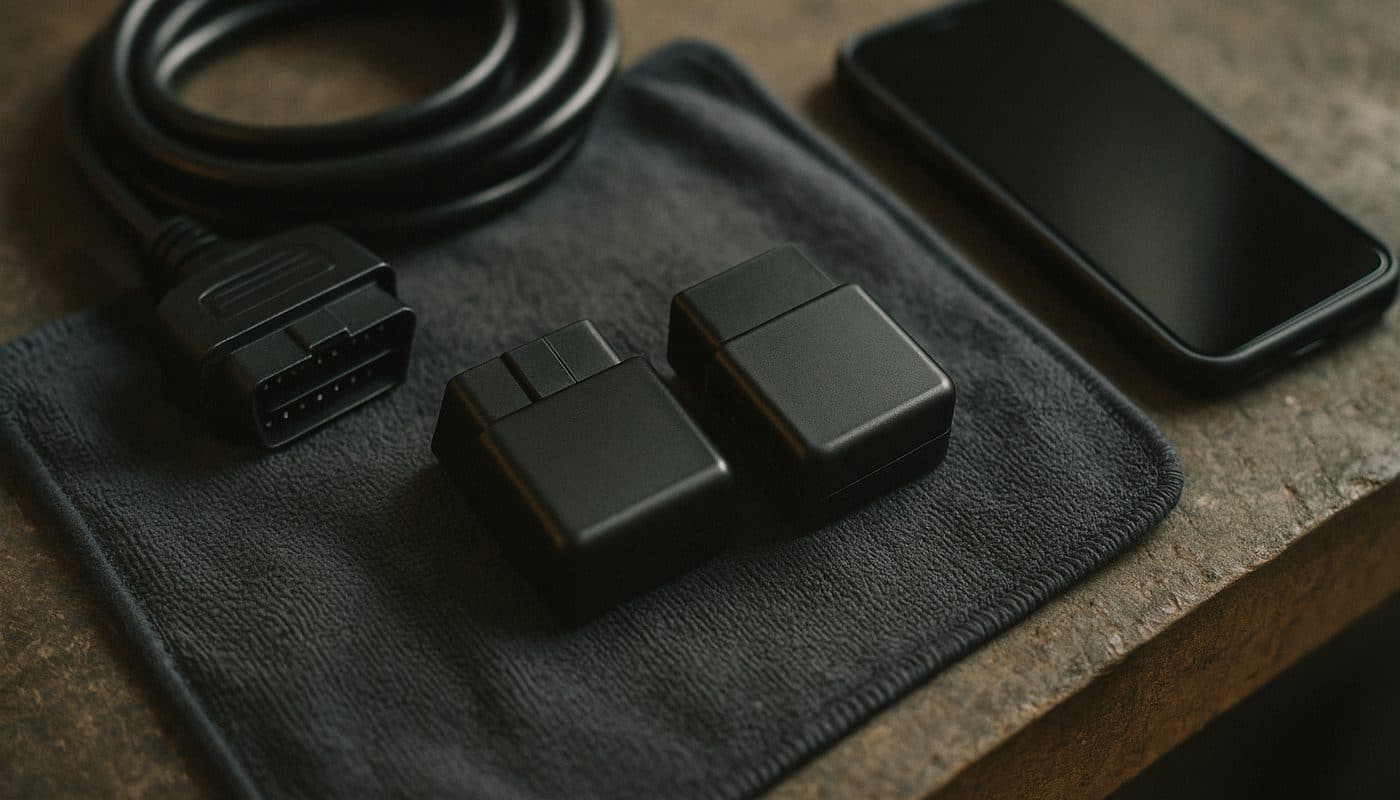
The OBDLink MX+ is the scanner I keep in my glovebox and the one I recommend to anyone who asks. It is made by OBD Solutions out of Phoenix, Arizona, the same company that supplies OEM fleet diagnostic tools. The MX+ has been on the market since 2018, has an owner base of well over 100,000 units, and carries a three-year manufacturer warranty plus a 180-day money-back guarantee. BimmerCode officially certifies it as a tier-one recommended Bluetooth adapter for F-chassis cars and it covers the vast majority of G-chassis coding as well.
Street price sits around $139 on Amazon. That is more than the CX, which I will cover in a moment, and a lot more than the $20 ELM327 clones on AliExpress. I will explain why the extra money is worth it, and I want you to actually understand the hardware before you hand over a credit card.

Why the MX+ Wins on Compatibility
The MX+ supports every legislated OBD-II protocol on the market - CAN ISO15765-4, KWP2000 ISO14230-4, ISO9141-2, J1850 VPW, J1850 PWM - plus SW-CAN and MS-CAN for Ford and GM OEM-enhanced diagnostic networks. On a BMW, BimmerCode's proprietary routing layer uses those protocols to reach the D-CAN, K-CAN, PT-CAN, and F-CAN networks that the various body, chassis, and powertrain modules live on. On my G20 the MX+ has successfully read and written FEM_BODY, HU_MGU (head unit), Kombi (instrument cluster), EDC (adaptive damper), and CAS (central access) without drama.
The reason this matters for a BMW owner is that the MX+ is not a specialty device. If you are the household's designated DIY car person and you also wrench on a Ford Mustang, a GM truck, or a Honda, the MX+ works with FORScan, Torque Pro, DashCommand, BimmerLink, MotoScan, Car Scanner, HobDrive, and about a dozen other third-party apps. OBDLink documents 18 supported apps for the MX+, more than any other Bluetooth scanner on the market. When I upgrade my BMW in three years the MX+ follows me to the next car.
Bluetooth 3.0 vs BLE - What It Actually Means on an iPhone
The one legitimate complaint about the MX+ is that it uses Classic Bluetooth 3.0 (SPP profile) rather than the newer Bluetooth Low Energy standard. Practically that means you pair it once in iOS Settings as "OBDLink MX+", enter PIN 1234, and from then on BimmerCode connects automatically whenever the app opens and the adapter has power. On Android it is even simpler. On iOS, first-time pairing takes maybe 90 seconds - I walk people through it over the phone all the time.
The advantage of Classic BT 3.0 is higher sustained throughput for large ECU writes. The disadvantage is slightly fiddlier pairing and a marginally higher idle current draw. The adapter still enters sleep mode when the car sleeps, drawing sub-2mA, so parasitic battery drain is a non-issue unless you garage the car for months. OBDLink rates the housing as sealed and the adapter has overvoltage protection up to 24V, which is useful because BMW's voltage rails can spike during certain coding operations.
My G20 Experience With the MX+
I have coded roughly 40 individual features on my G20 using the MX+ over the last few years, ranging from the trivial (disclaimer bypass, mirror fold) to the genuinely useful (Sport+ unlock, Sport Displays in iDrive, full-screen CarPlay after a firmware update, digital speedo in the head-up display). The only feature that ever failed to write over Bluetooth was a specific HU_MGU video-in-motion hack that required an ENET Wi-Fi adapter and E-Sys because the write payload was too large to chunk over classic BT. That is a known limitation of Bluetooth coding on G-chassis, not a fault of the MX+ itself.
For an F-chassis car - F30, F32, F80, F10, F15, any of them - I do not think there is a reason to look at any other adapter. The MX+ covers every ECU and every preset BimmerCode offers with zero asterisks. For a G-chassis car the MX+ covers 90 to 95 percent of what most owners will want, and the remaining edge cases (some HU_MGU writes, some G70 server-authenticated modules) require either the CX or a dedicated ENET adapter regardless of which scanner you own.
OBDLink CX - The BMW Specialty Adapter BimmerCode Co-Engineered
If I owned only BMWs and I was buying an adapter today, the CX is probably what I would put on the table first. OBD Solutions developed the CX in direct partnership with Appomotive, the Swiss software house that makes BimmerCode. The firmware was written against BimmerCode's exact communication protocols, which is why BimmerCode's own documentation lists the CX as "designed for BimmerCode" and why it is the default recommendation on the bimmercode.app adapter page.
Street price runs $79 to $99 on Amazon. That is roughly $60 less than the MX+. For a pure BMW owner that saving is meaningful, and the CX has some real technical advantages on modern cars that the MX+ does not.

OBDLink CX Bluetooth 5.1 OBD2 Adapter for BimmerCode
$79.95
Bluetooth 5.1 Low Energy and iOS 17+ Stability
The CX is Bluetooth 5.1 Low Energy rather than Classic BT 3.0. BLE has lower latency, lower power consumption, and crucially the CX pairs inside the BimmerCode app itself rather than in iOS Settings. You open BimmerCode, go to Settings, pick Adapter, choose OBDLink CX, and the app handles the pairing directly. That one-step flow is a big reason BimmerCode themselves recommend the CX for newer iOS devices.
Since iOS 17 shipped, a handful of Classic Bluetooth adapters have had intermittent connection issues on iPhone 15 and newer. The MX+ has been fine in my testing but I do see occasional reports on the forums. The CX, because it uses BLE and because BimmerCode itself controls the pairing stack, has been rock solid on every iOS 17 and iOS 18 device I have tested. If you are buying a new iPhone every year and you want zero compatibility anxiety, the CX is the safer long-term choice.
Form Factor and Sleep Behavior
The CX is roughly 40 percent smaller than the MX+. It sits flush with the OBD-II port, tucked up under the dashboard, where it does not interfere with the driver's knees or the pedal box. I know G20 owners who leave the CX plugged in permanently as a permanent diagnostic tool. The sleep mode drops the current draw to microamps when the car enters its deep sleep cycle, so parasitic drain is effectively zero even if you park the car for a month.
The trade-off is a narrower app ecosystem. The CX works with BimmerCode, BimmerLink, the OBDLink app, Car Scanner, and a handful of others, totaling around five apps versus 18+ for the MX+. Crucially it does not support FORScan, cannot read Ford or GM OEM networks, and does not read ABS or SRS enhanced data the way the MX+ can. For a BMW-only household this is a non-issue. For a multi-car household it is the reason I still recommend the MX+ to most people.
BimmerCode - The App That Actually Does the Coding
BimmerCode is the software that turns your OBD adapter into a coding tool. Without BimmerCode, an OBDLink adapter is just a fault-code reader. With BimmerCode, it becomes a full-feature configuration editor for your car. The app is made by Appomotive, a Swiss developer, and has been the gold standard for mobile BMW coding since roughly 2018.
Pricing - One Time, Not Subscription
BimmerCode costs a one-time in-app purchase of approximately $34.99 for the standard tier, or around $49.99 for the Pro tier that adds extra features. There is no subscription. You pay once on your Apple ID or Google account and use the app for life on as many BMWs as you want. The free trial version reads your car and shows you what is codable before you pay a cent - I recommend running the free trial first to confirm BimmerCode sees all your ECUs before you hand over the app purchase.
This is important because the main competitor, Carly, runs on a $60+ annual subscription model. Over five years you spend $300+ on Carly for a feature set that BimmerCode gives you once for $34.99. Carly has a slightly slicker onboarding experience and its own adapter, but on pure value for BMW coding BimmerCode is not close.
The 400+ Preset Library
BimmerCode ships with more than 400 preset codes organized by ECU and chassis. Each preset has a human-readable name (for example, "Enable digital speedometer" or "Comfort turn signal three flashes") and a one-sentence description explaining what it does. Presets are vetted by Appomotive on real BMWs before publication. Using presets is the safest way to code - you are applying a change that has been tested on hundreds or thousands of identical VINs.
For people who want to go deeper, the standard paid app includes Expert Mode, which exposes the raw hexadecimal bit-level parameters inside each ECU. Expert Mode is intentionally disabled on safety-critical modules (airbag, ABS, stability control) to prevent irreversible mistakes. Most owners never touch Expert Mode and never need to. The preset library covers more than 90 percent of real-world use cases.
Automatic Backup Before Every Write
This is the single feature that makes BimmerCode safe for DIY owners. Every time you read an ECU, BimmerCode automatically saves a full snapshot of the original coding data to your device. Backups are stored locally and can be exported to iCloud or Files. Before every write operation, the app prompts you to confirm the backup exists. If a write ever fails, if you change your mind, or if a dealer asks you to revert, you open BimmerCode, tap the backup at the bottom of the ECU list, and write it back. The car is returned to factory configuration for that module.
I have used the restore feature three times in four years. Once was after a failed Sport+ unlock on my dad's F30 where the write reported success but the car did not behave correctly. Restored the backup, retried with the adapter closer to the car, it worked. Once was to prep the G20 for a dealer recall where I wanted zero coding signatures present. Once was when I was testing an obscure preset on a client's car and we decided we did not like the feature. In every case the restore completed in under two minutes.

Vgate vLinker BM+ OBD2 Bluetooth Scanner - BMW/Mini BimmerCode
$49.99
BMW Chassis Compatibility Matrix
Not every BMW is a BimmerCode car. The app supports a broad range of chassis but there are limits at both ends of the age spectrum, and the best adapter choice varies by generation. Here is the matrix I use when someone asks me what to buy.
| Chassis Era | Examples | BimmerCode Coverage | Recommended Adapter | Notes |
|---|---|---|---|---|
| E-chassis early | E46 3-Series E39 5-Series E53 X5 | Not supported | K+DCAN cable + NCS Expert | Too old for BimmerCode architecture |
| E-chassis late | E60 2004-2010 late E90/E91/E92/E93 E70 LCI | Partial to good | OBDLink CX or MX+ | FRM/CAS3 era solid code library |
| F-chassis | F30/F31/F32/F33/F20/F22/F10/F15/F80/F82/F87 | Excellent - peak support | MX+ or CX either fully works | FEM/BDC body modules 400+ presets |
| G-chassis early | G20/G21/G28/G30/G05/G07/G80/G82/G87 | Excellent | OBDLink CX strongly preferred | BDC2 plus some DoIP newer firmware |
| G-chassis iDrive 8 | G70 G60 G26 i4 iX | Good and expanding | CX + ENET Wi-Fi for some ECUs | Server-side auth on some modules |
E-chassis early
- Examples
- E46 3-Series E39 5-Series E53 X5
- BimmerCode Coverage
- Not supported
- Recommended Adapter
- K+DCAN cable + NCS Expert
- Notes
- Too old for BimmerCode architecture
E-chassis late
- Examples
- E60 2004-2010 late E90/E91/E92/E93 E70 LCI
- BimmerCode Coverage
- Partial to good
- Recommended Adapter
- OBDLink CX or MX+
- Notes
- FRM/CAS3 era solid code library
F-chassis
- Examples
- F30/F31/F32/F33/F20/F22/F10/F15/F80/F82/F87
- BimmerCode Coverage
- Excellent - peak support
- Recommended Adapter
- MX+ or CX either fully works
- Notes
- FEM/BDC body modules 400+ presets
G-chassis early
- Examples
- G20/G21/G28/G30/G05/G07/G80/G82/G87
- BimmerCode Coverage
- Excellent
- Recommended Adapter
- OBDLink CX strongly preferred
- Notes
- BDC2 plus some DoIP newer firmware
G-chassis iDrive 8
- Examples
- G70 G60 G26 i4 iX
- BimmerCode Coverage
- Good and expanding
- Recommended Adapter
- CX + ENET Wi-Fi for some ECUs
- Notes
- Server-side auth on some modules
E-chassis - Where BimmerCode Stops
This is the part I have to spell out because I see E46 owners on the forums every week asking "will BimmerCode work on my 2002 330i?" and the answer is no. BimmerCode does not support pre-2008 E-chassis BMWs. The architecture those cars use (SM38, DDE, Kombi on the D-CAN bus without the FRM module that BimmerCode writes to) is too old. If you own an E46, E39, E53, or early E9x you need a traditional coding workflow - a K+DCAN cable, a Windows laptop, and NCS Expert or INPA. That is a different guide entirely.
Late E-chassis cars from 2008 onward - the full E60 5-Series, late E90/E91/E92/E93 3-Series, E70 X5 LCI, E71 X6 - are partially or fully supported. These cars have the FRM body module and the CAS3 security architecture that BimmerCode's code library was originally built around. The OBDLink CX and MX+ both work. Feature coverage is not as deep as on F-chassis cars but common wants like mirror fold, digital speedo, and angel eye DRL are there.
F-chassis - The Golden Era for Coding
The F-chassis generation (2012-2019 roughly) is the peak of BimmerCode support. Every F-chassis BMW - F20, F21, F22, F23, F30, F31, F32, F33, F34, F10, F11, F12, F13, F15, F25, F26, F80, F82, F87 - gets the full 400+ preset library with excellent stability. Both the OBDLink MX+ and OBDLink CX work flawlessly. If your car is an F30 328i, an F10 535i, an F15 X5, an F87 M2, or anything else F-coded, this is the easiest platform to start on.
The F-chassis architecture uses the FEM (Front Electronic Module) and BDC (Body Domain Controller) as the primary coding targets, along with HU_NBT (head unit) and Kombi (instrument cluster). These modules are well documented, well understood by the BimmerCode community, and resistant to the kind of edge-case write failures that occasionally affect G-chassis DoIP modules.
G-chassis - New Cars, New Rules
The G-chassis generation (2019-present) represents most BMWs sold today - G20/G21 3-Series, G30/G31 5-Series LCI, G05 X5, G06 X6, G07 X7, G80 M3, G82 M4, G87 M2, and the newer iDrive 8 cars including G70 7-Series, G60 5-Series, G26 i4, and iX. Coverage is excellent but the adapter choice matters more. The OBDLink CX is strongly preferred because its firmware handles the newer Bluetooth-over-DoIP handshakes and the HU_MGU head unit quirks that occasionally trip older adapters.
For G70 and the newest iDrive 8 cars, some modules have started requiring server-side authentication or full DoIP Ethernet access that Bluetooth cannot reach at all. For those cars, keep a budget ENET Wi-Fi adapter ($30-$60) in reserve for the 5-10 percent of coding that requires it. The CX handles everything else.

Step-by-Step, How to Code Your First Feature
This is the workflow I run every time I code a BMW, whether it is my own G20 or someone else's F80. Follow it in order and you will not brick anything. Skip a step and you are on the same path as the guys whose posts I read on Bimmerfest every weekend asking why their FEM is throwing red dots.
Step 1 - Buy the Right Adapter
If you own more than one car, or you want one tool that works on any OBD2 vehicle for the next decade, buy the OBDLink MX+. If you own only BMWs and you want the newest hardware at the lowest price, buy the OBDLink CX. Do not buy a generic ELM327 clone off AliExpress. I will cover why in detail later but the short version is that clones have documented brick incidents on BMW modules and BimmerCode explicitly recommends against them.
Step 2 - Install BimmerCode
Download BimmerCode from the iOS App Store or the Google Play Store. The free trial version lets you read your car and see what is codable before you pay. I recommend running the trial on your car first to confirm the adapter pairs and the app sees all your ECUs. If the trial works, pay the $34.99 for the full app. Keep the receipt email - you will need it if you ever restore purchases on a new phone.
Step 3 - Pre-Code Vehicle Prep
Battery voltage must read 12.4V or higher. This is the number one rule. A voltage dropout during a write is how modules get bricked. If you have any doubt about your battery, connect a quality trickle charger in Power Supply mode - the NOCO Genius 10, CTEK MXS 5.0, or Schumacher SC1280 are the three I keep on the shelf. Regular consumer "maintenance" chargers are not acceptable because they can let voltage sag under load during a write.
Park the car somewhere with good Bluetooth signal. Indoor garages with metal studs or thick concrete walls can drop the connection. Turn off any third-party hardware that taps the CAN bus - JB4 piggyback tunes, exhaust flap controllers, aftermarket dashcams hardwired to canbus. They can interfere with writes at the electrical level. Unplug them for the duration of the coding session.
Step 4 - Pair the Adapter
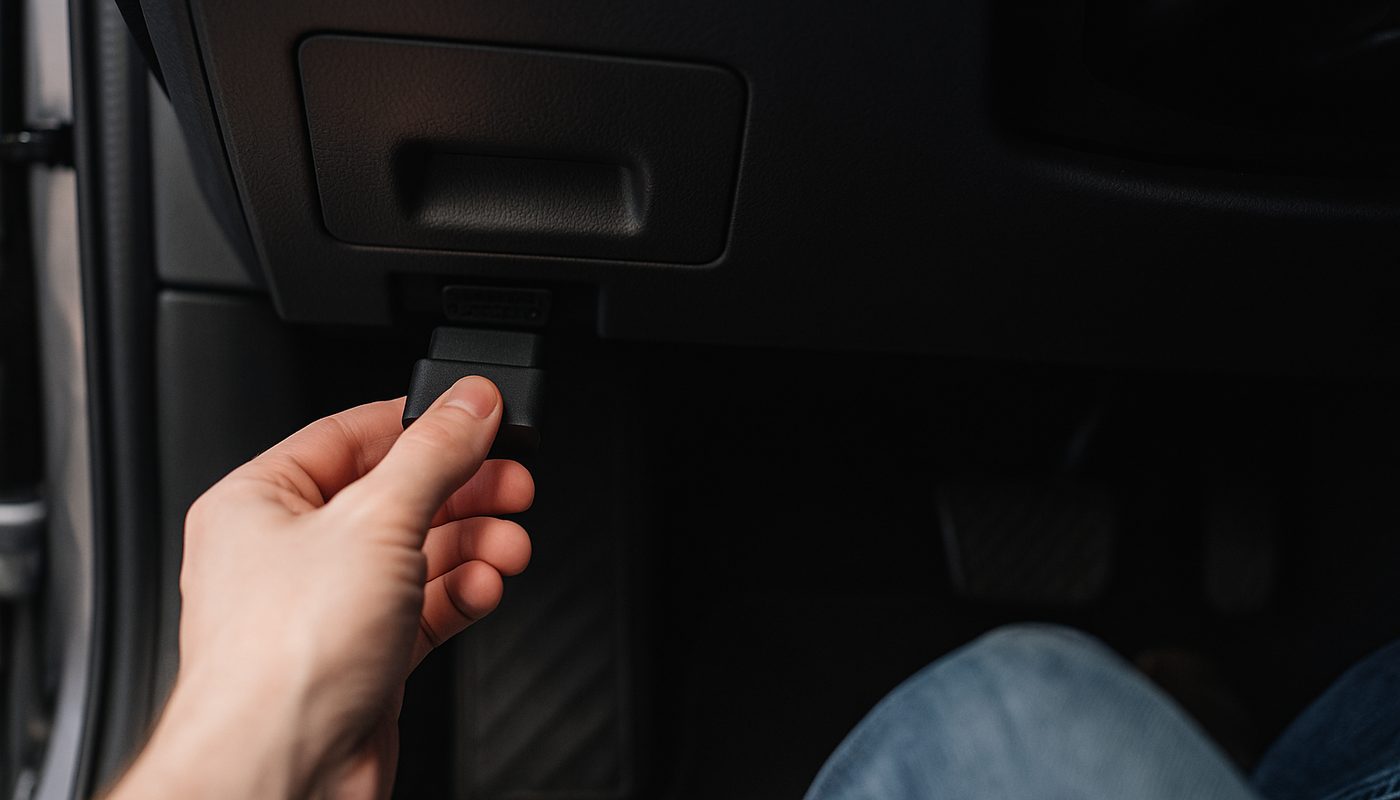
For the OBDLink MX+, go to iOS Settings > Bluetooth, find "OBDLink MX+" in the list, and tap to pair. Enter PIN 1234 if prompted. Close the OBDLink app completely (swipe it up out of the app switcher) before launching BimmerCode - if the OBDLink app is holding the Bluetooth connection, BimmerCode cannot claim it.
For the OBDLink CX, skip iOS Settings entirely. Launch BimmerCode, go to Settings > Adapter, select "OBDLink CX", and pair in-app. Inside BimmerCode's Settings menu, confirm the adapter type is set correctly.
Step 5 - Wake the Car in Diag Mode
Sit in the driver's seat. Do NOT press the brake pedal. With foot off the brake, press the Start/Stop button three times rapidly. The dash lights up, the iDrive boots, but the engine does not start. This is Diag Mode (diagnostic mode) and it is the correct state for coding. Coding with the engine running works but drains more current and generates more interference. Coding in Diag Mode is the cleaner flow.
Step 6 - Read the Vehicle
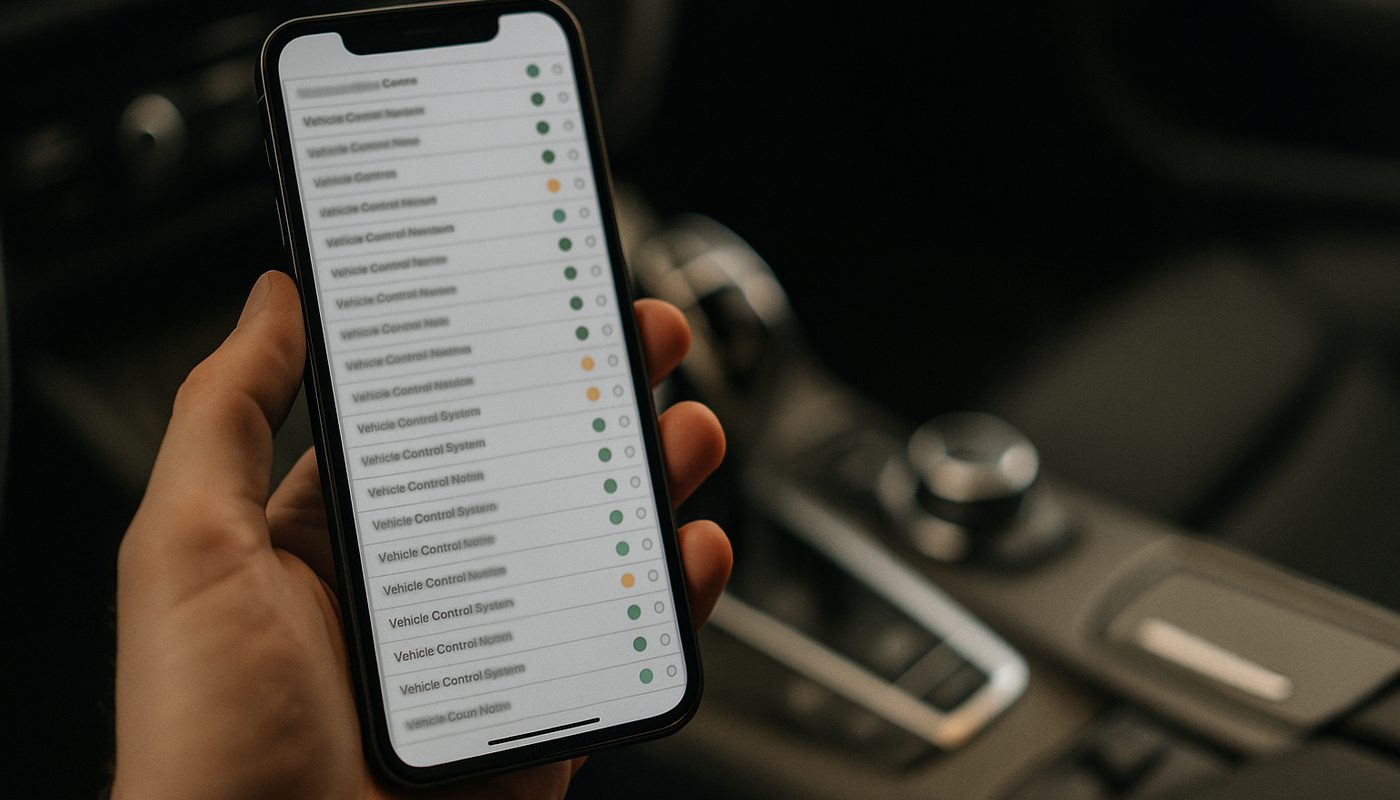
In BimmerCode, tap Connect. The app reads the VIN, pulls the factory assembly (FA) data, identifies the chassis, and enumerates every available ECU. First read on a new vehicle takes 30 to 90 seconds depending on chassis. When it finishes you see a list of ECUs - FEM_BODY, Kombi, HU_MGU, CAS, EDC, and so on - with green dots next to each.
Step 7 - Select an ECU and a Coding Preset
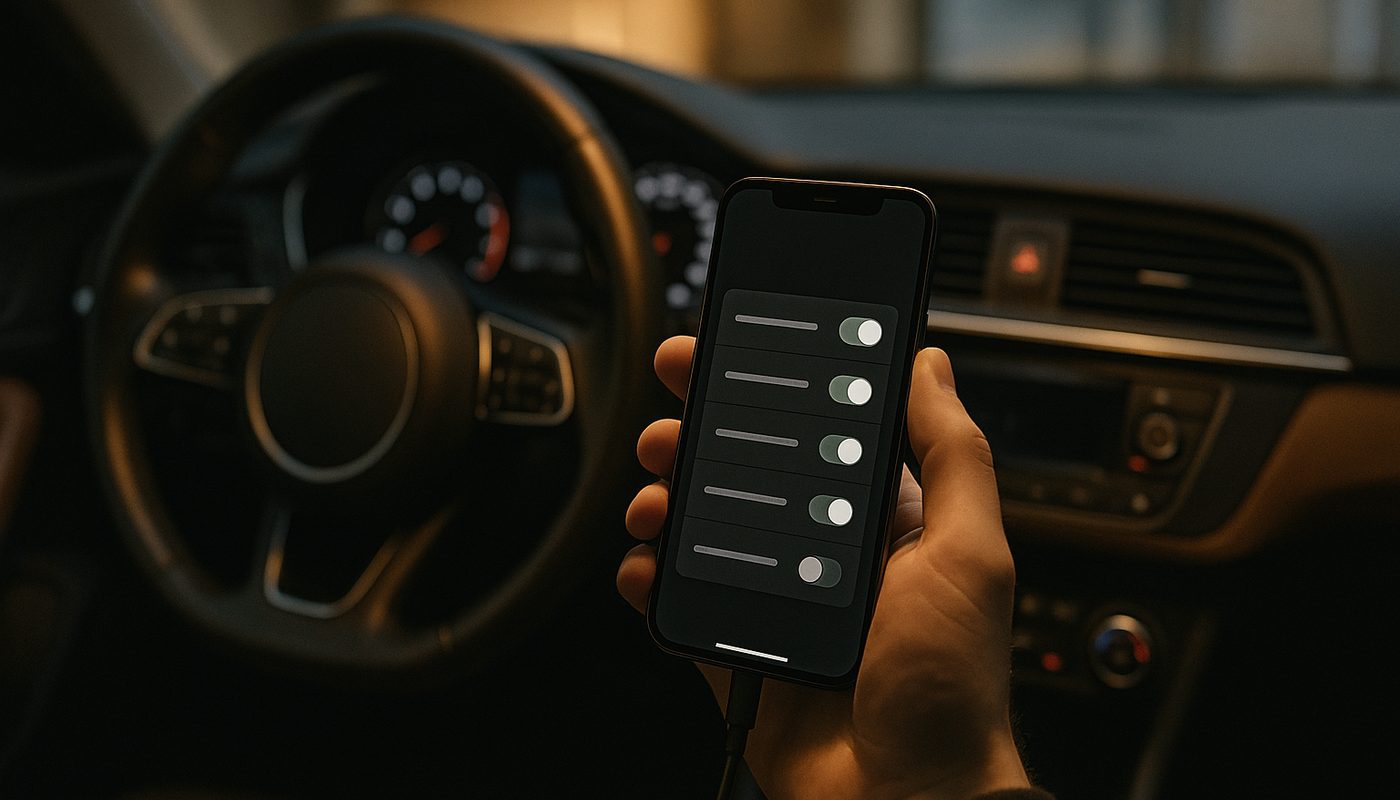
Tap the ECU you want to modify. For mirror fold on an F30, that is FEM_BODY. For digital speedometer on a G20, that is Kombi. For CarPlay fullscreen, that is HU_MGU or HU_NBT depending on the car. BimmerCode shows you a list of available presets for that ECU. Scroll through, tap the preset you want, and toggle it to On.
Step 8 - Review the Backup Prompt
Before the write begins, BimmerCode prompts you to confirm the backup. The app has already saved a snapshot of the current coding data. Confirm the backup exists. If for any reason no backup is shown, cancel out and re-read the ECU. Never write without a backup.
Step 9 - Write the ECU
Tap Write. The write takes 10 to 60 seconds depending on payload size. During the write, do NOT disconnect the adapter, move the phone far from the car, open any doors, press any buttons, or let another app grab Bluetooth. A progress bar shows you the write status. When it completes you see a green success screen.
Step 10 - Verify the Feature
Exit Diag Mode by pressing Start with your foot off the brake once more. Start the car normally. Check that the feature you coded works - toggle mirror fold on the key fob, check the digital speedo in the cluster, open CarPlay to see the fullscreen layout. Some features require a full ignition cycle (off, wait 30 seconds, on) or an iDrive reboot to activate. The preset description in BimmerCode tells you which.
Step 11 - Troubleshoot a Failed Write
If a write fails or reports an error, do not panic. Check battery voltage first - under 12.4V is the number one cause. Reconnect your trickle charger and retry. If voltage is fine, close BimmerCode fully, unplug the adapter for 20 seconds, plug back in, re-pair, and retry. If the ECU now shows a red dot in the BimmerCode list (invalid coding state), tap the backup at the bottom of the ECU list and write it back - this restores the factory coding and clears the error state. I have never seen a BimmerCode write fail in a way that could not be recovered by restoring the backup.
The Most Popular BMW Codes, Organized by Chassis
This is the section people bookmark. These are the codes I see requested on the forums most often, organized by chassis, so you can skip the research and go straight to what is popular and what works. All of these are BimmerCode presets - no Expert Mode required.
F30 F31 3-Series and F32 F33 4-Series - The Golden Era
- Automatic mirror fold on lock and unlock with key fob or Comfort Access
- Digital speedometer display in the instrument cluster
- Angel eyes as always-on daytime running lights with adjustable brightness
- Welcome light brightness and duration customization
- Disable seat belt chime for driver, passenger, and rear seats
- Sport+ driving mode unlock on cars that shipped without it
- One-touch window up and down from the key fob
- Legal disclaimer bypass at iDrive startup
- Enable video playback via USB while stationary
- Sport Displays in iDrive showing oil temperature, boost, and horsepower/torque gauges
- Turn signal flash count adjustment (three flashes on tap instead of one)
The F30 is where I always send new coders to start. The FEM_BODY module on F-chassis cars is well-documented, stable, and forgiving. If you are new to coding and you own an F30, F32, or any other F-chassis 3 or 4 Series, start with mirror fold. It is a five-second write, the feature is immediately verifiable when you lock the car, and it is completely reversible. Related reading on F30 upgrades is in our F30 mods pillar.
F80 M3 F82 M4 F87 M2 - M-Specific Codes
- Exhaust flap stays open in every driving mode (caution if JB4 or aftermarket flap controller is also installed)
- Launch control activation on cars delivered without it
- M View and Track Mode displays in the iDrive
- Auto start-stop off memory - remembers the last off state
- M Drive customization unlock for additional parameter tweaks
The exhaust flap always-open code is the one I see requested most on F80 M3 forums. The caveat is that if you already run a JB4 or an aftermarket flap module, disable the aftermarket controller before running this code or you will have two systems fighting each other and neither will behave predictably. I have seen this exact situation turn into a three-hour diagnostic call on F80 M3 threads.
G20 G21 3-Series and G80 M3 G82 M4 - Latest Coding
- Apple CarPlay fullscreen layout (requires iDrive software NBTevo_X or newer - if your car is on NBTevo_N through NBTevo_W you need a BMW dealer software update first)
- Legal disclaimer bypass at every ignition on
- Sport+ unlock on non-M cars
- Always-on Sport Display showing oil temp, boost, and charge pressure
- Driving Assistant Plus visual and audio tweaks
- Auto start-stop off memory
- iDrive retrofit tweaks (when upgrading from basic to Professional nav)
- Ambient light mode expansion on cars with the ambient light package
The CarPlay fullscreen code is the single most requested feature on G20 forums. I want to flag clearly that it depends on your iDrive software version - BMW released the fullscreen capability in the NBTevo_X firmware. If your car is on an earlier firmware you need a dealer update (free, takes an hour) before BimmerCode can flip the preset. Our iDrive update guide walks through checking your firmware version. For more on the G20 platform specifically, see the M340i review - the coding opportunities there overlap almost entirely with 330i.
F10 F11 5-Series and F06 F12 F13 6-Series
- Digital speedo in the instrument cluster
- Mirror fold and welcome light customization
- BMW Apps and Enhanced Bluetooth coding for full USB and streaming support
- Ambient light color band selection beyond the factory options
- Comfort Access beep volume and mode
F15 X5 F25 X3 G05 X5 G07 X7
- Power tailgate close speed adjustment
- Kick-to-open tailgate sensitivity
- Comfort Access beep on, off, or volume
- Parking Distance Control auto-activation when rolling backwards
- G05 - HU_MGU head unit coding for CarPlay fullscreen, disclaimer bypass, and video playback
Toyota Supra A90 MkV - Yes, Really
- Disable seat belt chime
- Enable backup camera without the warning screen overlay
- Video in motion
- Daytime LCD brightness adjustment
- Active Sound Design toggles
The Supra A90 uses BMW Z4 G29 electronics verbatim. BimmerCode recognizes a Supra as a G29 chassis variant and codes it like any other BMW. Supra owners who find themselves in Bimmerfest threads are there for good reason. The preferred adapter on the Supra is the CX because of the newer BLE pairing.
Alternative Tools - ENET, E-Sys, ICOM, and Why to Avoid ELM327 Clones
The OBDLink MX+ and CX are not the only tools on the market. They are my top picks for most BMW owners, but there is a legitimate ecosystem of alternatives and it is worth knowing when each one makes sense.
Veepeak OBDCheck BLE+ - The Budget BMW Option
The Veepeak OBDCheck BLE+ is a $30-$40 Bluetooth Low Energy adapter that BimmerCode partially supports. It works on most F-chassis BMWs for common presets - mirror fold, digital speedo, welcome lights - but it lacks the firmware optimization of the OBDLink adapters and struggles on G-chassis, older E-chassis, and any large-payload writes. If your budget is hard-capped under $50 and you only need basic F-chassis coding, the Veepeak is a real option. For anything more ambitious, the CX at $79 is a big step up for only a small price difference.

Veepeak OBDCheck BLE+ Bluetooth OBD2 Scanner - iOS & Android
$41.98
ELM327 Bluetooth Clones - Do Not Buy These for BMW
The $10-$25 "ELM327" adapters on Amazon and AliExpress are almost universally fake. Real ELM327 chips are made by Elm Electronics in Canada and are licensed, not mass-produced. The clones use copycat microcontrollers with incomplete or broken protocol implementations. On a generic OBD scanner they read fault codes acceptably. On a BMW coding write they can report success while actually failing, or worse, partially complete a write and leave the module in an invalid state.
BimmerCode's own documentation explicitly warns against ELM327 clones. The bimmercode.app adapter page lists approved adapters and every forum I have moderated or participated in has threads documenting bricked FEMs, bricked BDCs, and bricked CAS modules from clone adapters. The fix for a bricked module is a dealer reflash running $200-$500. The $20 you save on a clone turns into a $300 repair the first time a write goes sideways.
ENET Cable Plus E-Sys - Advanced Coding
For full VO (vehicle order) coding and FDL (function data list) coding on F and G chassis, the traditional workflow is an ENET Ethernet cable (OBD-II to RJ45 Ethernet on the laptop end) plus E-Sys software on a Windows laptop. E-Sys is more powerful than BimmerCode - it can modify the entire factory configuration of the car, not just predefined presets - but it is also more dangerous. FDL and VO writes can brick modules if interrupted, the workflow is not beginner-friendly, and the software is technically not a BMW-sanctioned tool.
For 95 percent of what most owners want, BimmerCode is enough. If you find yourself wanting M Performance coding packs, factory VO changes, firmware flashing, or module retrofits (new head unit, new cluster, retrofit wiring harnesses), E-Sys becomes necessary. Keep an ENET adapter in your toolkit for that day.

BMW ENET Cable - USB-C & USB-A OBD2 Coding Adapter
$32.99
BMW ICOM A2 - Dealer-Grade, Not for DIY
The BMW ICOM A2 is the tool that BMW dealers actually use. It pairs with ISTA software, runs the full BMW diagnostic and programming suite, and costs $300-$800 for the hardware plus the complexity of installing ISTA. It is overkill for coding. It is appropriate if you are opening a BMW-specific independent shop and need dealer-grade diagnostic capability. For DIY coding, the ICOM is not the answer.
K+DCAN Cable - The E-Chassis Escape Hatch
For pre-2008 E-chassis BMWs that BimmerCode does not support - E46, E39, E53 X5, early E9x - a K+DCAN cable plus a Windows laptop running NCS Expert and INPA is the only path to coding. The cable costs $25-$40, the software is freeware (of varying legality depending on jurisdiction), and the learning curve is steep. I know E46 owners who code their cars regularly with this setup. For everyone else, skip it.

Dinan BMW E-Series K+DCAN Diagnostic Cable with Switch E39 E46
$49.99
Safety, Warranty, and Bricking Risk - The Honest Version
Every coding guide on the internet handles the warranty and safety topic with either legal boilerplate or forum-scare stories. I worked inside BMW marketing. I am going to tell you what I actually saw and what I actually know.
Can BMW Detect Coding at Service?
Technically yes. BMW's ISTA diagnostic software can flag coding values that differ from the factory VO (vehicle order). Some dealers' technicians run ISTA's full comparison check on every incoming vehicle. Others do not. In practice, cosmetic and comfort coding - mirror fold, digital speedo, angel eyes DRL, legal disclaimer bypass - is rarely flagged because it cannot plausibly cause a warranty claim. More aggressive coding - exhaust flap always open, DSC behavior tweaks, throttle sensitivity changes - is more likely to get noticed.
In my four years of regular BMW service visits with a coded G20, I have had exactly zero comments from any dealer technician. My father has never had an issue with his coded F30. The client F82 M4 we coded has been to two BMW dealers for service without incident. The dealer scare stories on the forums are almost always about owners who made aggressive M-car specific changes and then brought the car in for a claim that was plausibly related.
Will Coding Void Your Warranty?
In the United States, the Magnuson-Moss Warranty Act protects owners from blanket denials. A dealer cannot void your entire warranty because you coded the mirror fold feature. They can only deny a specific claim that the coding plausibly caused. If you enable digital speedo and then your water pump fails, the water pump is still covered. If you code your exhaust flap open permanently and then your exhaust valve burns out, that is a legitimate denial.
Best practice before any warranty service is to restore the BimmerCode backup for every ECU you modified. This returns the car to factory configuration and leaves no signature. After the service is complete, recode whatever you had before. The entire process takes 15 minutes and gives you zero warranty risk for the service visit.
Battery Voltage - The Number One Brick Cause
Every bricked module I have personally recovered came from one of two causes - a voltage dropout during a write, or a fake ELM327 clone. The voltage issue is 100 percent preventable with a real power supply charger. The NOCO Genius 10, CTEK MXS 5.0, and Schumacher SC1280 are the three I recommend. Plug in the charger, let it reach "maintain" state, then start coding. Do not use a cheap trickle charger that cannot handle load - those can let voltage sag under a coding write and cause exactly the dropout you are trying to avoid.
If your battery is more than six years old, replace it before coding. The stock BMW battery is rated for 5-7 years depending on climate and usage. A tired battery is the enemy of safe coding. Our best BMW battery guide covers which AGM batteries are worth the money, and the battery registration guide walks through the BimmerLink registration you need after a swap.
What Happens if I Brick a Module?
On BimmerCode, a bricked module almost always recovers with a backup restore. Open BimmerCode, read the problem ECU, scroll to the bottom of the list, tap the most recent backup, and write it back. The car is restored to factory configuration for that module. In four years and dozens of coding sessions I have never had a BimmerCode write fail in a way that could not be recovered with the built-in backup.
If a write fails in a way that BimmerCode cannot see (no response from the module, adapter cannot even connect), the recovery path is a BMW dealer or specialist with ISTA or E-Sys running a forced reflash. This runs $200-$500 in labor depending on the module and the shop. It is rare. It is always preventable with proper voltage management and approved adapters.
E-Sys Risk Is a Different Class
Everything in this section has been about BimmerCode, which is designed for DIY safety. E-Sys with ENET is a different risk class. FDL coding changes calibration bytes directly, VO coding changes the factory vehicle order. Both are more powerful and both can brick modules if interrupted. If you progress from BimmerCode to E-Sys, start with read-only operations, back up everything before any write, keep the laptop plugged into power, and run with a dedicated power supply charger on the car.
Troubleshooting - The 5 Most Common BimmerCode Failures
After four years of answering coding questions on forums and in DM's, here are the five failures I see most often and the fixes that actually work.
Adapter Will Not Pair
The fix that works 80 percent of the time - put your iPhone in Airplane Mode, then toggle Bluetooth back on. This kills every other app's hold on the Bluetooth stack and lets BimmerCode claim the adapter. Force-quit the OBDLink app (swipe it up out of the app switcher) before opening BimmerCode. If you previously paired with the OBDLink app, that app has a lock on the adapter that BimmerCode cannot break without the force-quit.
Car Will Not Enter Diag Mode
Some owners press the Start button too slowly. Diag Mode requires three rapid presses with no brake pedal. If the engine starts, you pressed the brake by accident. If nothing happens, you pressed too slowly. Three fast taps in under two seconds is the target. On G-chassis cars you can also try holding Start for two seconds on the third press.
Write Fails With "No Response from ECU"
This is almost always a voltage issue or a third-party canbus device. Connect a real power supply charger, disconnect any aftermarket flap modules or piggyback tunes, re-read the ECU, and retry. If the failure persists on a G-chassis car, try with the engine actually running rather than in Diag Mode - some G-chassis modules are stricter about voltage than F-chassis.
Feature Does Not Work After Successful Write
Most features need a full ignition cycle to activate. Turn the car fully off, lock it, walk away for 60 seconds, then unlock and start. If the feature still does not work, re-read the ECU in BimmerCode and check that the preset is still toggled on - very rarely a write reports success but the value did not actually persist, and a re-read will show this.
Red Dot Next to ECU - Invalid Coding State
This is BimmerCode's way of telling you the last write produced a coding data state the module does not accept. It looks scary. It is recoverable. Tap the ECU, scroll to the backup list at the bottom, tap the most recent pre-write backup, and write it back. Module is restored to the state before your change. Then diagnose why the preset failed (voltage, interference, wrong adapter type) before retrying.
Frequently Asked Questions
Is BimmerCode Safe for My BMW?
Yes, when used correctly. BimmerCode ships 400+ tested presets, auto-backs up before every write, disables Expert Mode on safety-critical modules (airbag, ABS, SAS), and maintains full reversibility through its backup restore. The two failure modes that exist - voltage dropout and fake ELM327 clones - are both preventable. I have coded dozens of cars without a single permanent issue.
Will BimmerCode Void My BMW Warranty?
Not automatically. Under the Magnuson-Moss Warranty Act, BMW cannot void your entire warranty just because you coded a feature. They can only deny a specific claim that the coding plausibly caused. Cosmetic and comfort coding (mirror fold, DRL, digital speedo) is rarely flagged. Aggressive coding (exhaust flap always open, DSC tweaks) is more likely to attract attention. Best practice is to restore factory coding before warranty service and recode after.
Can BMW Dealers Detect BimmerCode Changes?
Technically yes - BMW's ISTA diagnostic software can flag non-OEM coding values. Practically, most dealers do not run the full comparison check on every vehicle, and cosmetic changes rarely draw attention. I have been to BMW service three times with my coded G20 and never received a comment. For peace of mind before a big warranty claim, restore backups first.
What Is the Difference Between OBDLink MX+ and OBDLink CX?
MX+ is $139, uses Classic Bluetooth 3.0, works with 18+ third-party apps including FORScan for Ford, and is the widest-compatibility BMW coding adapter on the market. CX is $79-$99, uses Bluetooth 5.1 Low Energy, is co-engineered with BimmerCode, and is BMW/MINI/Supra specific. For a multi-car household or long-term value, buy the MX+. For a BMW-only owner on a newer iPhone, buy the CX.
Which OBDLink Adapter Is Best for BimmerCode on a G20?
The OBDLink CX. G-chassis BMWs benefit from the CX's BLE pairing and BimmerCode-specific firmware tuning. That said, the MX+ works on 90+ percent of G20 coding - in my own G20 the only thing the MX+ cannot do is a handful of HU_MGU video-in-motion writes that actually require ENET Wi-Fi regardless of Bluetooth adapter choice.
Does BimmerCode Work on G-chassis BMWs Without an ENET Cable?
For 90-95 percent of what most owners want, yes. CarPlay fullscreen, mirror fold, Sport+ unlock, digital speedo, disclaimer bypass, Sport Displays - all of these work over Bluetooth with the CX or MX+. The 5-10 percent that still needs ENET is mostly HU_MGU video-related writes on newer G-chassis cars and some G70 server-authenticated modules. Keep a $30-$60 ENET Wi-Fi adapter in reserve for those edge cases.
How Much Does BimmerCode Cost?
A one-time $34.99 on the standard tier, or approximately $49.99 for Pro. No subscription. Buy once on your Apple ID or Google account, use forever across multiple BMWs. The free trial version reads the car and shows you what is codable before you pay. Run the trial first to confirm the adapter works on your specific car.
Can I Code My BMW Without a Laptop?
Yes, BimmerCode runs on iOS, Android, and Windows. Most people use it on an iPhone or Android phone. The only reason to use a laptop is if you want to run E-Sys for advanced VO or FDL coding, in which case you need a Windows laptop and an ENET cable. For standard feature coding BimmerCode on a phone is all you need.
What Is the #1 BimmerCode Feature BMW Owners Code First?
On G-chassis cars it is Apple CarPlay fullscreen, by a mile. On F-chassis cars it is automatic mirror fold on lock. These two features show up in roughly 70 percent of first-coding threads on Bimmerpost.
Can I Enable CarPlay Fullscreen With BimmerCode?
Yes on most G-chassis and late F-chassis cars - provided your iDrive software version supports it. CarPlay fullscreen requires NBTevo_X firmware or newer on many cars. If your car is on an older firmware, BMW has to update the head unit first via a dealer visit (free, about an hour). Check your firmware version through iDrive > Vehicle Info before running the preset. See our iDrive update guide for the full version map.
Does BimmerCode Work on BMW E90?
Partially - late E90/E91/E92/E93 (2008 onward with FRM and CAS3) is supported. Earlier E90s without the FRM module are not. Check by running the BimmerCode free trial on your car - if it reads FEM_BODY or similar body modules, you are covered. If it throws a "vehicle not supported" message, you are in K+DCAN + NCS Expert territory. Our E46 mods guide covers the adjacent E-chassis coding landscape.
Does BimmerCode Work on Toyota Supra A90?
Yes. The Supra A90 MkV uses BMW Z4 G29 electronics verbatim. BimmerCode recognizes the Supra as a G29 variant and codes it like any other BMW. The preferred adapter is the CX. Common Supra codes are seat belt chime off, backup camera without warning screen, video in motion, Active Sound Design toggles.
What Battery Voltage Do I Need to Safely Code a BMW?
12.4V minimum. Higher is better. Use a real power supply charger (NOCO Genius 10, CTEK MXS 5.0, Schumacher SC1280) in maintain mode during the coding session. Voltage dropouts during a write are the number one cause of bricked modules. Do not code a 7-year-old battery that is due for replacement - the voltage will sag under load.
Why Will My BimmerCode Not Connect to My Car?
The most common fix is iPhone Airplane Mode on, Bluetooth back on, force-quit the OBDLink app, then open BimmerCode. Second most common is the car not being in Diag Mode - make sure you pressed Start three times rapidly with foot off brake. Third is battery voltage too low. If all three are clean and it still will not connect, unplug the adapter for 20 seconds, re-pair, and retry.
What Is the Difference Between BimmerCode and BimmerLink?
BimmerCode is for coding (enabling/disabling features, changing configuration). BimmerLink is for diagnostics (reading fault codes, live data, adaptations, service resets, battery registration). Both are made by Appomotive and both work with OBDLink MX+ and CX. Buy BimmerCode for coding features, buy BimmerLink if you also want full diagnostic and service tool capability - they are separate purchases. Our fault codes guide and warning lights guide cover the diagnostics side in depth.
The Verdict - Who Should Buy What
After everything above, here is the decision tree I actually use when friends ask me what to buy. No marketing, no affiliate padding, just what I would tell you across the bench in my garage.
Buy the OBDLink MX+ If
You own more than one car in the household. You want a scanner that will outlive your current BMW and follow you to whatever you buy next. You want the widest app compatibility so you can run FORScan, Torque Pro, BimmerLink, DashCommand, and BimmerCode from the same adapter. You drive an F-chassis BMW where the MX+ is tier-one BimmerCode certified. You want the longest track record (since 2018) and the broadest owner base for community support. At $139 it is the best long-term value in the entire scanner market.
Buy the OBDLink CX If
You own only BMWs. You have a newer iPhone and you want the smoothest BLE pairing experience. You are on a G-chassis car (2019+) where the CX's BimmerCode co-engineered firmware gives you the edge. You want the smallest form factor to leave plugged in permanently. You want to save $60 versus the MX+ and you are willing to give up multi-brand app support to do it.
OBDLink CX Bluetooth 5.1 OBD2 Adapter for BimmerCode
$79.95
Buy the Veepeak OBDCheck BLE+ If
Your budget is hard-capped at $40 and you only want to do basic F-chassis coding - mirror fold, digital speedo, welcome lights. You accept that G-chassis coverage is limited and large-payload writes may fail. This is the minimum-viable BMW coding adapter. It is not what I would recommend for most readers but it is a legitimate option for a tight budget.
Do Not Buy
Any $10-$25 "ELM327" clone from AliExpress or Amazon's unbranded third-party sellers. Fake chips, silent write failures, documented brick incidents on BMW modules, and BimmerCode explicitly recommends against them. The $20 you save becomes a $300 dealer reflash bill the first time a write fails. Skip them.
If You Drive a Pre-2008 E-Chassis
BimmerCode does not support your car. You need a K+DCAN cable, a Windows laptop, and NCS Expert. It is a different workflow with a steeper learning curve. For E46, E39, E53, and early E9x owners, see our E46 mods primer for the wider platform picture, and plan on a laptop-based coding session rather than a mobile one.
Final Thoughts From My Garage
I have had a BimmerCode setup in my glovebox for five years. It has paid for itself many times over in features I would have either paid BMW to enable or never enabled at all. My G20 has the coding profile I always wanted from the factory. My dad's F30 has mirror fold and angel eye DRL. Three friends and a dozen clients have had their BMWs dialed in the way they always wished. Every single one of those jobs ran on the same two tools - an OBDLink adapter (MX+ for the older F cars, CX for the newer G cars) and a paid copy of BimmerCode.
The mistake I see new owners make is either overthinking the decision (agonizing for weeks over MX+ vs CX when both work fine for their use case) or underthinking it and buying a $15 clone that bricks their FEM on the first write. The answer is simple - buy a real adapter, maintain your battery voltage, use the BimmerCode preset library, and trust the automatic backups. Coding is not dangerous when you follow the workflow. It is dangerous when you cut corners on the adapter or the voltage.
If this is your first coding session, start with automatic mirror fold on lock. It is a five-second write, the FEM_BODY module is the most forgiving target, the result is immediately testable when you walk away and your mirrors fold, and if anything goes wrong (nothing will) the restore is trivial. From there, the 400-preset library is yours. Dig in. Your BMW is more configurable than BMW wants you to know. For the next step beyond coding, our BMW tuning 101 covers where the engineering envelope actually is, our OBD scanner pillar compares the full scanner market, and the key programming guide covers the other major DIY electronics task BMW owners eventually face.
Now go code your car. You will wonder why you waited.