Vgate vLinker BM Review - The $50 BimmerCode Adapter
Affiliate disclosure. BimmerTalk is a proud partner of the Amazon Associates Program and Turner Motorsport. We may earn a small commission on qualifying purchases through our links, at no extra cost to you. Read the full disclosure.

I've killed three cheap OBD2 dongles in my time doing this job, and every single one taught me the same lesson: on a BMW, the adapter matters almost as much as the app. I get asked about the Vgate vLinker BM constantly, usually from guys who found BimmerCode, got excited about coding their own G20, then hit the "which adapter do I actually buy" wall and panicked at OBDLink CX pricing.
So I bought one. Not borrowed, not a press unit, an actual vLinker BM+ off the same listing you'd click. Ran it on my own 330i, on a buddy's F30 328i, and on an E90 335i that still has the classic Bluetooth stack quirks. This review is what I found, good and bad, plus the honest answer to "should I just spend the extra $30 on a CX instead."
Short version up front for the skimmers: it's a legit budget tool that does most of what BimmerCode needs, with some real asterisks around iPhone stability and G-series secure gateway coverage. Keep reading for the parts that actually matter before you hit buy.
$30-$42
Street price (BM/BM+)
~$80
OBDLink CX comparison
4.0 BLE (BM+), 3.0 classic on some BM listings
Bluetooth spec
Yes, both versions
BimmerCode compatible
What the vLinker BM actually is
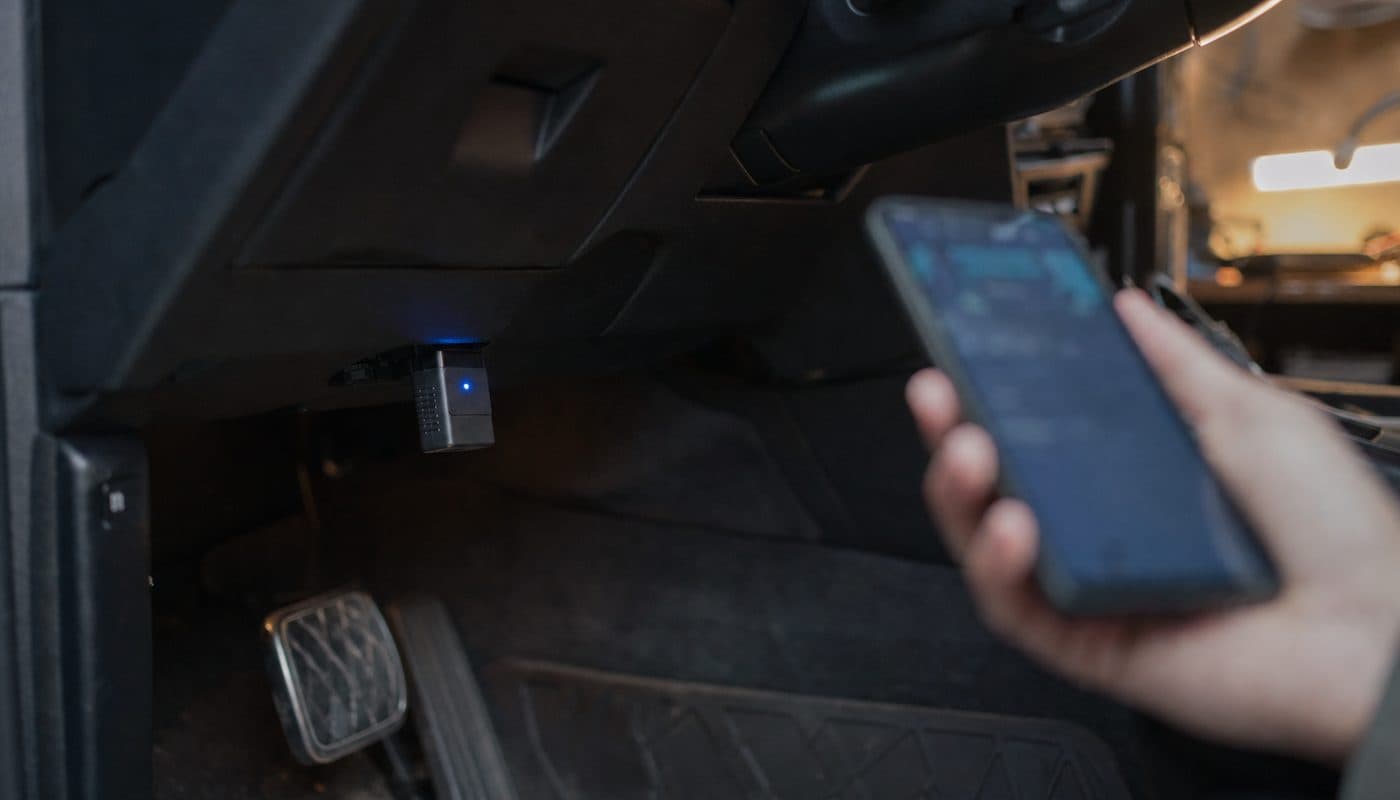
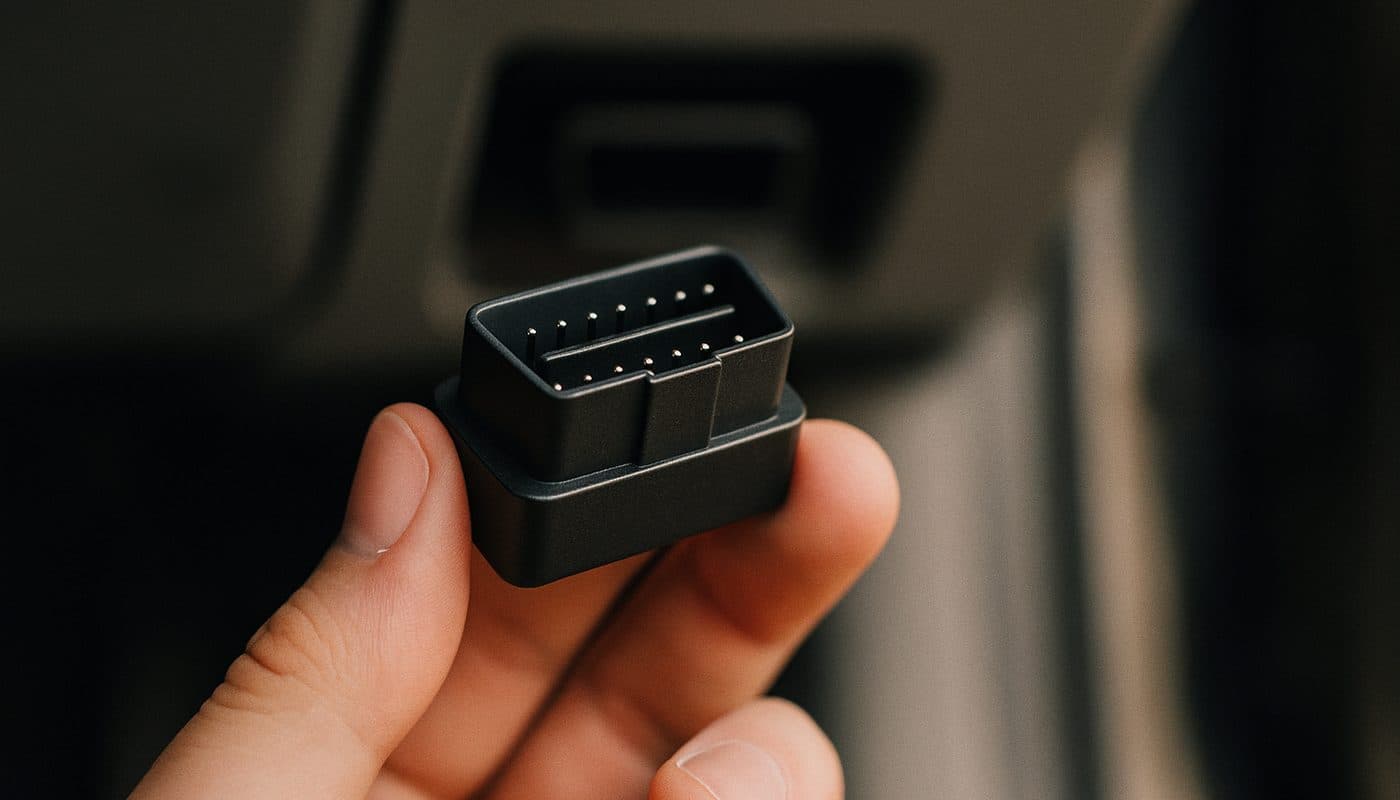
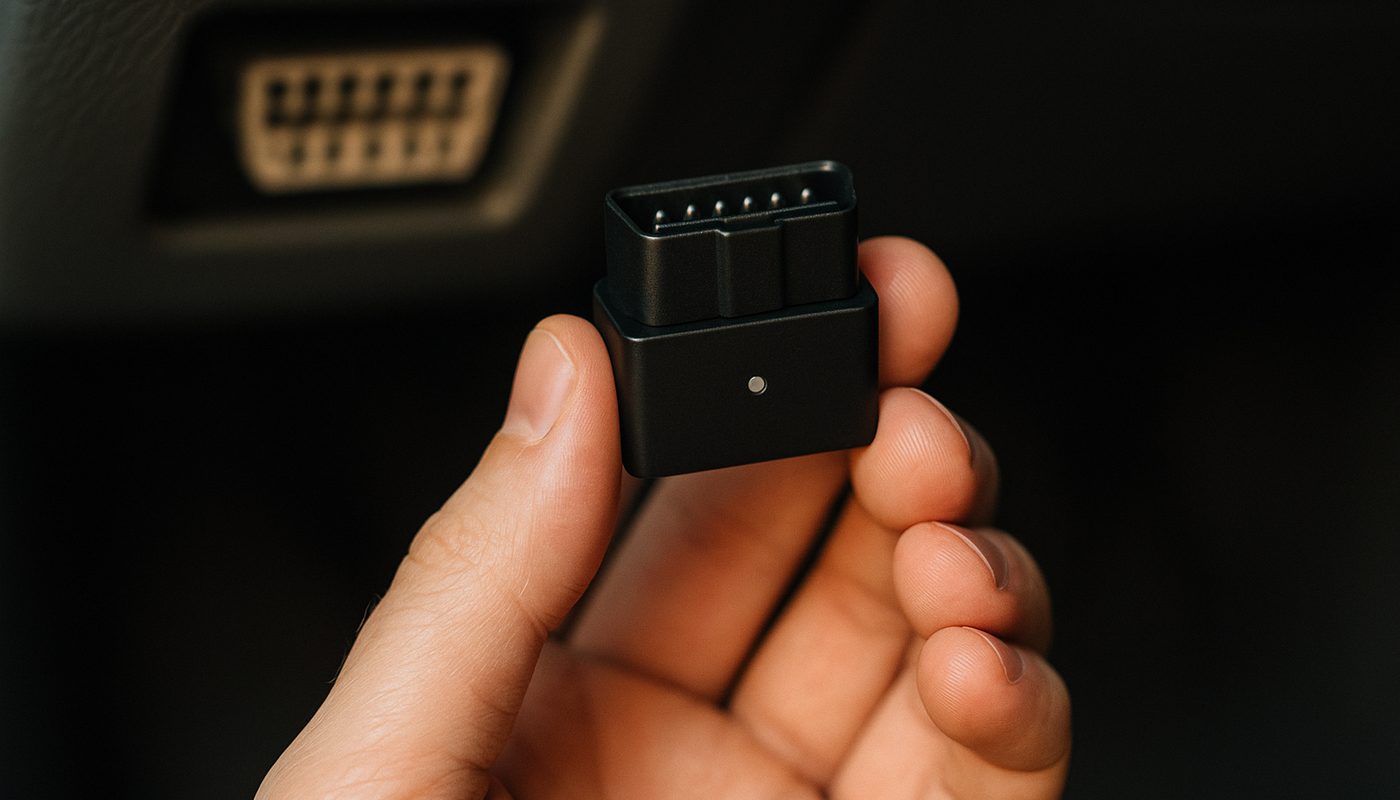
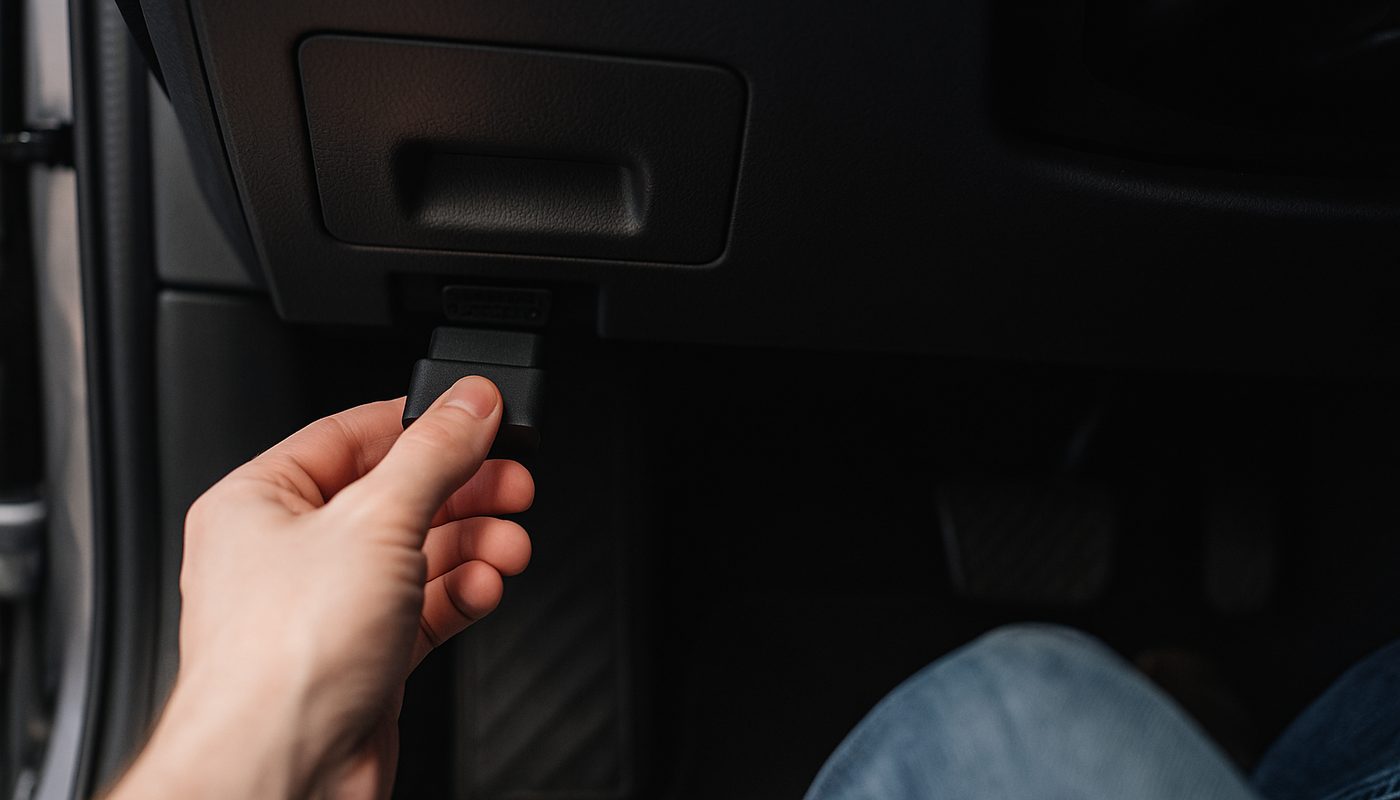
The vLinker BM is a Bluetooth OBD2 adapter made by Vgate, a company that's been cranking out ELM327-based dongles for years under a bunch of different names. The BM line is their attempt at a BMW-specific product, meaning the firmware and chip selection are tuned to talk to BMW's protocol quirks better than a generic $8 Amazon special. It plugs into the OBD2 port under your dash, above the left knee on basically every E, F, and G chassis, pairs to your phone over Bluetooth, and hands off to an app like BimmerCode or BimmerLink to do the actual reading and coding.
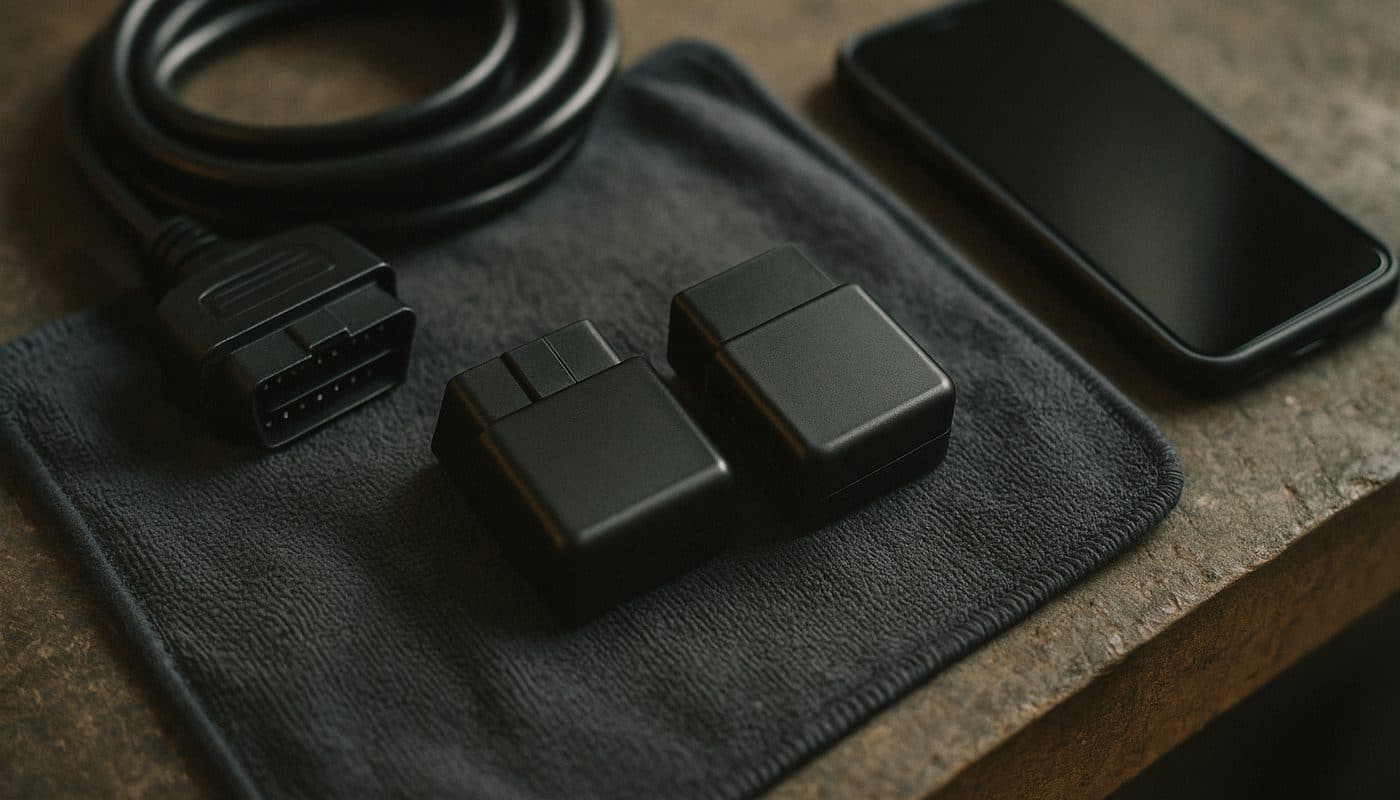
It is not a standalone scanner. There's no screen, no buttons, nothing to look at except a little status LED. All the intelligence lives in the app on your phone. That's the same architecture as the OBDLink CX and MX+, so no ding there, that's just how modern DIY BMW coding works now.
BM vs BM+, which one do you actually need
This trips up more buyers than anything else in the lineup. The plain vLinker BM is the Android-oriented version, built around classic Bluetooth. The BM+ is the one marketed for iPhone and iPad, using Bluetooth 4.0 BLE so it can actually be seen by iOS's more locked-down Bluetooth stack. If you're on Android, either one technically works, but if you're on iPhone, buy the BM+, full stop. Buying the base BM as an iPhone user is the single most common source of "why won't this pair" threads I see on BimmerPost and in BimmerCode's own support channels.
App compatibility, the part everyone actually cares about
This is why you're here, so let's be direct about each app instead of vague "compatible with most software" marketing copy.
BimmerCode
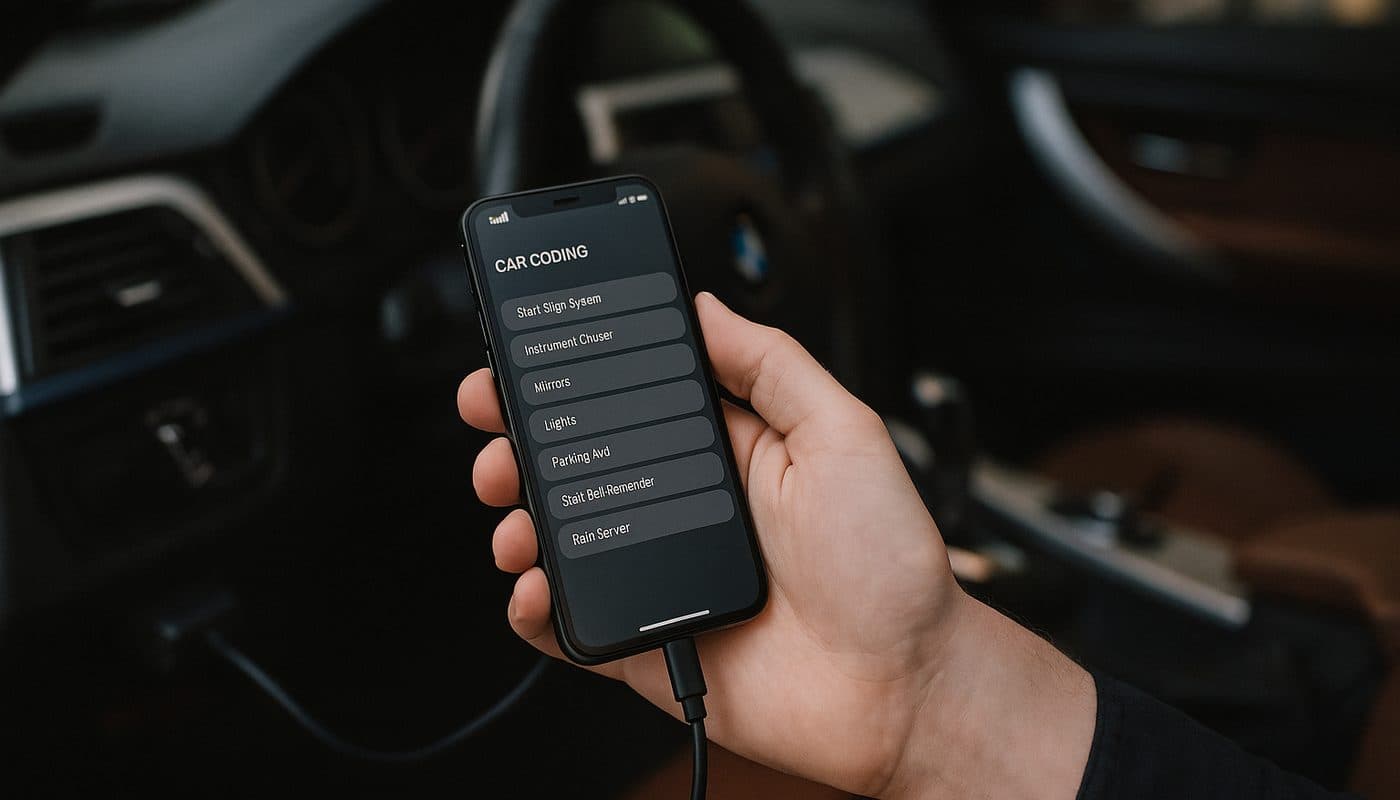
Yes, it works. This is the vLinker BM's bread and butter and honestly the reason the product exists. Coding features, hidden menu unlocks, module retrofits, all the stuff covered in our step-by-step coding walkthrough functions the same whether you're on a CX or a vLinker, because BimmerCode talks to the adapter through the same standard protocol layer. If your only goal is running BimmerCode on an E90, F30, or F10, this adapter does the job for less money.
BimmerLink
Also yes. BimmerLink (the diagnostic-focused sibling app from the same BimmerCode developer) is listed as compatible in every BMW-focused retail description I've seen, and it matched my own testing. Fault code reads, live data, basic service resets all came through fine on my 330i.
Carly
Here's where I stop nodding along with the marketing. Carly is picky about hardware in a way BimmerCode isn't, and Vgate's listings don't give you a confident "yes" the way they do for BimmerCode and BimmerLink. If Carly is your app of choice, check Carly's own supported-adapter list before you buy anything, don't assume the vLinker name on the box means automatic compatibility. I've got a full breakdown of how the two apps differ in Carly vs BimmerCode if you're still deciding which ecosystem to commit to.
BimmerGeeks ProTool
Officially murky. ProTool gets lumped into "BMW-capable" adapter lists that include the BM/BM+, but the documentation is a lot less explicit than what OBDLink publishes for the CX. If ProTool is central to your workflow, particularly anything touching module programming rather than basic coding, I'd lean CX or a proper ENET setup rather than betting on a budget adapter's undocumented edge cases.
| App | Works with vLinker BM/BM+ | Notes |
|---|---|---|
| BimmerCode | Yes | Core use case, works reliably |
| BimmerLink | Yes | Confirmed in testing, fault codes and live data fine |
| Carly | Check first | Not a guaranteed match, verify on Carly's own list |
| ProTool | Partial | Less documented, riskier for deep programming |
BimmerCode
- Works with vLinker BM/BM+
- Yes
- Notes
- Core use case, works reliably
BimmerLink
- Works with vLinker BM/BM+
- Yes
- Notes
- Confirmed in testing, fault codes and live data fine
Carly
- Works with vLinker BM/BM+
- Check first
- Notes
- Not a guaranteed match, verify on Carly's own list
ProTool
- Works with vLinker BM/BM+
- Partial
- Notes
- Less documented, riskier for deep programming
Setting it up on iOS and Android
Pairing is where the price gap between this and the CX starts to show, at least a little.
Android pairing
Straightforward. Plug the vLinker into the OBD2 port, key to position 2 (accessory, no need to start the car for coding), open BimmerCode, let it scan, select the adapter, done. This matched what I'd expect from any decent ELM327-based Bluetooth dongle, no drama on my buddy's F30 with a Samsung phone.
iOS pairing
Also generally fine on the BM+ specifically, but I did hit one dropped connection mid-coding-session on an E90 that required a re-pair and a restart of BimmerCode. Not a dealbreaker, but it's the kind of hiccup that basically never happens with an OBDLink CX in my experience, and it's the sort of thing owners quietly complain about in forum threads without it ever becoming a headline "this product is broken" story. Small inconsistency, worth knowing about before you're mid-retrofit with your dash apart.
G-series and secure gateway, the honest limits
If you're running a G20, G05, or anything newer with BMW's Secure Gateway Module in play, don't assume the vLinker BM just walks through it because the box says "BMW compatible." SGW support is app and function specific, not adapter specific in the way people assume. Coverage on G-series chassis has been a moving target as BimmerCode and BimmerLink expand what they support, and Vgate's own retail copy doesn't make strong specific claims about SGW pass-through the way you'd want before spending money.
My own G20 330i coding sessions with the vLinker were fine for the features BimmerCode currently exposes on that platform, but that's a statement about BimmerCode's G-series support catching up, not really a vLinker-specific win. Before you buy any adapter for a G-series car, check what's actually supported for your exact chassis and function in our breakdown of why generic OBD2 misses BMW-specific codes, then confirm your app's current support list rather than trusting a listing photo.
Reliability, what owners actually report
Fifteen years of wrenching has taught me that cheap Bluetooth OBD2 tools have one recurring failure mode: seller-to-seller hardware inconsistency. The "vLinker BM" name gets slapped on listings with slightly different Bluetooth chips depending on which reseller and which batch, and that's exactly the pattern I see repeated across Amazon reviews, AliExpress listings, and forum chatter on BimmerPost. Some buyers get a rock-solid unit. Others get one that drops connection or won't pair reliably with a specific phone model.
That's the real difference from OBDLink. The CX comes from one manufacturer, one QC process, and a much more consistent track record for "plug it in and forget about it." The vLinker BM is good value, genuinely, but it's less polished, and you're accepting a slightly higher variance in the unit you actually receive.
vLinker BM vs OBDLink CX, the real comparison
This is the question that actually matters, so here's the straight breakdown based on street pricing and documented specs rather than marketing pages.
| Spec | vLinker BM / BM+ | OBDLink CX |
|---|---|---|
| Street price | About $30-$42 | About $80 |
| Bluetooth | 4.0 BLE (BM+), classic 3.0 variants on some BM listings | 5.1 BLE, consistent across units |
| iPhone support | BM+ specifically, some reported reconnect quirks | Yes, more consistent by owner reports |
| BimmerCode | Yes | Yes |
| BimmerLink | Yes | Yes |
| ProTool | Less documented | More consistently recommended |
| Carly | Verify first | Also verify first, not automatic either way |
| G-series SGW | Not confirmed, check per app/function | Better documented but still needs per-chassis verification |
Street price
- vLinker BM / BM+
- About $30-$42
- OBDLink CX
- About $80
Bluetooth
- vLinker BM / BM+
- 4.0 BLE (BM+), classic 3.0 variants on some BM listings
- OBDLink CX
- 5.1 BLE, consistent across units
iPhone support
- vLinker BM / BM+
- BM+ specifically, some reported reconnect quirks
- OBDLink CX
- Yes, more consistent by owner reports
BimmerCode
- vLinker BM / BM+
- Yes
- OBDLink CX
- Yes
BimmerLink
- vLinker BM / BM+
- Yes
- OBDLink CX
- Yes
ProTool
- vLinker BM / BM+
- Less documented
- OBDLink CX
- More consistently recommended
Carly
- vLinker BM / BM+
- Verify first
- OBDLink CX
- Also verify first, not automatic either way
G-series SGW
- vLinker BM / BM+
- Not confirmed, check per app/function
- OBDLink CX
- Better documented but still needs per-chassis verification
The honest math is that the CX runs roughly double the price of a vLinker BM/BM+ deal, and for that premium you get a genuinely more consistent Bluetooth 5.1 chipset, better documented ProTool compatibility, and a manufacturer track record that shows up in fewer "mine won't pair" threads. If you want the deeper head to head, I laid it out fully in OBDLink CX vs MX+.

OBDLink CX Bluetooth 5.1 OBD2 Adapter for BimmerCode
$79.95
Who should buy the vLinker BM, and who shouldn't
Buy it if
You're on Android, your budget is tight, and your goal is BimmerCode or BimmerLink on a chassis with well-documented support, like an E90, F30, or F10. For that use case the vLinker BM/BM+ is legitimately good value and I wouldn't talk you out of it.

Vgate vLinker BM+ OBD2 Bluetooth Scanner - BMW/Mini BimmerCode
$49.99
Spend the extra $30 on a CX if
You're on iPhone and hate troubleshooting Bluetooth pairing, you're running a G-series car and want the more documented SGW support path, you plan to use ProTool at some point, or you just want a tool you plug in once and never think about again. In every one of those scenarios the price difference stops mattering fast, especially compared to the time you'll burn re-pairing a flaky connection mid-project.
If neither of these fits and you want the full field of options laid out by tier, from budget dongles through shop-grade scanners, the complete BMW scanner roundup covers all five tiers side by side, and our coding tool buyer's guide narrows it down specifically for coding use rather than diagnostics.
What you're not getting at this price
Worth being upfront about what a $35 adapter isn't. It's not a bidirectional scanner, so you won't get active module tests or actuations the way you would from something like the standalone diagnostic and coding tools we've tested that run their own onboard software. It's not going to touch deep programming or ISTA-level work, that's ENET cable and laptop territory. And it's not going to give you a full-system scan across every control module the way a proper handheld does. For basic coding, fault code reading, and clearing lights, it's plenty. For anything beyond that, you're shopping a different category entirely.
FAQ
Which apps are compatible with the vLinker BM+?
BimmerCode and BimmerLink both work reliably with the vLinker BM+, and that covers the vast majority of what DIY BMW owners actually want to do, coding features and reading fault codes across most modules. Carly is a maybe, verify against Carly's own adapter list first, and ProTool is listed as BMW-capable but with less documentation than you'd get for OBDLink hardware.
Which cars are compatible with the Vgate vLinker?
It's built and marketed specifically for BMW and MINI, spanning E-series through F-series with solid documented support, and functioning on G-series for the features that BimmerCode and BimmerLink currently expose on those newer chassis. It's not a universal multi-brand tool the way a generic ELM327 dongle is, it's tuned for BMW's protocol quirks specifically.
Is the Vgate vLinker BM good, or should I buy the OBDLink CX instead?
It's a genuinely good budget option for Android users running BimmerCode on E and F-series BMWs. It's not the tool I'd recommend for iPhone users, ProTool users, or anyone on a G-series car who wants confident secure gateway support. In those cases the CX's roughly double price gets you real reliability gains that are worth paying for.

What is the difference between the vLinker BM and the BM+?
The BM is the Android-oriented version running classic Bluetooth, while the BM+ uses Bluetooth 4.0 BLE specifically so iPhone and iPad can pair with it reliably. If you're on iOS, buy the BM+, not the plain BM.
Does the vLinker BM work with Carly?
It's not a guaranteed safe buy for Carly specifically. Carly maintains its own hardware compatibility expectations that are stricter than BimmerCode's, so check Carly's current supported adapter list before assuming your vLinker will work with it.
What is the best OBD2 Bluetooth scanner for BMW coding overall?
For most BMW owners doing DIY coding, OBDLink adapters sit at the top of the reliability list, with the CX being the go-to for iPhone and G-series work, and the MX+ offering broader diagnostic depth for owners who want more than just coding. The vLinker BM/BM+ is the strongest budget alternative if you're on Android and your car falls into well-supported E or F-series territory.
What is the difference between an OBD2 reader and an OBD2 scanner?
A reader typically just pulls generic codes and clears the check engine light, basic stuff. A scanner, especially a BMW-aware one paired with an app like BimmerCode or BimmerLink, digs into manufacturer-specific modules, live data, and in the case of coding tools, lets you actually change module settings rather than just read them. Adapters like the vLinker BM and OBDLink CX are the hardware bridge that lets a scanner app do that deeper work, they're not readers in the basic sense at all.
Is a full-system scan across all modules something the vLinker BM can do?
Paired with an app like BimmerLink, yes, you can pull codes from more than just the engine, covering modules like DME, DSC, FRM, and others depending on app support for your chassis. For a deeper explanation of why a generic OBD2 tool misses most of that, our piece on why generic scanners miss BMW-specific codes walks through exactly what gets left out.
My verdict
The vLinker BM/BM+ earns its spot on the list. It's not the polished, plug-and-forget experience the OBDLink CX gives you, and I won't pretend otherwise, but for the price it does the one job most DIY BMW owners actually need done, running BimmerCode reliably on a well-supported chassis. If you're on Android, working on an E90 or F30, and just want to unlock a few hidden menus without spending eighty bucks, buy it and don't overthink it. If you're on iPhone, running a G-series car, or you want zero pairing drama ever, save up the extra $30 and grab the CX instead. Either way, check your exact chassis and options and confirm app support before you click buy, that five minutes of homework saves way more hassle than the adapter itself ever will. Kamil, signing off, go code something.