Best BMW Coding Tool (2026) - What I Actually Use
Affiliate disclosure. BimmerTalk is a proud partner of the Amazon Associates Program and Turner Motorsport. We may earn a small commission on qualifying purchases through our links, at no extra cost to you. Read the full disclosure.

Every week somebody DMs me a version of the same question: "Kamil, what's the best BMW coding tool, I just want to turn off the seatbelt chime and maybe get the Sport start-up animation." And every week I have to stop myself from writing three paragraphs before I even answer, because the honest answer depends entirely on what you're actually trying to do to the car.
I've coded my own G20 330i more times than I want to admit, coded cars for BMW during my year on the dealer side, and spent way too many evenings in E-Sys arguing with FA/VO data on customer cars that came in through the shop. There is no single "best" coding tool. There's a right tool for a guy who wants to flip on Digital Speedo once and never touch it again, and a very different tool for someone who wants to retrofit a module or edit vehicle order data.
So this is the cluster hub. I'm ranking coding tools by who you actually are as an owner, being blunt about what Secure Gateway blocks on newer G-series cars, and telling you exactly what I'd buy today if you handed me cash and my own driveway.
~$30-40 (Vgate vLinker BM)
Cheapest working setup
BimmerCode
Most-used coding app
ENET cable + E-Sys (free software)
Deep coding route
Secure Gateway, not the adapter
G-series limiter
The Short Answer - What I'd Buy Right Now
If you skimmed here from a search bar, here's the short version before I get into the weeds. For 90 percent of BMW owners doing normal comfort and convenience coding, the answer is BimmerCode paired with either an OBDLink CX or MX+. That combo covers E-series, F-series, and most G-series cars, works over Bluetooth, and doesn't require you to own a laptop.
If you're chasing deeper stuff, FA/VO edits, ECU-level changes, coding a module BimmerCode simply refuses to touch, you're looking at an ENET cable and E-Sys on a Windows laptop. That's free software, cheap hardware, but a real learning curve and real risk if you're careless. There's no shortcut around that trade-off, and anyone telling you otherwise is selling something.
How I Rank These Tools by Owner Type
I think about coding tools in three buckets, and almost every question I get sorts cleanly into one of them.
The Weekend Coder
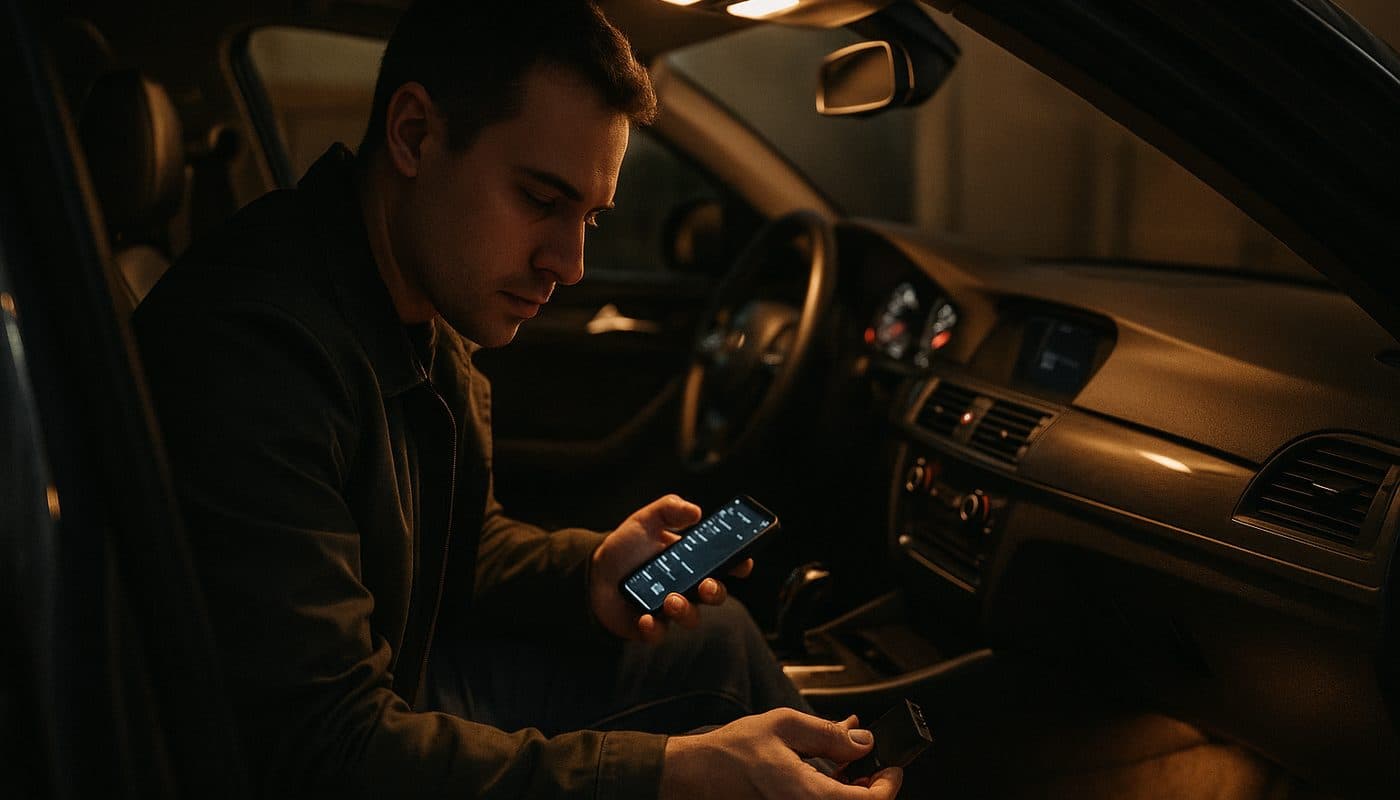
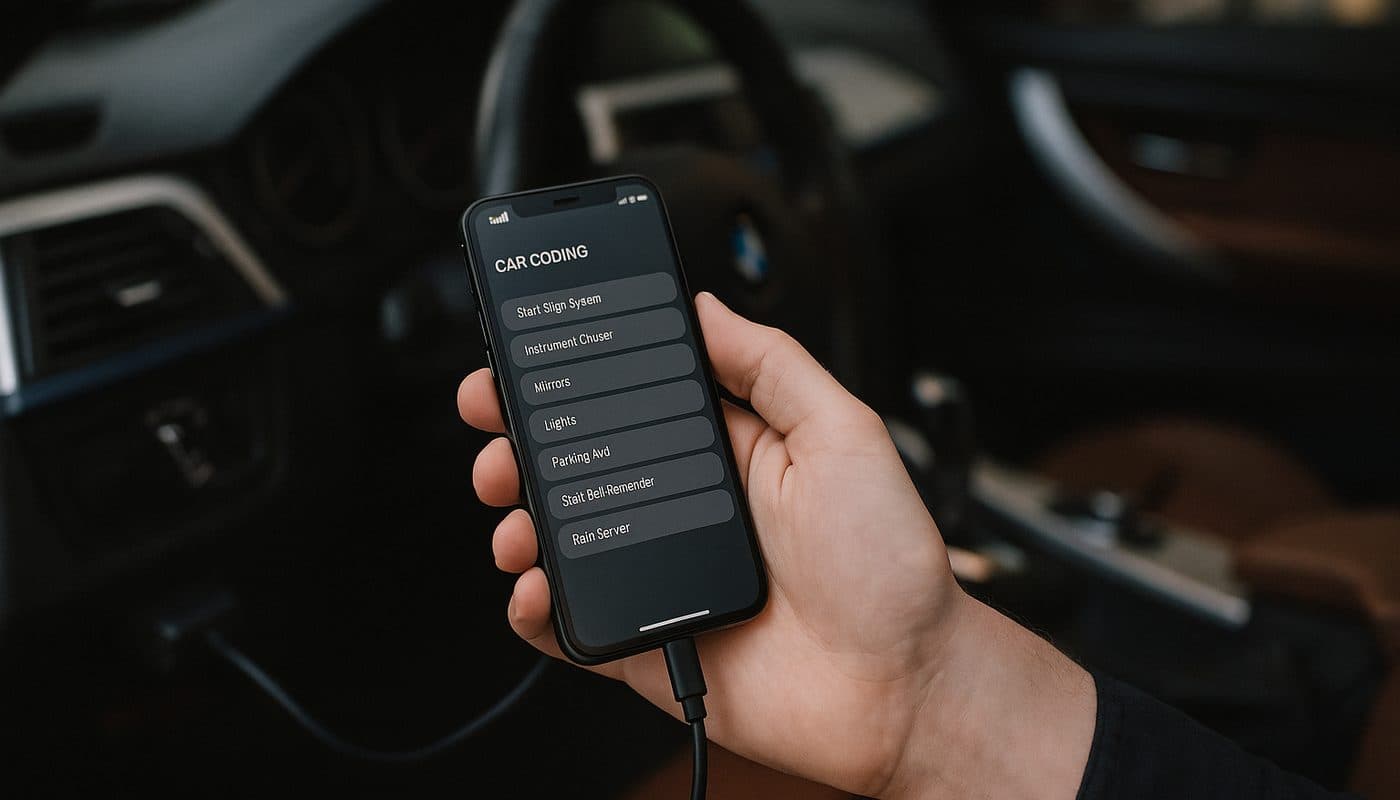
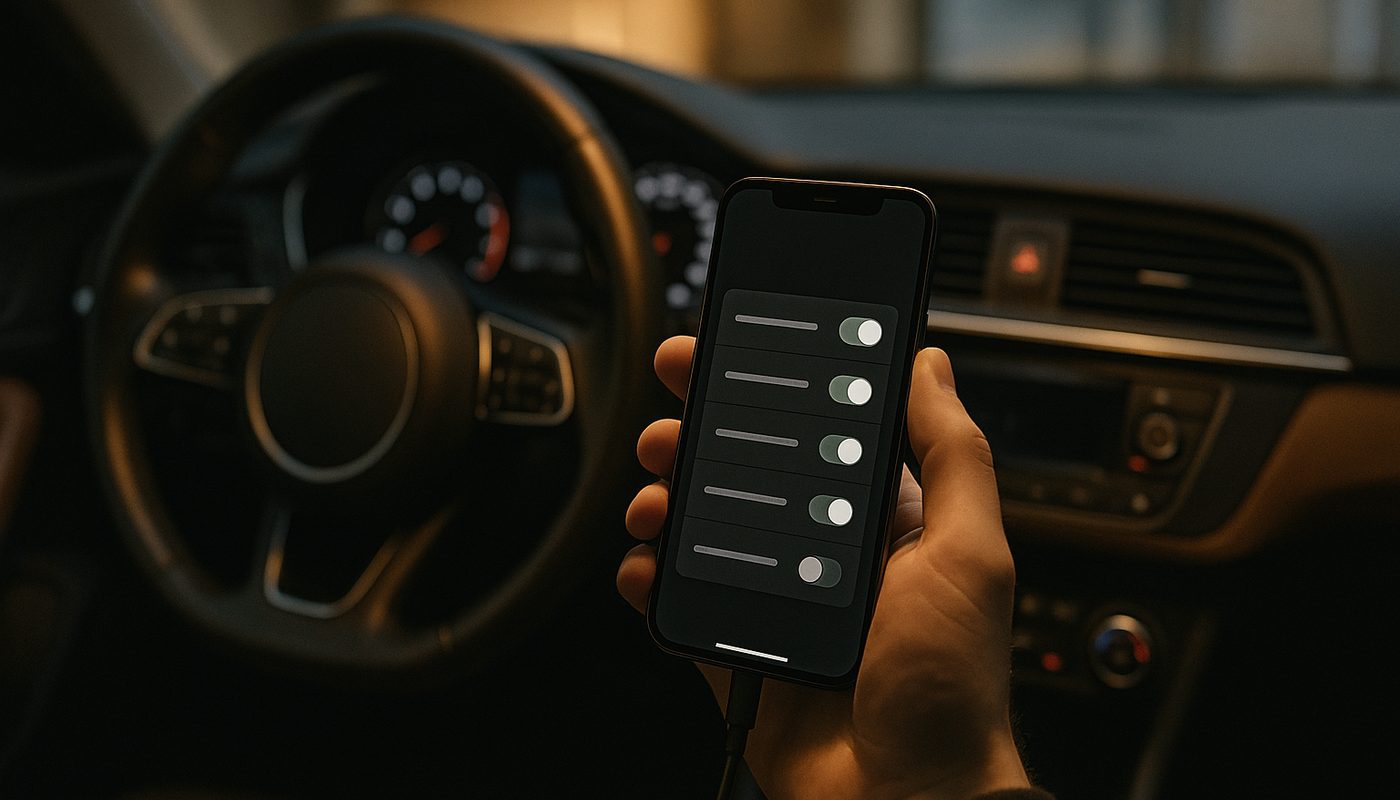
This is most of you. You've got one BMW, you want to disable the seatbelt chime, enable Digital Speedo, maybe adjust the auto-lock behavior or turn on the hidden menu in the iDrive. You don't want a laptop, you don't want to learn FDL syntax, and you want the whole job done from your phone in the driver's seat. This is exactly the group BimmerCode was built for, and it's genuinely the best BMW coding app on the market for this use case.
The Power Coder
You've coded a few cars already, you know what an FDL index is, and you're annoyed when BimmerCode won't expose the one parameter you actually want. Maybe you're retrofitting a feature that wasn't in the car's original order, or you want to edit the FA to add options the car never had. This group needs E-Sys and an ENET cable, full stop. There's no app-based shortcut once you're at this level.
The Shop or Frequent Flipper
You're coding multiple customer cars a month, maybe doing key programming or module swaps, and you need something faster and more repeatable than a phone app or a fussy E-Sys workflow. This is where ProTool and proper professional-grade tools earn their keep, and honestly where the line between "coding tool" and "diagnostic tool" starts to blur. I cover that shop-tier gear separately in my professional BMW scanner guide if that's you.
BimmerCode Plus an Adapter - the 90 Percent Solution
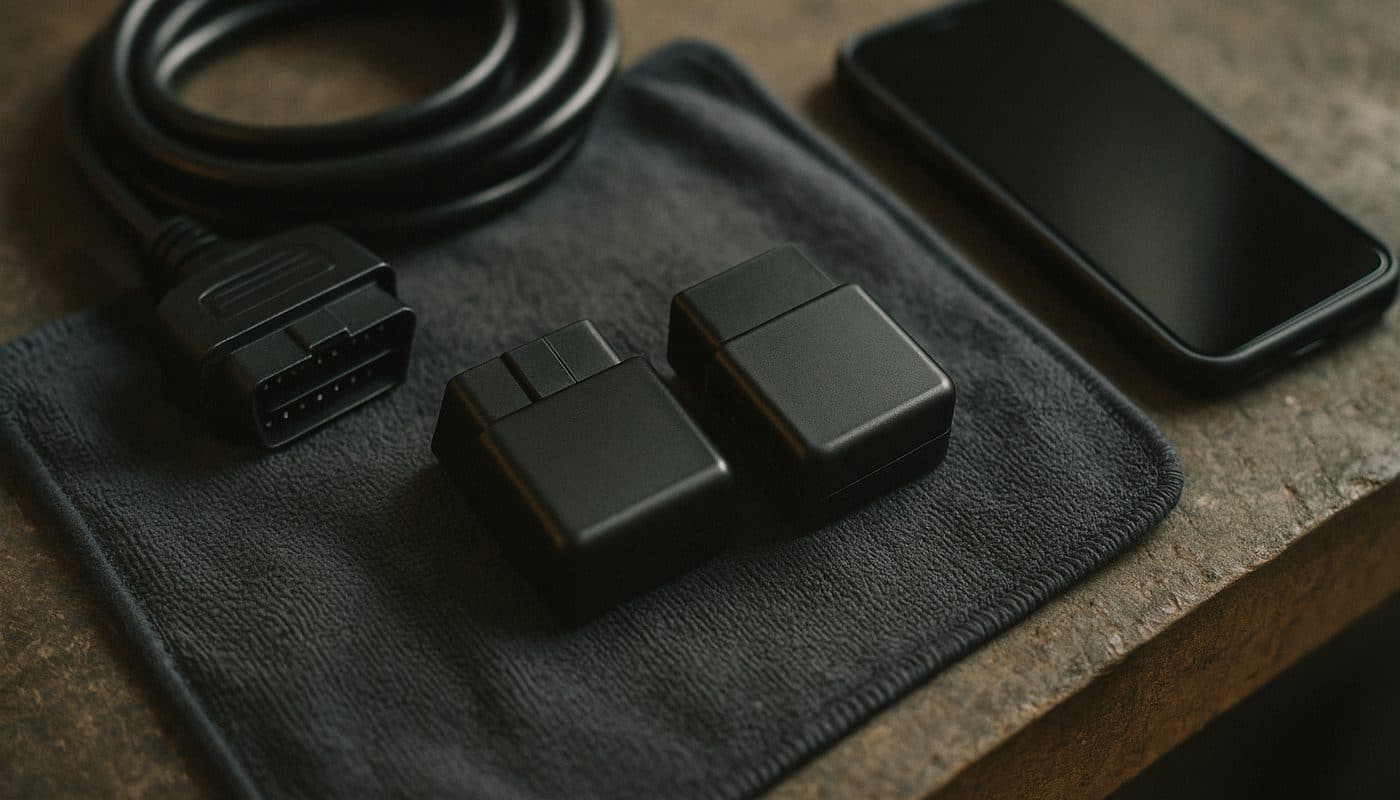
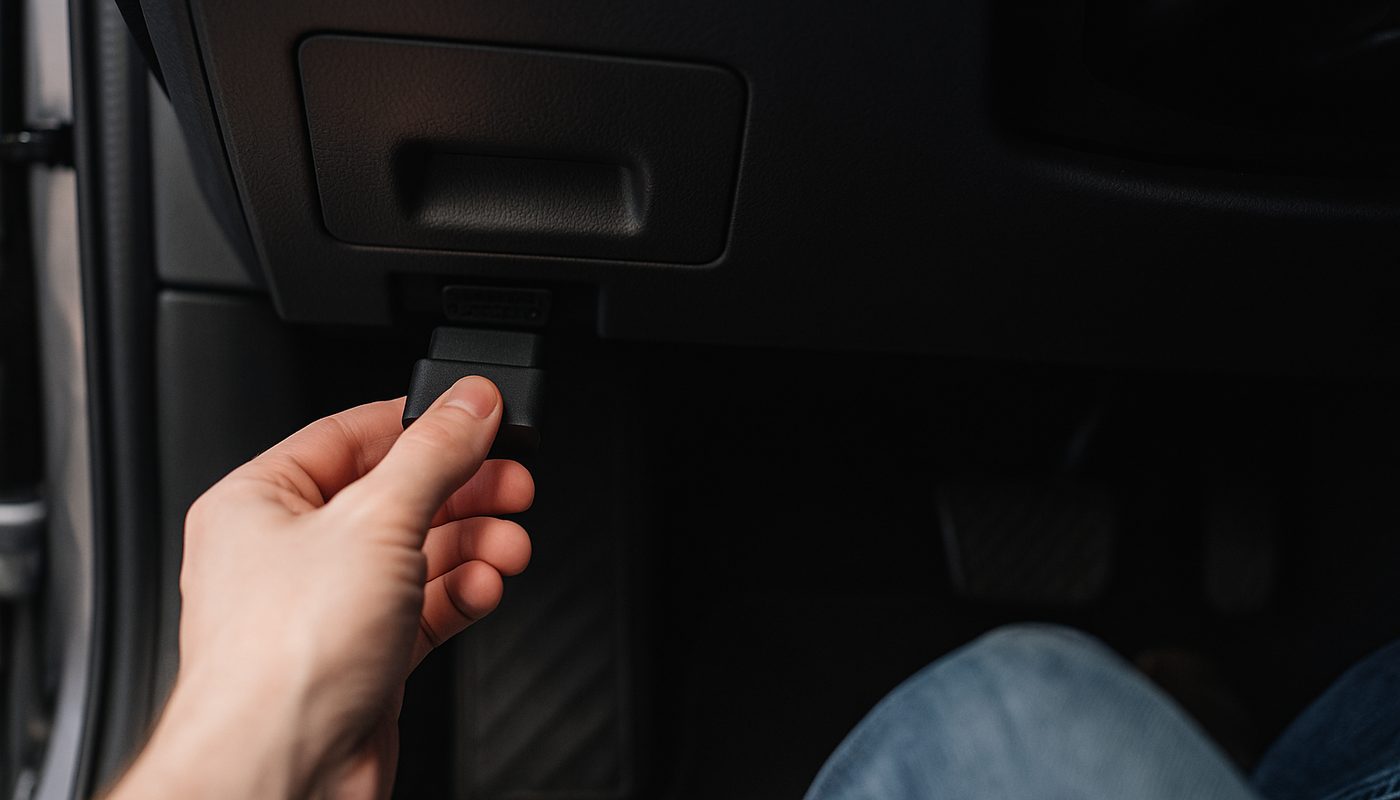
BimmerCode itself is just an app, it doesn't do anything without a Bluetooth OBD2 adapter plugged into the port under your dash, usually tucked behind a little flap above the driver's left knee. The app talks to the adapter, the adapter talks to the car's modules, and that's the entire pipeline. Get the adapter wrong and the app is useless no matter how good it is.
OBDLink CX vs MX+ - Which One
These are the two I actually recommend, and I get asked to pick between them constantly. The OBDLink CX is the leaner, BMW-and-MINI-focused option, it's the one I point iPhone owners toward because it plays cleanest with BimmerCode's iOS build and it's usually the cheaper of the two at street price. The MX+ costs more, but it's a broader multi-vehicle adapter with a stronger Bluetooth radio and better range if your household has more than one car you tinker with, not just BMWs.
Neither one is a bad buy. If you're BMW-only and want the simplest, most direct path, go CX. If you want one adapter that also works reasonably well on your partner's Honda or your buddy's Audi, the MX+ earns its higher price. I broke down the full head-to-head with actual test notes in my OBDLink CX vs MX+ comparison if you want the granular version.

OBDLink CX Bluetooth 5.1 OBD2 Adapter for BimmerCode
$79.95

iOS vs Android - Read This Before You Buy
Here's where people waste money. BimmerCode runs on both iOS and Android, but the adapter you need can depend on which phone you're using and which BMW you own. Both OBDLink units work across iOS and Android without drama, which is exactly why they're my defaults. Cheaper no-name Bluetooth adapters are hit or miss here, some drop the connection mid-session on iOS specifically, which is miserable when you're three steps into an FRM coding job and the app loses the link.
If you're set on the absolute cheapest option, the Vgate vLinker BM is the one budget adapter I actually trust for this, and I go deeper on why in my vLinker BM review. For a general breakdown of which adapter class BimmerCode actually needs regardless of brand, my BimmerCode adapter guide covers the compatibility list in more detail.

Vgate vLinker BM+ OBD2 Bluetooth Scanner - BMW/Mini BimmerCode
$49.99
Secure Gateway on G-Series - the Thing Nobody Explains Right
This is the section that actually matters for anyone shopping in 2026, and it's where I see the most bad advice floating around forums. Starting with the G-series cars, and depending on your exact platform and firmware level, BMW locked down a chunk of module access behind what's generally called Secure Gateway. It's not a single switch, it's a layered access system tied to the DME, the body modules, and increasingly to DoIP-based communication on newer builds.
In practice, this means the adapter you buy is not the bottleneck anymore. An OBDLink CX or MX+ can physically talk to a G20 or G05 all day long, but some coding functions on those platforms need credentials and access levels that a consumer app simply can't reach the same way it could on an F30 or E90. BimmerCode still covers a solid range of comfort and convenience items on G-series cars, but it's genuinely a car-by-car, module-by-module thing now, not a blanket "G-series works" or "G-series doesn't work" answer.
If you're chasing a feature that BimmerCode won't expose on your G-chassis car, that's usually the Secure Gateway wall, not a bug in the app. The workaround, when there is one, runs through E-Sys with current data, which brings us to the next tier.
E-Sys and ENET - the Deep Coding Route
E-Sys is the free expert-level software the enthusiast community adopted from BMW's own engineering toolchain, and it's still the deepest DIY coding path that exists for F and G chassis cars. Paired with an ENET cable, which plugs your laptop's Ethernet port straight into the car's diagnostic connector, you get access to full FA and VO editing, FDL-level coding, and ECU read/write workflows that no phone app touches.
The catch is real. E-Sys is Windows-only, so if you're asking about a bmw coding tool for laptop specifically, this is it, there's no Mac version and no phone version. You'll also need current PSdZData for your chassis and firmware level, because outdated data is the single biggest reason people get stuck or, worse, brick something. This isn't plug and play like BimmerCode. There's a real learning curve, and I'd only send a true beginner down this road with a written checklist and patience for a weekend of reading before touching a single module.

What you get for the trouble is real, though. FA/VO coding lets you add options the car never had from the factory in a way that's more thorough than what BimmerCode exposes, and ECU-level work through E-Sys is genuinely the only route for certain retrofits. If your goal is a specific deep feature and BimmerCode keeps hitting a wall, this is where you're headed eventually anyway, so it's worth learning it right the first time.
ProTool and the Android Middle Ground
BimmerGeeks' ProTool sits in a spot between BimmerCode and full E-Sys, and it's the pick I mention most often to people who've outgrown the app-store option but don't want to fight a Windows laptop and ENET cable every time. It's built specifically around BMW coding and diagnostics, leans Android-first in how the enthusiast community actually uses it, and gives more granular control than BimmerCode without asking you to learn raw FDL syntax from scratch.
I'll be straight with you: exact current pricing and full chassis coverage move around enough that I'd rather send you to check the live product page than quote you a number I can't back up here. What I can say from using it is that it's a legitimate middle tier, not a toy, and worth serious consideration if you're a power coder who's Android-committed and wants more headroom than the phone-app tier without committing to a full E-Sys setup.
Tool Comparison at a Glance
| Tool | Street Price | Best For |
|---|---|---|
| OBDLink CX | around $55-65 | iOS owners, cleanest BimmerCode pairing |
| OBDLink MX+ | around $100-140 | Multi-brand households, stronger Bluetooth range |
| Vgate vLinker BM | around $30-40 | Budget single-BMW coding |
| BMW ENET Cable + E-Sys | around $20-30 cable, software free | FA/VO edits, ECU-level work, G-series workarounds |
| ProTool (BimmerGeeks) | check current listing | Android power users wanting more than an app |
OBDLink CX
- Street Price
- around $55-65
- Best For
- iOS owners, cleanest BimmerCode pairing
OBDLink MX+
- Street Price
- around $100-140
- Best For
- Multi-brand households, stronger Bluetooth range
Vgate vLinker BM
- Street Price
- around $30-40
- Best For
- Budget single-BMW coding
BMW ENET Cable + E-Sys
- Street Price
- around $20-30 cable, software free
- Best For
- FA/VO edits, ECU-level work, G-series workarounds
ProTool (BimmerGeeks)
- Street Price
- check current listing
- Best For
- Android power users wanting more than an app
Notice what's missing from that table: a "best bmw coding scanner tool" that does absolutely everything. That tool doesn't exist, and anyone marketing one all-in-one box for $50 that codes, diagnoses, and reads all modules is glossing over real limitations. For a broader look at what generic scanners miss on BMW specifically, my piece on why generic OBD2 misses BMW codes is worth a read alongside this one.
The Cheapest Way to Code a BMW
If your actual question is the cheapest way to code a BMW, here's the honest breakdown. The absolute floor is a budget Bluetooth adapter like the Vgate vLinker BM combined with BimmerCode's free-to-download app, which puts you into real working coding for well under fifty bucks in hardware. BimmerCode itself doesn't require an ongoing subscription in the traditional sense, you pay once per vehicle inside the app to unlock full coding for that specific VIN, which is a very different model than Carly's subscription approach.
Speaking of which, if you're cross-shopping BimmerCode against Carly because you've seen "carly #bmw coding" content floating around social media, the short version is that Carly leans more toward guided diagnostics and a subscription model, while BimmerCode is more of a direct, technical coding tool built for people who actually want to see and adjust the parameters themselves. I lay out the full comparison in Carly vs BimmerCode if you want to make that call properly.
The genuinely free route, in the sense of zero software cost, is E-Sys plus an ENET cable, since the software itself doesn't cost anything and the cable is cheap. But "free software" isn't the same as "free effort." You're trading dollars for hours of reading, and if your time is worth anything, the app route usually wins for casual coding.
About Those "Free Download" Coding Tools
I need to address this directly because the search traffic around it is real. People look up bmw coding tool download, bmw coding tool download free, bmw coding tool v2 50, tool32 bmw download, bmw standard tools package, bmw standard tools software, and mike's easy bmw tools download constantly. These are almost all references to the old INPA-era toolchain, Tool32, NCS Expert, and various community-packaged bundles that circulated on forums for E60, E90, and early F-series cars.
Here's my honest take from having actually used the legit versions of this stuff on older cars. That toolchain worked, and for genuinely old E-series cars it can still be relevant. But the copies floating around random file-sharing sites and repackaged as a "bmw coding software download" are frequently outdated, sometimes bundled with junk you don't want on your PC, and give you zero support when something goes sideways on your DME or FRM. I don't run pirated or unverified coding software on a laptop that's ever going to touch my car's modules, and I wouldn't recommend you do either.
If you want a modern, supported path to the same kind of comfort coding those old tools handled, BimmerCode has effectively replaced that entire workflow for anything E90 and newer. For genuine engineering-level work on F and G chassis, E-Sys downloaded from its actual community source, not a repackaged mystery zip, paired with a legitimate ENET cable is the honest modern equivalent.
My Actual Picks by Type
| Owner Type | Recommended Setup | Typical Job |
|---|---|---|
| Weekend Coder | OBDLink CX + BimmerCode | Seatbelt chime off, Digital Speedo, auto-lock tweaks |
| Power Coder | ENET cable + E-Sys | FA/VO edits, retrofits, module-level coding |
| Shop / Frequent Flipper | ProTool or dedicated pro-tier laptop rig | Multiple customer cars, repeatable coding jobs |
Weekend Coder
- Recommended Setup
- OBDLink CX + BimmerCode
- Typical Job
- Seatbelt chime off, Digital Speedo, auto-lock tweaks
Power Coder
- Recommended Setup
- ENET cable + E-Sys
- Typical Job
- FA/VO edits, retrofits, module-level coding
Shop / Frequent Flipper
- Recommended Setup
- ProTool or dedicated pro-tier laptop rig
- Typical Job
- Multiple customer cars, repeatable coding jobs
If you made it this far and just want the shopping list, here it is straight. Weekend coder on an iPhone with one BMW: OBDLink CX. Weekend coder who wants a stronger adapter that also covers other cars in the household: OBDLink MX+. Tightest budget possible and you're not picky about brand loyalty: Vgate vLinker BM. Chasing FA/VO edits or a feature BimmerCode won't expose on your G-chassis car: ENET cable plus E-Sys, full stop, there's no app-based substitute at that level.
Whatever you buy, plan on pairing it with a real workflow, not just guessing at menu items. I wrote the step-by-step version of the actual coding process, adapter pairing, backing up FA/VO before you touch anything, and the common mistakes people make, in my BimmerCode coding walkthrough. It's worth reading before your first session even if you've already bought the hardware.
FAQ
What is the best tool to code a BMW
For the vast majority of owners it's BimmerCode paired with an OBDLink CX or MX+ adapter, because it covers the comfort and convenience coding most people actually want without needing a laptop. If you need deeper FA/VO or ECU-level access, E-Sys with an ENET cable is the real answer, there's no app that replaces it at that depth.
Is there a tool that can program a BMW key
Key programming is a different job from comfort coding and generally needs a more capable tool than BimmerCode, since it touches the CAS or FEM/BDC security modules directly. Dedicated diagnostic tools built for key programming exist, and I cover that ground in my professional BMW scanner guide, but this isn't a job I'd hand to a $30 Bluetooth adapter and a coding app.
How much does BimmerCode cost
The app itself is free to download, but full coding access for your specific car unlocks through an in-app purchase tied to that vehicle's VIN, priced around what you'd expect for a one-time unlock rather than an ongoing subscription. You'll still need to buy the adapter separately, since the app does nothing without one.
Where can I download the BMW coding tool
If you mean BimmerCode, it's on the Apple App Store and Google Play directly from the developer, no sketchy download needed. If you're after E-Sys or the older INPA-era toolchain, get it through the established enthusiast community sources rather than random file-sharing links, for the reasons I covered above about pirated software and bricked modules.
Is there a free version of BimmerCode
The app is free to install and browse, and you can usually see some read-only information without paying, but the actual coding changes require that one-time per-vehicle unlock. There isn't a fully free bmw coding app free version that lets you code without paying, and I'd be suspicious of anything claiming otherwise.
Is ISTA for BMW free, and how much does it cost
ISTA is BMW's own dealer-level diagnostic and programming software, and it's not something you casually download for free and run legitimately, it requires proper licensing and data subscriptions that are priced for shops, not weekend coders. For DIY comfort coding, BimmerCode covers what most owners actually need at a fraction of that cost and complexity.
Which is better for my BMW, INPA or ISTA
INPA is the older, community-favorite diagnostic tool mostly relevant to E-series and early F-series cars, while ISTA is BMW's current, actively maintained dealer software covering newer platforms including G-series. For most home users today, neither is the practical starting point, BimmerCode covers coding and my fault code reading guide covers diagnostics without needing either legacy tool.
Verdict
If you want my honest, no-hedging pick, buy an OBDLink CX or MX+ and run BimmerCode for anything short of deep FA/VO work, that combo covers the coding jobs 90 percent of BMW owners actually want done. Save the ENET cable and E-Sys rabbit hole for when you genuinely need it, not because a forum thread made it sound cooler than it is. Check your fault codes and option data before you code anything using the free tools linked throughout this piece, and skip anything calling itself a free bmw coding tool download from a source you can't vouch for. That's how I've kept every BMW I've coded, mine included, running exactly the way I wanted it to. Drive safe, code smart. - Kamil