OBDLink CX vs MX+ - Which One for Your BMW
Affiliate disclosure. BimmerTalk is a proud partner of the Amazon Associates Program and Turner Motorsport. We may earn a small commission on qualifying purchases through our links, at no extra cost to you. Read the full disclosure.

Every week somebody drops into my DMs or the BimmerTalk comments with some version of the same question: "just tell me which OBDLink to buy." Nine times out of ten they've already read three forum threads, watched a YouTube video that mostly talks about a Supra, and now they're more confused than when they started. I get it. Both adapters look almost identical, both say "OBDLink" on the box, and both work with BimmerCode. The difference only shows up once you actually start using them.
I've run both through their paces on my own G20 330i and on a handful of customer cars back when I was still doing side work out of my garage, plus a stint coding cars during my year at a BMW dealer parts counter where I got to poke at basically every adapter reps brought through. The CX and the MX+ are not the same tool wearing different plastic. They're built for different jobs, and picking the wrong one means either overpaying for features you'll never touch or underbuying and hitting a wall six months in.
So here's the straight answer, no affiliate fluff, no "both are great" cop-out. If you're on an iPhone or you only ever plug into BMWs, the CX wins and it's not close. If you want live data off modules other than the engine, or your garage has a Subaru and a Ford in it too, the MX+ earns its higher price. Let's get into why.
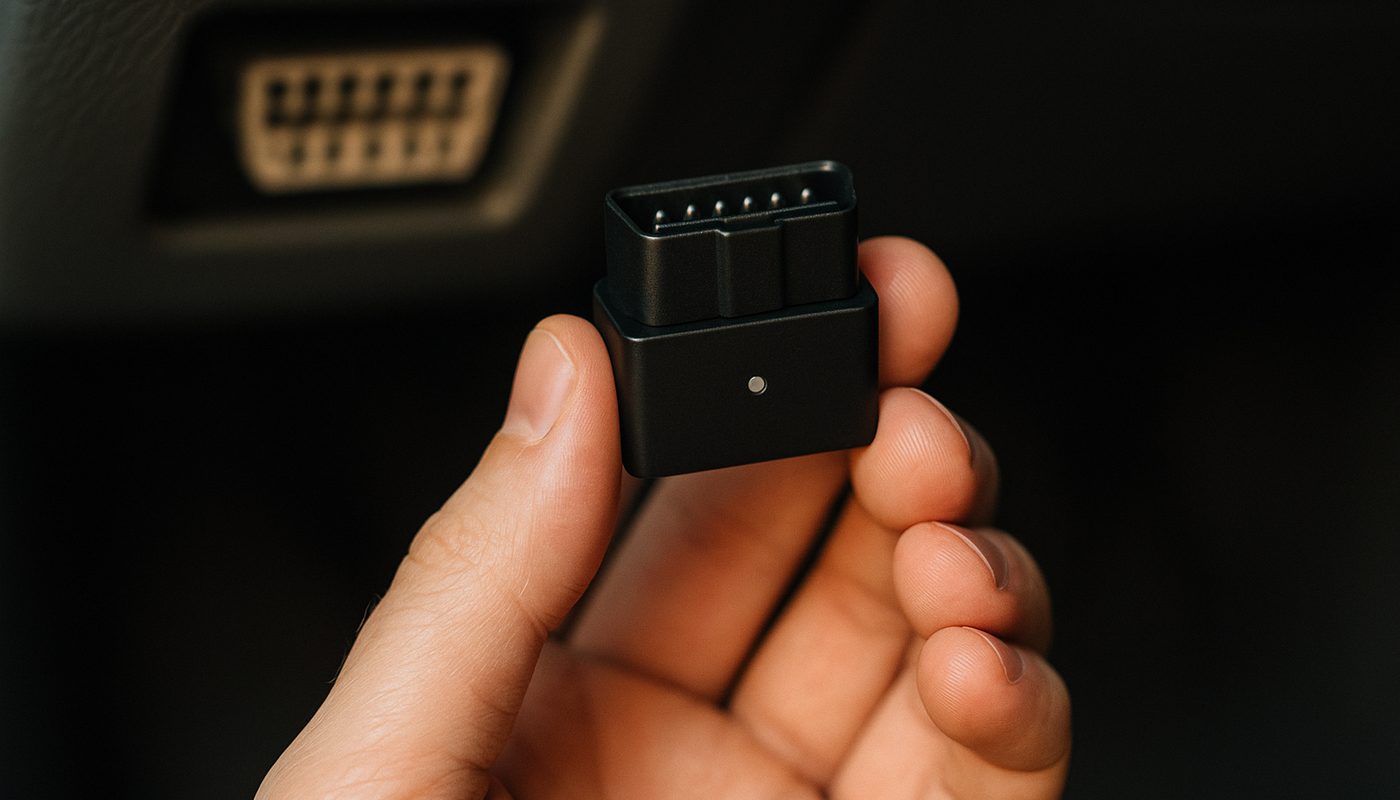
~$80
CX Street Price
~$140
MX+ Street Price
5.1 BLE
CX Bluetooth
4.2 Classic
MX+ Bluetooth
The short version before you keep reading
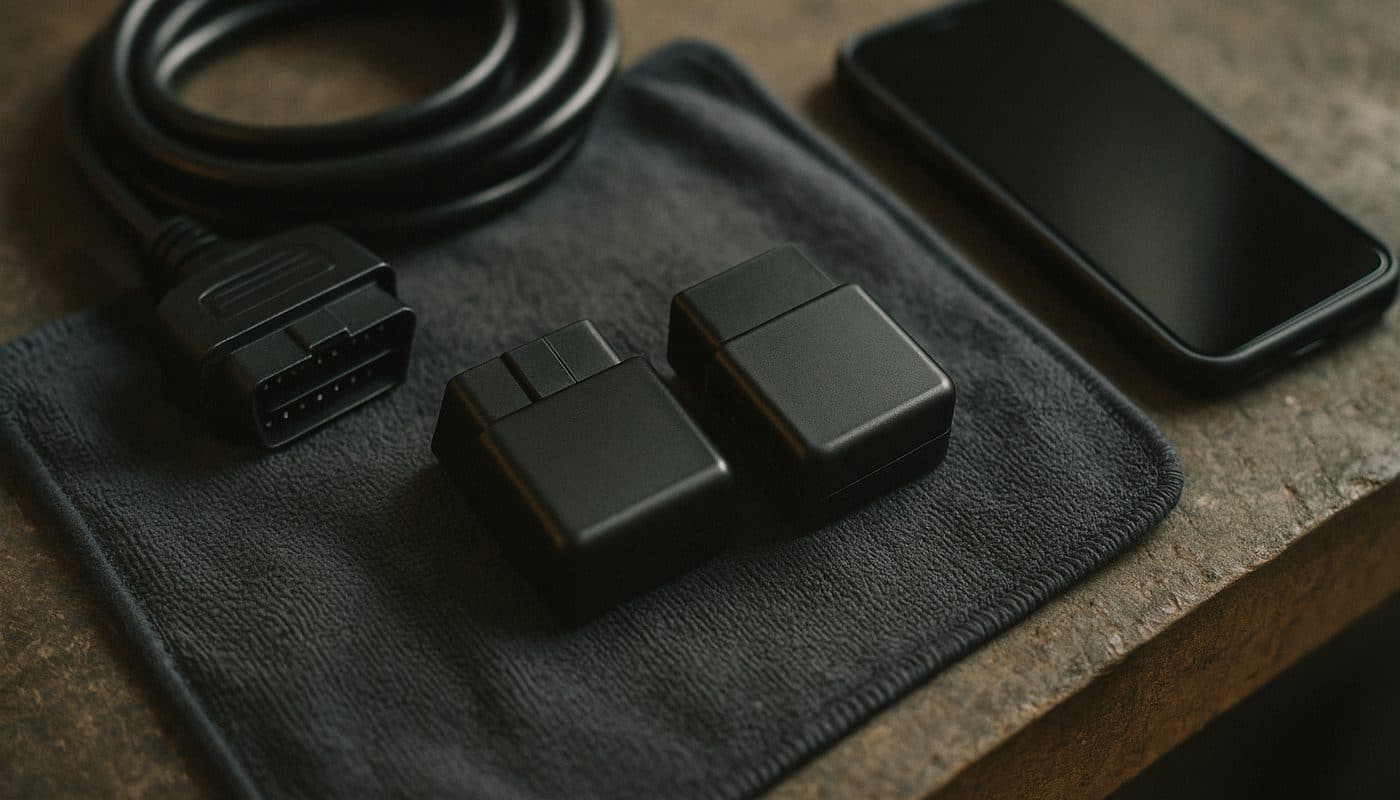
I don't like burying the lede, so here it is up top. OBDLink CX is the BMW-focused adapter. It's cheaper, it uses Bluetooth 5.1 BLE which iPhones actually like, and BimmerCode's own team points people toward it as the recommended adapter for coding. OBDLink MX+ costs more, uses the older Bluetooth 4.2 classic stack, but it opens up live data streaming from modules like ABS, SRS, and TPMS in apps like BimmerLink, and it works properly across way more makes if your garage isn't a one-brand household.
If you clicked into this article searching "obdlink cx vs mx+" because you just want to code your G20 or F30 and read fault codes, stop scrolling for reviews and go grab the CX. If you're weighing "obdlink cx vs mx reddit" threads because you've got a Toyota or a Ford in the mix too, keep reading, because the MX+ section below is written for you.
OBDLink CX vs MX+ at a glance
Before I get into the why, here's the side-by-side so you're not scrolling back and forth between two spec sheets.
| Item | OBDLink CX | OBDLink MX+ |
|---|---|---|
| Street price | around $80 | around $140 |
| Bluetooth version | 5.1 BLE | 4.2 Classic |
| iOS support | Yes | Yes |
| BimmerCode coding speed | Faster, BMW-optimized | Noticeably slower on BMWs |
| Non-engine live data (ABS/SRS/TPMS) | No | Yes |
| Multi-brand diagnostic depth | Basic, BMW/MINI focused | Broad, works well across brands |
| BimmerCode official recommendation | Yes | No |
Street price
- OBDLink CX
- around $80
- OBDLink MX+
- around $140
Bluetooth version
- OBDLink CX
- 5.1 BLE
- OBDLink MX+
- 4.2 Classic
iOS support
- OBDLink CX
- Yes
- OBDLink MX+
- Yes
BimmerCode coding speed
- OBDLink CX
- Faster, BMW-optimized
- OBDLink MX+
- Noticeably slower on BMWs
Non-engine live data (ABS/SRS/TPMS)
- OBDLink CX
- No
- OBDLink MX+
- Yes
Multi-brand diagnostic depth
- OBDLink CX
- Basic, BMW/MINI focused
- OBDLink MX+
- Broad, works well across brands
BimmerCode official recommendation
- OBDLink CX
- Yes
- OBDLink MX+
- No
Notice the pattern. Every row where CX wins is a BMW-specific win. Every row where MX+ wins is a "more car, more app" win. That's the whole story of this comparison in one table.
What OBDLink CX actually does well
The CX was basically built with BimmerCode in mind, and it shows the moment you plug it in. It's the smaller, cheaper adapter, but on a BMW it doesn't feel like the budget option at all.
BimmerCode coding speed
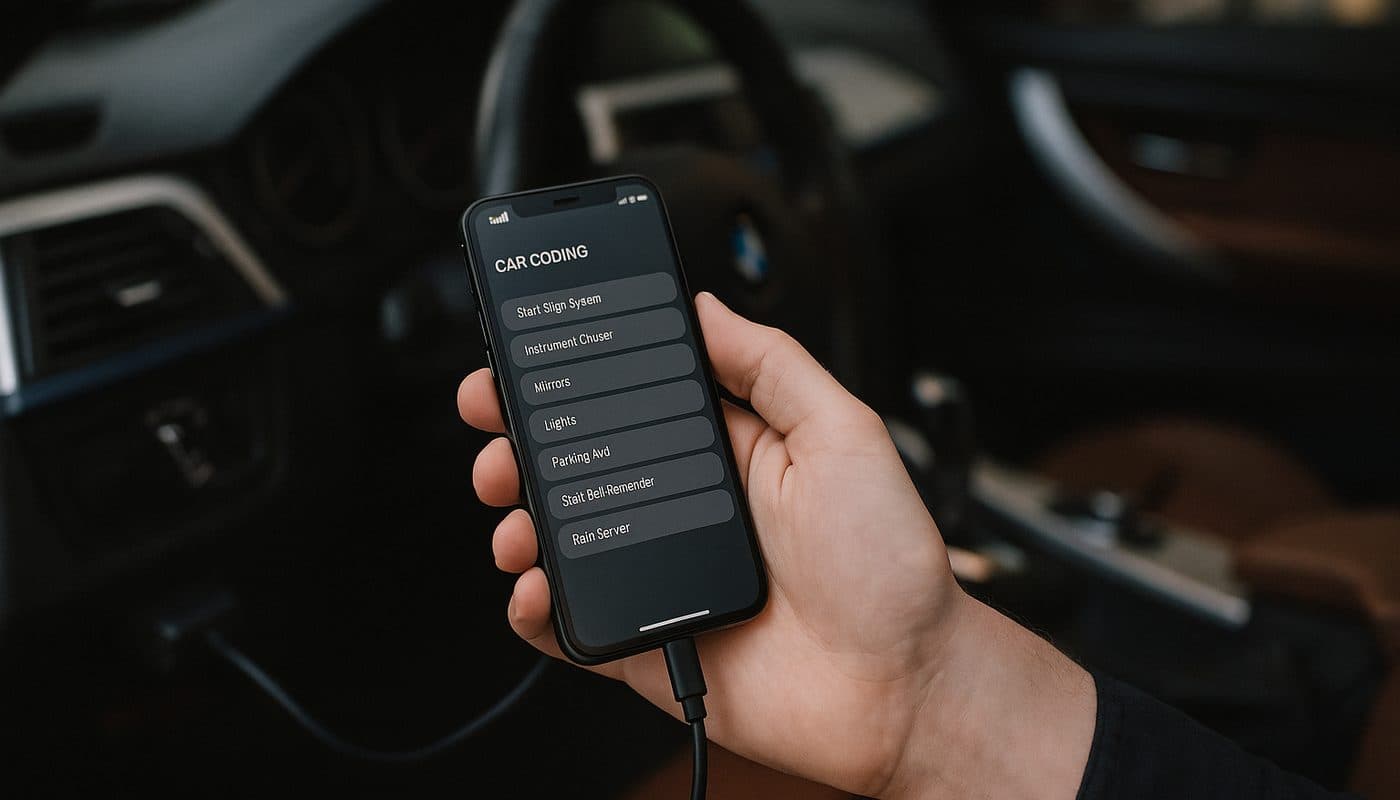
This is the number one reason I point people to the CX over the MX+ for a BMW-only garage. Coding a module through BimmerCode means writing dozens or sometimes hundreds of small data packets back and forth between your phone and the car's modules, whether you're flipping the FRM for auto-fold mirrors or touching the DME to adjust throttle response. On the CX, thanks to Bluetooth 5.1 BLE and firmware tuned for this exact workflow, those sessions move noticeably quicker. On the MX+, the same coding job on the same car takes visibly longer because it's running the older 4.2 classic Bluetooth stack and the adapter's priorities are spread across broader vehicle support rather than squeezed for BMW speed. If you've read the full step-by-step coding walkthrough we put together, you know how many small writes a typical coding session involves, and that's exactly where the CX's speed advantage compounds.
iPhone and Bluetooth 5.1 BLE
If you're on iOS, this section alone should settle it. Apple has been stingy about which Bluetooth profiles it plays nicely with, and BLE (Bluetooth Low Energy) is the protocol iPhones handle most reliably for this kind of app-to-adapter pairing. The CX ships with 5.1 BLE baked in. The MX+ is still on 4.2 classic, which works, but iPhone users report more pairing hiccups, more "lost connection mid-code" moments, and generally a less smooth first-time setup. I've set both up on my own phone and the CX connects faster and stays connected more consistently, full stop.
This is also why the CX shows up as the go-to answer whenever someone asks what apps work with OBDLink CX. It plays well with BimmerCode for coding, BimmerLink for reading and clearing fault codes and basic live data, and it's compatible with Torque and a handful of generic OBD2 apps too if you ever want a second opinion on a code. If your whole workflow starts and ends with your phone, check out our breakdown of which adapter BimmerCode actually needs for the deeper technical reasoning behind why BLE matters this much.
What the CX cannot do
Now the honest part, because every review that only tells you the good stuff is selling you something. The CX is BMW-focused, and that focus means it's not the tool for pulling live streaming data out of non-engine modules. If you want to watch real-time ABS wheel speed sensor values while you're chasing an intermittent DSC fault, or you want live SRS data while diagnosing a seat occupancy sensor, or you want to babysit TPMS sensor IDs in real time, BimmerLink on the CX gives you fault codes and basic status, not the deep live stream. That capability sits with the MX+ instead. I've had customers assume the CX does everything BimmerLink is capable of showing, and that assumption cost them a return trip to actually solve an ABS gremlin.

OBDLink CX Bluetooth 5.1 OBD2 Adapter for BimmerCode
$79.95
What OBDLink MX+ adds for its extra money
The MX+ isn't slower and more expensive for no reason. It's a genuinely more capable diagnostic tool once you step outside "code my BMW and read the codes."
Live data across ABS, SRS, and TPMS
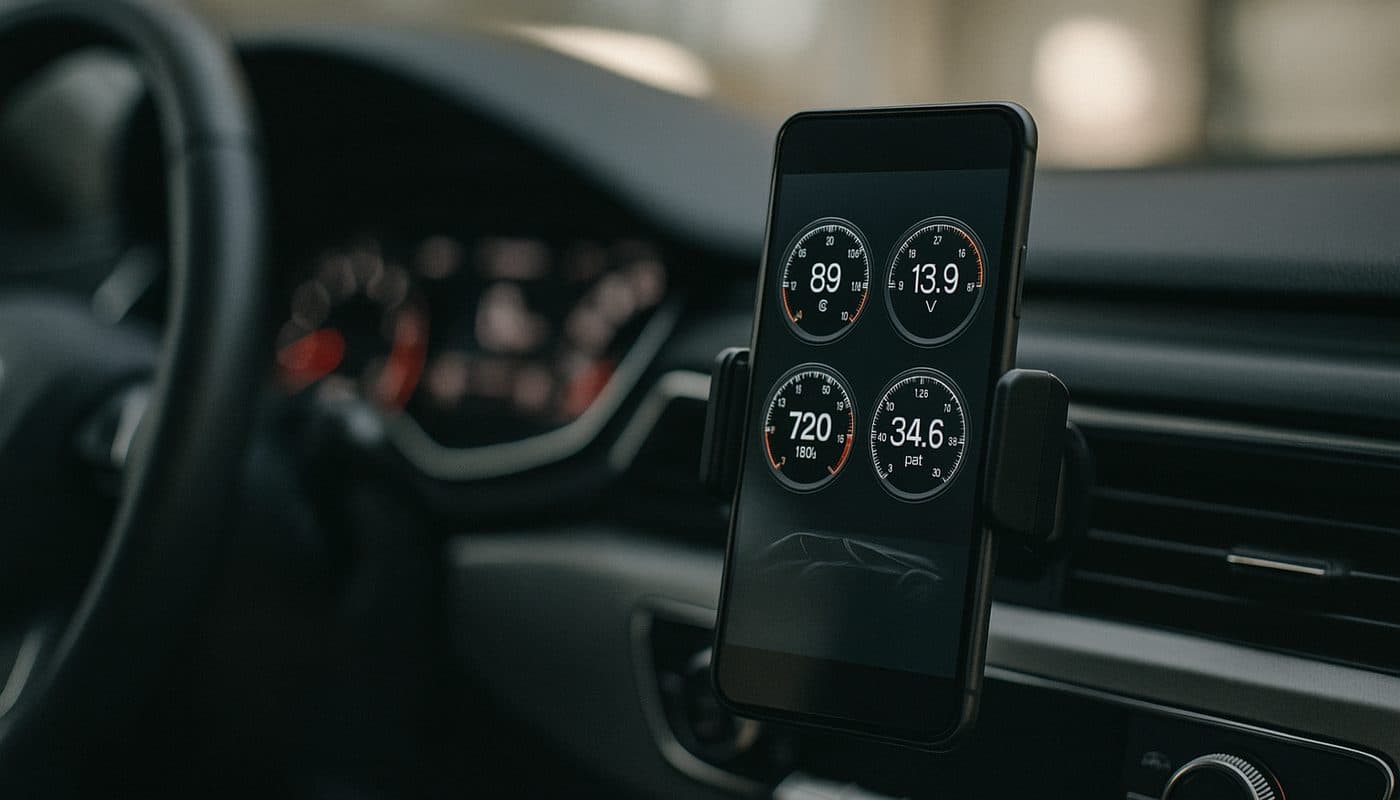
This is the MX+'s real party trick. Paired with BimmerLink, it opens up live streaming data from modules that the CX simply can't get to at the same depth. If you're the kind of owner who likes watching real sensor values scroll by while you wiggle a connector or tap a sensor to reproduce an intermittent fault, that's an MX+ job. It's also the better choice if you're doing any kind of pre-purchase inspection work where you want to see the full health picture across ABS, SRS, TPMS, and the usual engine and transmission modules in one pass, not just a stored fault code list.
One adapter, multiple brands
The other half of the MX+'s appeal is that it's not a BMW-only tool. OBDLink built it for broad OBD2 compatibility, so if your household garage has a BMW, a Honda, and a Ram truck in it, the MX+ is the one adapter that reasonably covers all three without you needing a drawer full of dongles. That versatility is exactly why it pulls far more monthly search volume than the CX nationally. A lot of people searching "obdlink mx+" aren't BMW owners at all, they're Subaru, Ford, and GM owners who found it through generic OBD2 scanner comparisons, not BMW forums.

Price gap - is the extra sixty bucks worth it
Street pricing puts the CX around $80 and the MX+ around $140, so you're looking at roughly a $60 gap. That's real money, and I don't think everyone should pay it. If your only car is a BMW or MINI and your only apps are BimmerCode and BimmerLink for basic coding and fault reading, you are paying $60 extra for capability you will likely never use. That money is better spent on a diagnostic connect subscription, an oil filter housing gasket, or honestly just left in your pocket.
Where the $60 stops being a tax and starts being value is the moment you either own more than one brand of car, or you specifically want live ABS/SRS/TPMS data because you're chasing something weirder than a check engine light. At that point the MX+ pays for itself the first time it saves you a trip to an indie shop for a scan you could've done yourself in the driveway.
What about the older MX and the LX
You'll see "obdlink cx vs mx" and "obdlink cx vs lx" come up in the same searches, and it's worth a quick word on those too. The original MX (not MX+) is the previous-generation model, still floating around at a lower price on some marketplaces, but it lacks the newer Bluetooth improvements and app-side polish of the current lineup, so I wouldn't buy new-old-stock over the MX+ unless the price gap is huge. The LX is OBDLink's cheapest tier and it trims down connectivity and speed further, it's really built for basic OBD2 code reading rather than BMW-specific coding, so if you saw it mentioned in a forum thread, know that it's a step below both the CX and MX+ for this use case, not a real contender.
Coding speed, side by side, on the same car
I've coded the same G20 running the same set of BimmerCode presets on both adapters back to back, and the difference isn't subtle once you've felt it. The CX moves through each write with less lag between steps, and full sessions that touch multiple modules finish noticeably faster. The MX+ gets there too, every code eventually lands, it just takes longer per write and the whole session drags. For a one-off "enable comfort access unlock" tweak, you probably won't care about the difference. For a marathon session where you're touching FRM, DME, EGS, and cluster settings back to back, the CX's speed advantage saves real time.
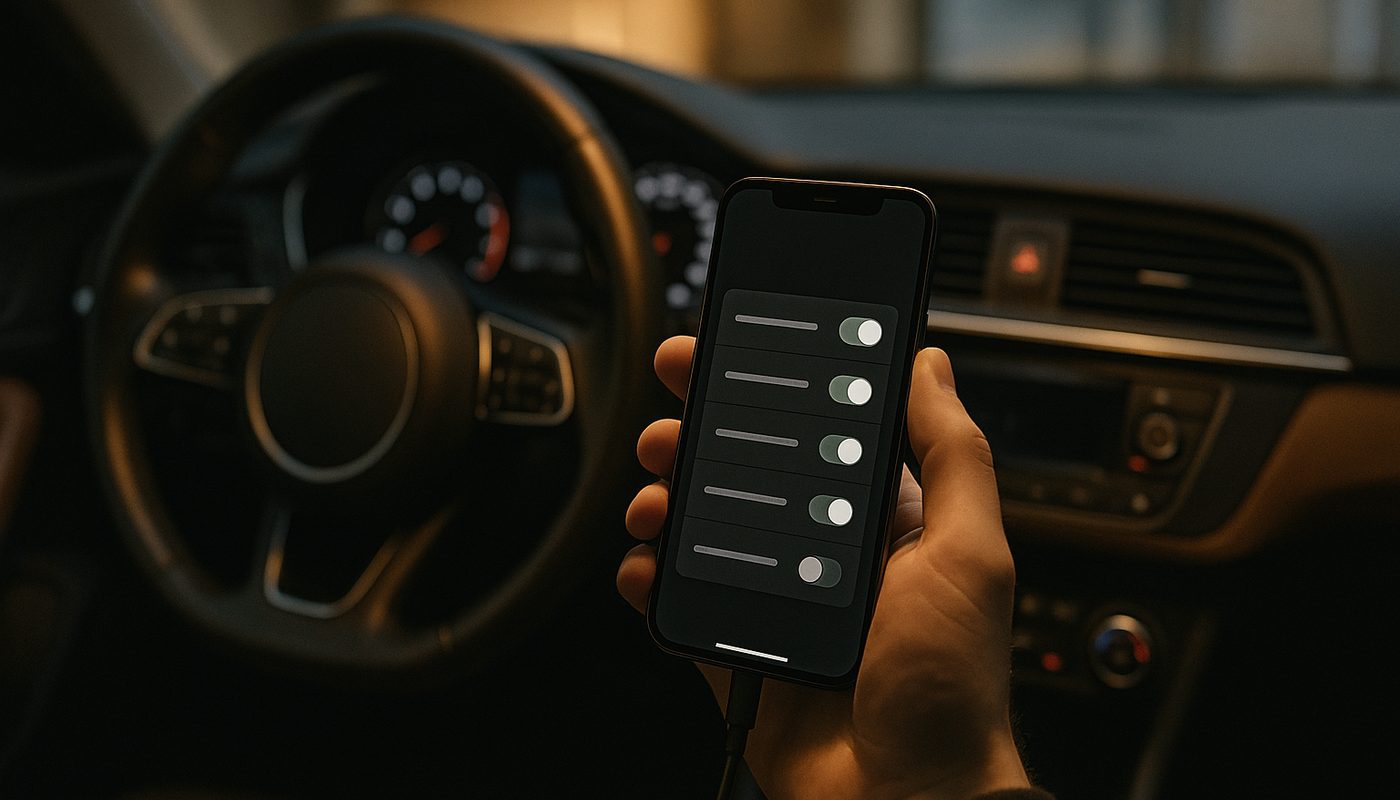
If speed and reliability during actual coding sessions are your top priority, and I think for most BMW owners they should be, go read our full breakdown of which coding tool to buy before you pull the trigger, since it walks through how CX stacks up against cheaper alternatives too.
Who should buy the CX
Buy the CX if any of the following describes you. You drive a BMW, MINI, or Supra and nothing else. You're on an iPhone. Your main use case is BimmerCode for feature coding and BimmerLink for basic fault reading and clearing. You want the officially recommended adapter at the lowest reasonable price. You do occasional G-series work where BMW's Secure Gateway module needs a properly supported adapter, which the CX handles.
This covers the large majority of BimmerTalk readers, honestly. Most of you have one BMW, maybe a second BMW, and you want to code it and keep tabs on fault codes without a trip to the dealer every time a warning light blinks.
OBDLink CX Bluetooth 5.1 OBD2 Adapter for BimmerCode
$79.95
Who should buy the MX+
Buy the MX+ if you fall into a different camp. You've got more than one brand of car in the driveway and you want one adapter that handles all of them competently. You specifically want live streaming data from ABS, SRS, or TPMS modules, not just stored codes. You're doing pre-purchase inspections or diagnostic work that goes beyond "code a feature and check for lights." Or you just don't mind spending more up front to future-proof against whatever car ends up in your garage next.
If your budget genuinely can't stretch to either adapter right now, it's worth glancing at the budget adapter review for something cheaper that still gets basic BimmerCode jobs done, though you'll give up some of the speed and reliability both OBDLink units offer.

Vgate vLinker BM+ OBD2 Bluetooth Scanner - BMW/Mini BimmerCode
$49.99
Where a generic scanner still falls short
Whichever adapter you pick, it's worth remembering that neither the CX nor the MX+ replaces a proper full-system scan when a car is genuinely misbehaving. Generic OBD2 tools, and even these Bluetooth adapters in basic app modes, only see a fraction of what a BMW's modules are actually reporting. If your instrument cluster is lit up with multiple warnings and you're not sure whether it's one root cause or three separate issues, our guide on why generic OBD2 misses BMW codes explains exactly what gets missed and why a full roundup like the one in the full scanner roundup covering all five tool tiers is worth a read before you settle on any single adapter.
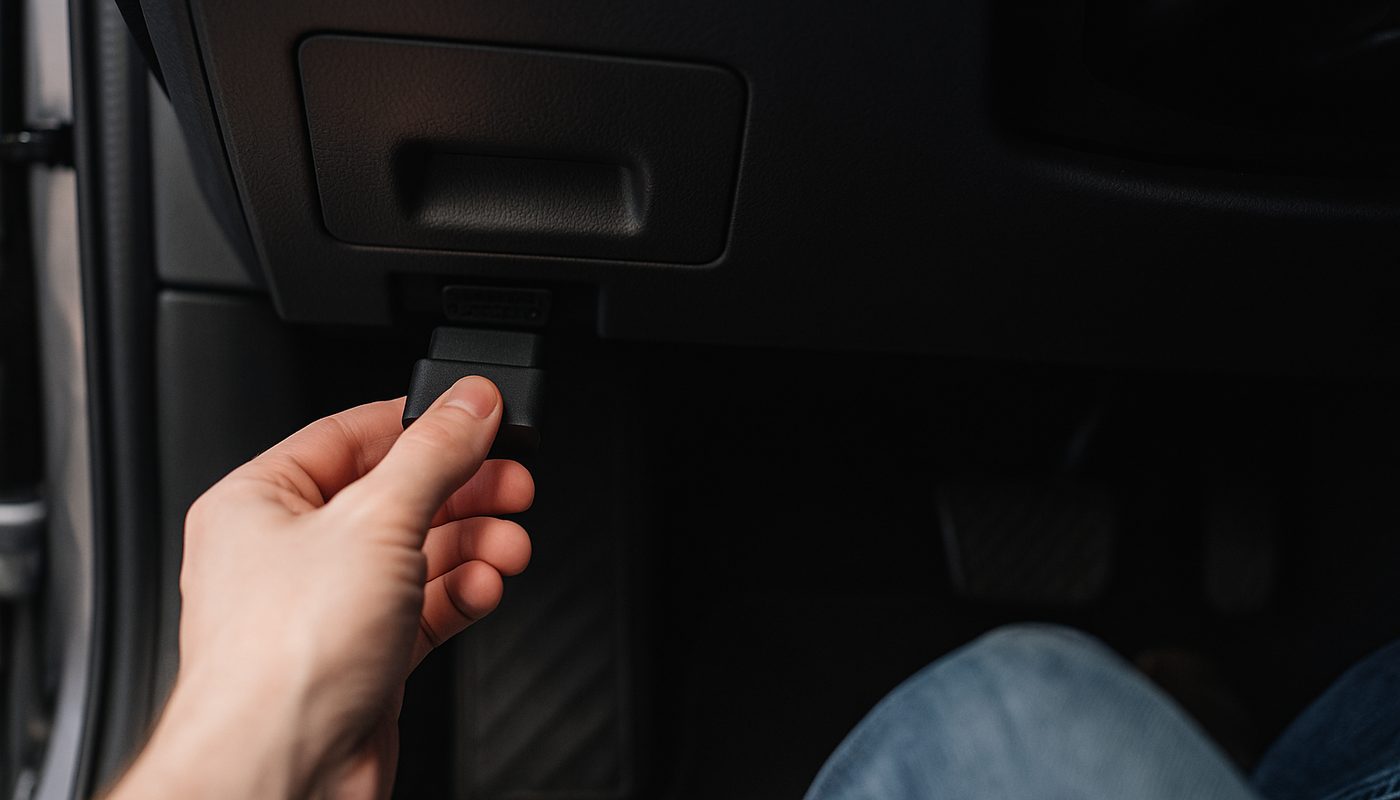
And if you've never pulled a code yourself before, start with the basics in our DIY fault code walkthrough, or run the code straight through our free BMW fault code lookup tool to see what you're actually dealing with before you buy anything.
FAQ
Which is better, OBDLink CX or MX+
Neither is universally "better," they're built for different jobs. For a BMW-only garage running BimmerCode and BimmerLink, the CX is better because it's cheaper, faster at coding, and plays nicer with iPhones. For a mixed-brand garage or anyone who wants deep live data from ABS, SRS, or TPMS modules, the MX+ is better because it covers more ground.
Which OBDLink is best overall
If I had to pick one adapter to recommend to a stranger without knowing their exact use case, I'd still lean CX for BMW owners specifically, since it's the one BimmerCode's own team recommends and it covers what 90 percent of DIY coders actually need. But "best" only makes sense once you know whether the person owns one brand of car or several.
What can you do with OBDLink CX
You can code BMW, MINI, and Toyota Supra features through BimmerCode, things like adjusting FRM lighting behavior, EGS shift feel, cluster displays, and dozens of comfort settings. Through BimmerLink you can read and clear fault codes across most modules and view basic live data. It's a genuinely capable BMW-focused scan and coding tool, just not one built for deep non-engine live streaming or non-BMW brands.
Which cars are compatible with OBDLink CX
The CX is positioned and optimized for BMW, MINI, and Toyota Supra, since those share the platform that BimmerCode targets. It'll technically talk to most OBD2-compliant vehicles at a generic level, but the coding-specific features that make it worth buying are BMW-platform specific.
What apps work with OBDLink CX
BimmerCode for coding, BimmerLink for fault codes and basic live data, and general-purpose apps like the OBDLink app itself or Torque for generic OBD2 reads. If your goal is coding, BimmerCode is really the app you're buying the adapter for in the first place.
Can I use OBDLink CX with BimmerLink
Yes, and it's a common pairing. You get fault code reading, clearing, and basic live data across most modules. What you don't get is the deeper live streaming from ABS, SRS, and TPMS that the MX+ unlocks in the same app, so if that specific data matters for your diagnosis, that's the one gap worth knowing before you buy.
Can you use OBDLink CX for MHD or Bootmod3
No. MHD and Bootmod3 are tuning platforms with their own specific hardware requirements, typically a dedicated MHD or Bootmod3 cable rather than a general BimmerCode-style OBDLink adapter. Don't buy a CX or MX+ expecting it to flash a tune, that's a completely different tool category from coding and diagnostics.
Is the OBDLink CX worth it
For the vast majority of BMW-only owners doing coding and basic diagnostics through their iPhone, yes, it's worth it. At around $80 with faster BimmerCode performance and better iOS reliability than the pricier MX+, it's genuinely one of the better value buys in this whole category, and it's why we recommend it as one of our top picks in the full coding and diagnostic tools list.
My verdict
If you made it this far, the decision really is this simple. iPhone user with a BMW, MINI, or Supra and nothing else in the driveway, buy the CX and don't look back, it's faster at the thing you'll actually do most, which is coding, and it's cheaper. Multi-brand garage or you specifically need live ABS, SRS, or TPMS data through BimmerLink, spend the extra sixty bucks on the MX+ and treat it as a proper diagnostic tool rather than just a coding dongle.
I run the CX in my own 330i because that's the only car I need it for, and honestly, that's the answer for most of you reading BimmerTalk. Buy the tool that matches what your garage actually looks like, not the one with the bigger spec sheet. Wrench safe, and I'll see you in the next one.