OBDLink CX Not Connecting? Fixes for BimmerCode on iPhone and Android
Affiliate disclosure. BimmerTalk is a proud partner of the Amazon Associates Program and Turner Motorsport. We may earn a small commission on qualifying purchases through our links, at no extra cost to you. Read the full disclosure.

Quick fixes that solve most cases
The pattern I see is that "not connecting" is almost never a dead adapter. It is a phone permission, a stale Bluetooth entry, or someone expecting the CX to behave like an old ELM327 dongle.
Before you read anything else, try these in order. Most people never get past this list.
- Wait. The CX can take 45 to 60 seconds to become visible after you plug it in. That delay is normal, not a fault.
- Ignition on, not just accessory. Press Start without your foot on the brake so the car is fully awake. Some guides recommend running the engine for stable voltage during coding.
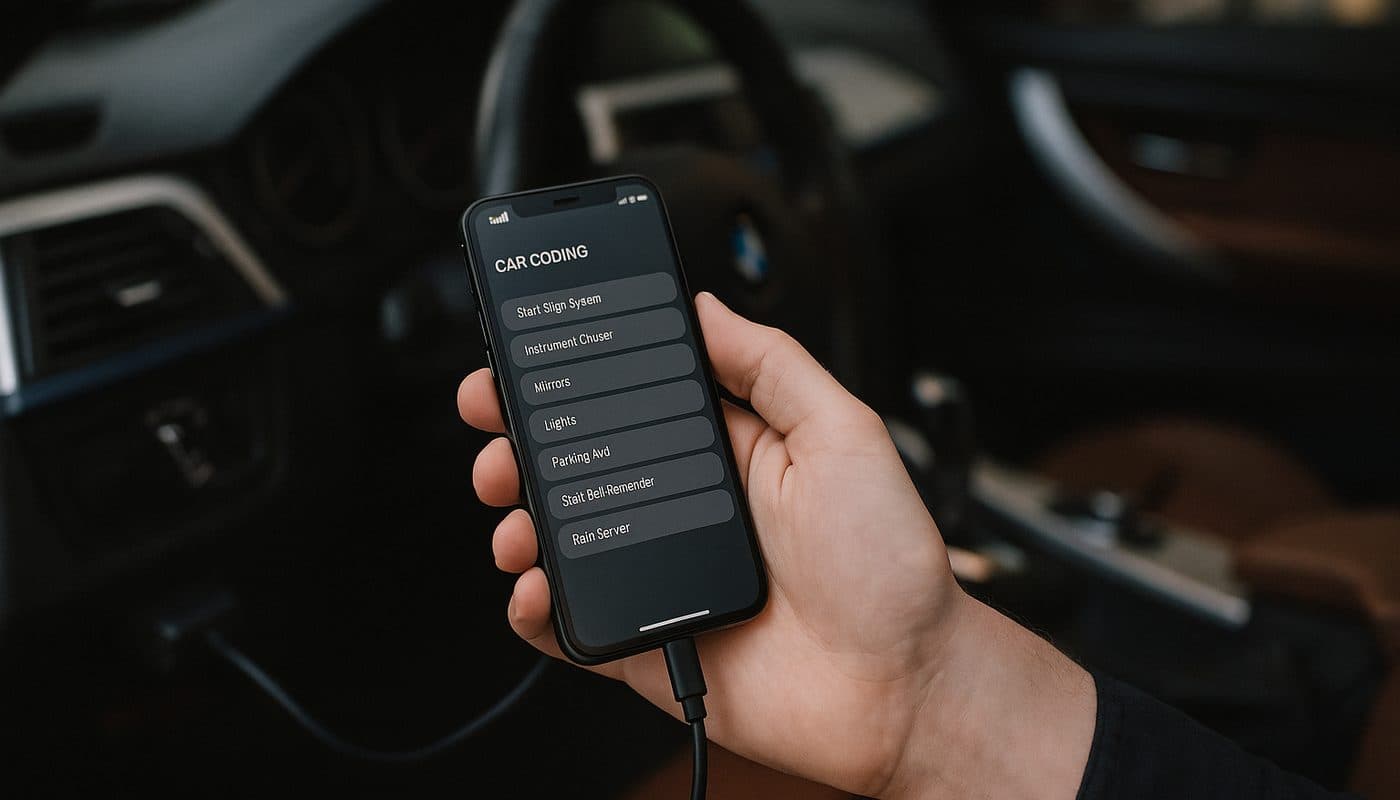
- Connect inside the app. The CX is Bluetooth Low Energy only. In BimmerCode, go to Settings > Adapter and pick OBDLink CX. Do not hunt for it in your phone's Bluetooth settings first, especially on iPhone.
- Toggle Bluetooth off and on, then unplug and reseat the adapter.
- Restart the phone. The single most reported fix in user threads for "it paired once and then the connection drops" is a full phone restart.
- Kill other OBD apps. OBDLink support notes that a phone busy with other Bluetooth or BLE devices can block the connection. Two OBD apps fighting for one adapter is a common cause.
If you are still stuck, work through the full checklist below. I wrote it in the order I actually diagnose, cheapest check first.
Step by step checklist
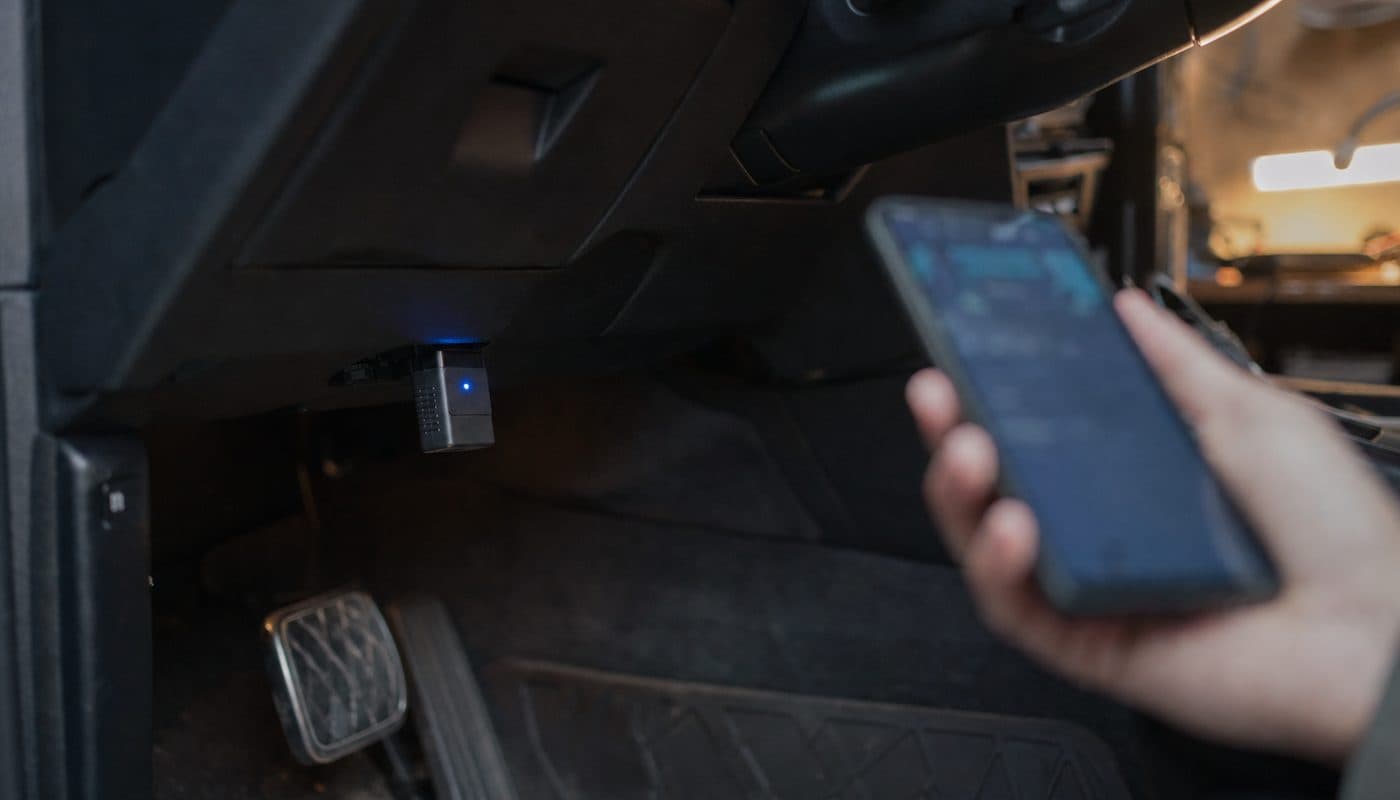
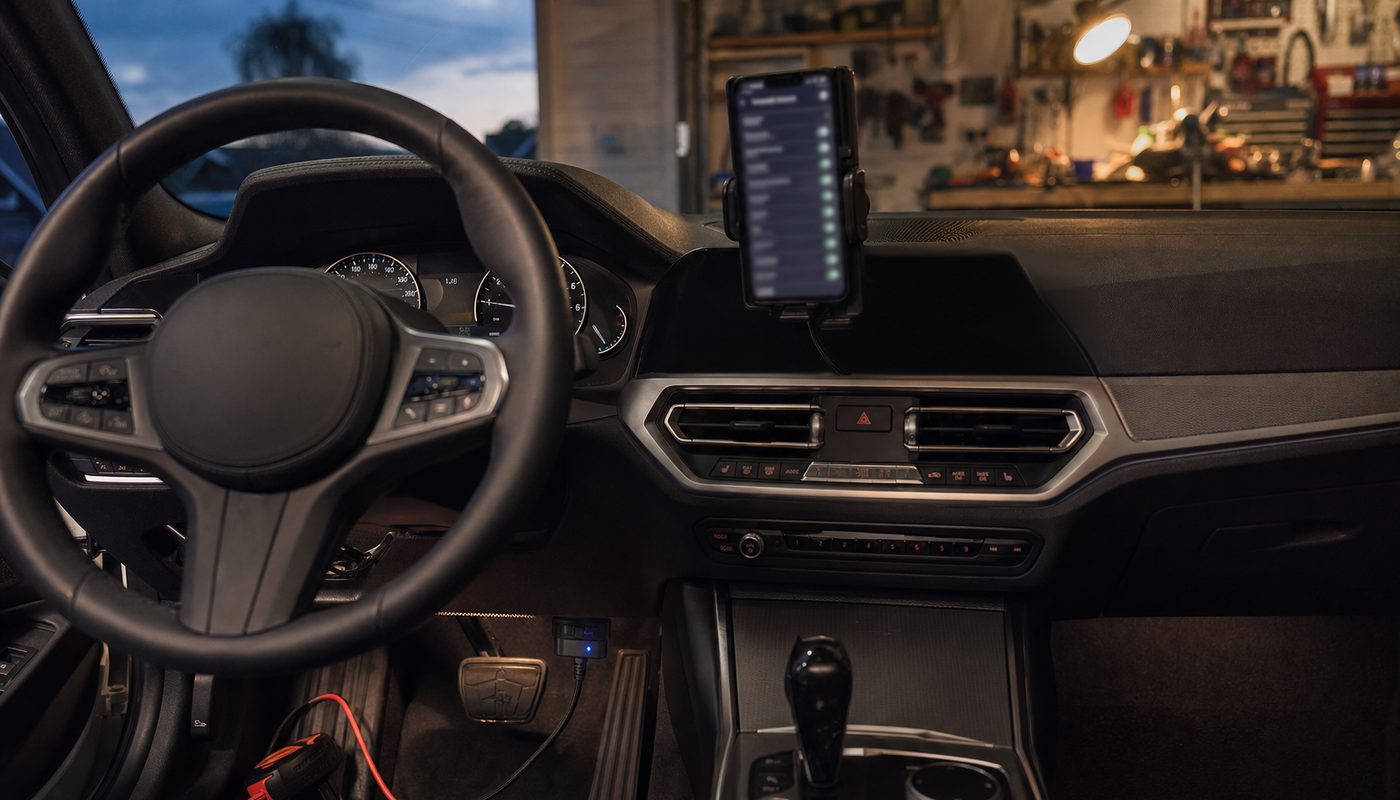
- Confirm the adapter is seated. The BMW port sits low on the driver's side and the CX is small. Push it home. One forum report I saw turned out to be a physical fit issue misread as a connection problem.
- Turn the ignition on and leave it on for the whole session. On my G20 that means Start button, no brake. Do not let the car go to sleep while you are fiddling with the phone.
- Wait up to a minute before deciding the adapter is invisible.
- Check Bluetooth is on and that the app has Bluetooth permission.
- Check Location permission. Several guides note BLE discovery needs location enabled for the app. This trips up more people than anything else, and it applies to both platforms.
- Select the adapter type in the app. BimmerCode wants OBDLink CX chosen under Settings > Adapter. If you left it on a generic setting, fix that before doing anything else.
- Forget any old pairing. If the CX appears in your phone's system Bluetooth list from an earlier attempt, delete it, then reconnect from inside the app.
- Close every other OBD or car app running in the background, including the OBDLink app if you are trying to use BimmerCode.
- Restart the phone. Yes, really. Do this before you blame hardware.
- If you use the OBDLink app, set the OBD protocol to Automatic and disable "Start with Last Connected Protocol" if detection is failing.
- Try a second phone. If the CX connects to a different device, the problem is your phone, not the adapter or the car.
If you get through all eleven steps and still have nothing, jump to the genuine-adapter section below, then to the swap section. For the general setup flow I use, see the OBDLink and BimmerCode coding guide.
iPhone specific
iPhone owners cause themselves the most grief by treating the CX like a speaker. It is not a classic Bluetooth device. You do not pair it in Settings. You open BimmerCode or BimmerLink, choose OBDLink CX as the adapter type, and tap Connect. The app does the BLE handshake.
If iOS asks for Location permission when the app first tries to scan, allow it. Denying it is the quickest way to an adapter that never shows up.
The other iPhone pattern I see is a connection that works on day one and then drops immediately after pairing on the next drive. The reported fix is a phone restart, and in my experience that holds. Forget the device if it appears anywhere in system Bluetooth, restart, then reconnect from within the app.
People ask me whether a particular iOS version broke the CX. I have not found a solid, source-backed list of iOS regressions for this adapter, so I treat those claims as unconfirmed. Keep the app updated and move on.
Android specific
Android is looser about how you get connected. The app-based flow is still the normal route for the CX, but Android is much stricter about permissions. You need Bluetooth and, in most cases, Location granted to the app before the scan will return anything. Check both in the app's permission page, not just the Bluetooth toggle.
Some generic Android guides tell you to pair in system Bluetooth settings first. That advice is written for classic Bluetooth adapters in general. It is not consistently shown to be necessary for the CX's BLE workflow. My approach is to try the in-app connection first, and only pair at system level if the app documentation for your specific app calls for it.
If a system pairing already exists from an earlier attempt and the app cannot connect, delete that pairing and start fresh from inside the app. Stale entries confuse things.
As with iOS, I have no confirmed evidence of Android 14 or 15 specific bugs with the CX. Anyone telling you a particular Android release "broke" it is speculating unless they can point to a source.
When the problem is the car not the adapter
This is the part most troubleshooting guides skip, and it is where I spend most of my time on G-series cars.
Low voltage
Coding writes need stable power. Multiple guides flag low voltage as a common cause of failed sessions, and one BMW guide calls voltage dropouts during writes a major cause of bricked modules. That is not the adapter's fault. If your battery is tired or you have been sitting with the ignition on and the radio playing for twenty minutes, expect trouble. Turn off accessories, get the car into a stable state, and if you are doing anything beyond reading codes, consider a charger or maintainer on the battery. If the battery is on its way out anyway, the battery registration guide covers what comes after replacing it.
Ignition state
If the car drops into sleep mid-session, the adapter loses the bus and the app reports a disconnect. That looks like a Bluetooth failure but it is not. Keep the ignition on for the whole job.
Secure Gateway limits on G-series
The CX works with BimmerCode on G-series cars, and reviews specifically mention the G20 and G05 as examples where it handles Secure Gateway authentication better than cheaper adapters. It is not a universal key. Secure Gateway blocks are function-specific, not adapter-specific. The adapter can connect perfectly and a particular option still refuses to code. One source says some G-series ECUs require an ENET connection rather than Bluetooth, with the head unit called out as the example. Another warns that pushing past what Secure Gateway allows can trigger faults that need ISTA to clear.
Coverage is also a moving target. What BimmerCode supports on a given chassis and ECU changes with app versions. I have not found a source-backed firmware version requirement for the CX on G-series coding, so if someone quotes one, ask where it came from.
Modules missing
A Reddit thread from a G20 330i owner showed exactly this: BimmerCode connected, but expected modules were not listed. That is a car and app support question, not an adapter fault. Before you return the CX, check whether your specific chassis, ECU, and function are supported in the current BimmerCode release.
Symptom table
Here is how I sort the complaints that land in my inbox.
| Symptom | Most likely cause | Fix |
|---|---|---|
| Adapter never appears in app | Waited under a minute or Location permission denied | Wait 45 to 60 seconds and grant Location and Bluetooth permissions |
| Connects once then drops after pairing | Phone Bluetooth stack in a bad state | Forget device if present and restart the phone |
| Adapter visible but app says connection failed | Wrong adapter type selected | Set Settings then Adapter to OBDLink CX in BimmerCode |
| Disconnects part way through a session | Car went to sleep or voltage dropped | Keep ignition on and turn off accessories |
| Connected but modules are missing | Chassis or ECU not supported in current app version | Check BimmerCode support for your car and function |
| Connected but a coding option refuses to write | Secure Gateway block on G-series | Accept the limit or use ENET where that ECU requires it |
| Works on one phone but not another | Phone permissions or a competing OBD app | Fix permissions and close other OBD apps on the failing phone |
Adapter never appears in app
- Most likely cause
- Waited under a minute or Location permission denied
- Fix
- Wait 45 to 60 seconds and grant Location and Bluetooth permissions
Connects once then drops after pairing
- Most likely cause
- Phone Bluetooth stack in a bad state
- Fix
- Forget device if present and restart the phone
Adapter visible but app says connection failed
- Most likely cause
- Wrong adapter type selected
- Fix
- Set Settings then Adapter to OBDLink CX in BimmerCode
Disconnects part way through a session
- Most likely cause
- Car went to sleep or voltage dropped
- Fix
- Keep ignition on and turn off accessories
Connected but modules are missing
- Most likely cause
- Chassis or ECU not supported in current app version
- Fix
- Check BimmerCode support for your car and function
Connected but a coding option refuses to write
- Most likely cause
- Secure Gateway block on G-series
- Fix
- Accept the limit or use ENET where that ECU requires it
Works on one phone but not another
- Most likely cause
- Phone permissions or a competing OBD app
- Fix
- Fix permissions and close other OBD apps on the failing phone
Check that your adapter is genuine
Clones with copied box art exist on Amazon and eBay. A fake will connect badly or not at all and you will waste an evening blaming your phone.
- Price. The CX typically sits in roughly the $75 to $100 range. A listing well below that is a red flag.
- Seller. Buy from the OBDLink or ScanTool.net storefront or an authorized seller. Random marketplace sellers are where the clones live.
- Packaging. Sealed, original OBDLink branding. Reprinted labels, generic boxes, or "compatible with OBDLink" wording are suspicious.
- App identity. Connect with the OBDLink app and confirm it reports an OBDLink device. A generic or unknown identity is a strong warning.
- Firmware update. Genuine units update through the vendor app. Clones commonly cannot.
- Listing language. "Super mini," "ELM327 v2.1," and "works with all cars" belong to the clone market, not to the CX.
If the seller cannot tell you who made it, what firmware it runs, and that it is sealed in original packaging, do not treat it as genuine. The rest of the buying picture, including fair price and alternatives, is in our OBDLink CX review.
When to give up and swap adapters
Give up on the CX when the problem is scope, not connection. Three situations come up repeatedly.
You need an ECU that wants ENET. On G-series cars, some ECUs, the head unit being the cited example, need an Ethernet connection rather than any Bluetooth adapter. No amount of troubleshooting changes that. Buy an ENET cable for that job and keep the CX for everything else.
You want apps the CX does not support. The CX ecosystem is narrow by design. BimmerCode, BimmerLink, and the OBDLink app are confirmed. One review lists Car Scanner ELM as compatible. Torque Pro is called not compatible in one detailed review, though another comparison table lists it, so I treat it as unconfirmed at best. Carly support is unconfirmed and likely unsupported given Carly's own hardware ecosystem. If you want a wider app list, the MX+ is OBDLink's broader multi-brand adapter. I break down the trade-offs in CX versus MX+.
You have a non-BMW in the household. The CX is a BMW, MINI and Supra adapter first, and coverage beyond that is thin. For the wider field of options, see the BimmerCode adapter comparison.
What should not make you swap: a single dropped connection, a slow first discovery, or a permission prompt you dismissed. Those are phone problems, and a new adapter inherits them. For the full picture of what the adapter does and does not do, see the full review.

OBDLink CX Bluetooth 5.1 OBD2 Adapter for BimmerCode
$79.95
Short answers to the questions I get most
Can I leave it plugged in? OBDLink says its adapters use BatterySaver low-power mode and are safe to leave installed. I have not seen a strong pattern of drain complaints for genuine units; the drain horror stories are mostly cheap ELM327 clones. If the car sits for months, unplug it anyway.
Does it work on E-series? E90 sessions are reported working by third-party testers. E46 support is not confirmed by a primary source in anything I have seen, so treat it as unconfirmed.
Can the adapter brick a module? No source blames the CX itself. The risk described is low voltage or an interrupted write. Stable power matters more than the adapter brand.
Do I need an OBDLink account or subscription? Nothing I have found indicates one for the hardware. The coding app is a separate purchase.
Can I just read and clear codes with it? Yes, with BimmerLink or the OBDLink app. The fault code guide walks through it.
If none of this got you connected, the answer is almost always in the first section. Wait a minute, fix permissions, pick the right adapter in the app, restart the phone. Then come back to the harder stuff.