How to Read and Clear BMW Fault Codes Yourself
Affiliate disclosure. BimmerTalk is a proud partner of the Amazon Associates Program and Turner Motorsport. We may earn a small commission on qualifying purchases through our links, at no extra cost to you. Read the full disclosure.

I get this question probably three times a week, usually from someone standing in their driveway staring at a check engine light that just popped on. "Kamil, do I need to take this to the dealer, or can I figure out what's wrong myself?" And the honest answer, after 15 years of wrenching on these things and a year spent inside BMW and MINI's own service network, is that 90% of the time you can read the fault yourself in about five minutes with a $30-40 adapter and your phone.
The problem is that most of the advice floating around forums and YouTube is either outdated, aimed at Fords and Chevys, or written by someone who's never actually popped a hood on an E90. BMW splits its diagnostics across a dozen-plus modules, and a generic auto parts store scanner only sees a sliver of what's actually going on in your car.
So let's do this properly. Where the port actually is, what generic OBD2 can and can't see, the exact phone-plus-app workflow I use on my own G20 330i and on customer cars, and the part nobody talks about honestly, which is when clearing a code is a fine idea and when it's just hiding a problem that's going to come back and bite you on the highway.
Driver footwell, above pedals
OBD2 Port Location
20-plus
Modules On A Typical G20
Powertrain only
Generic OBD2 Coverage
$40
BMW-Capable Tool Starts Around
Where The BMW OBD2 Port Actually Lives
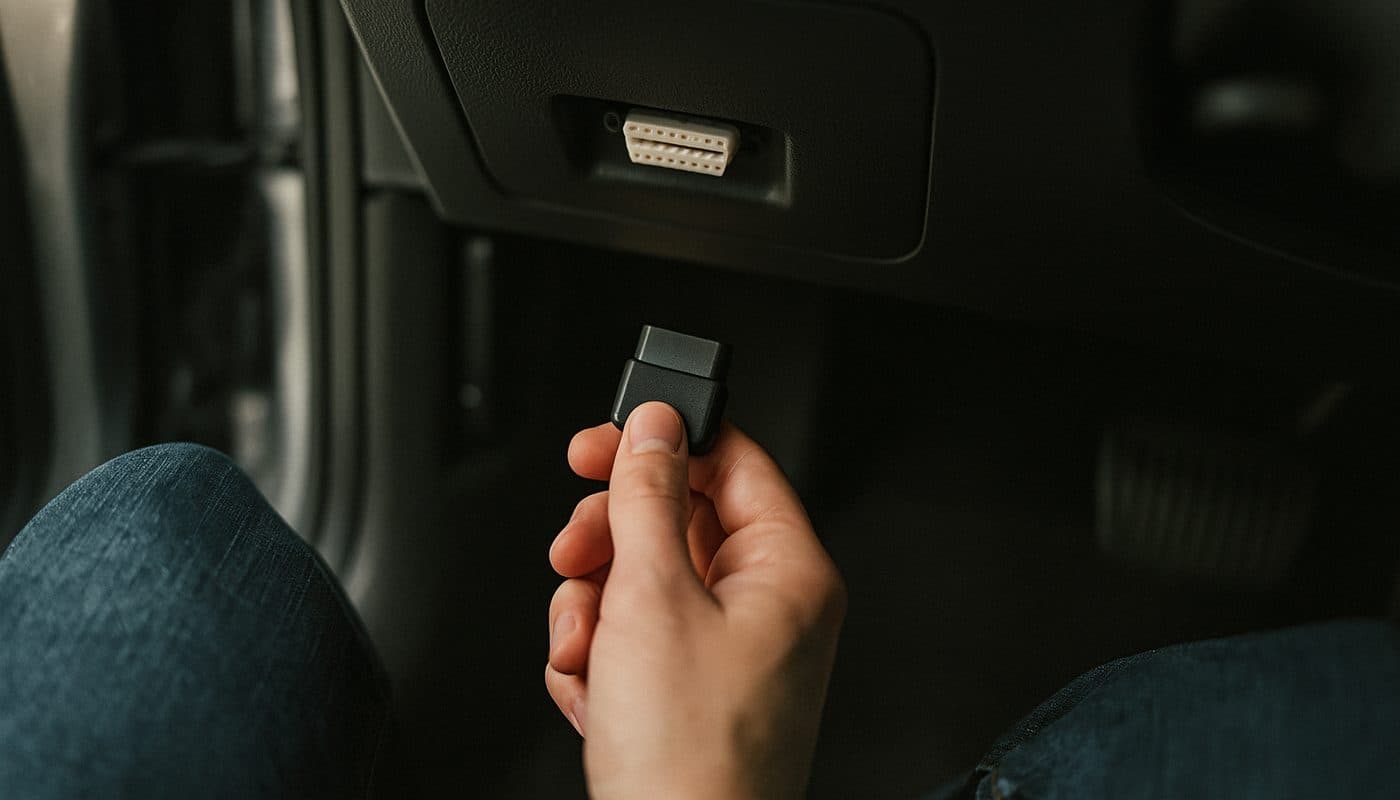
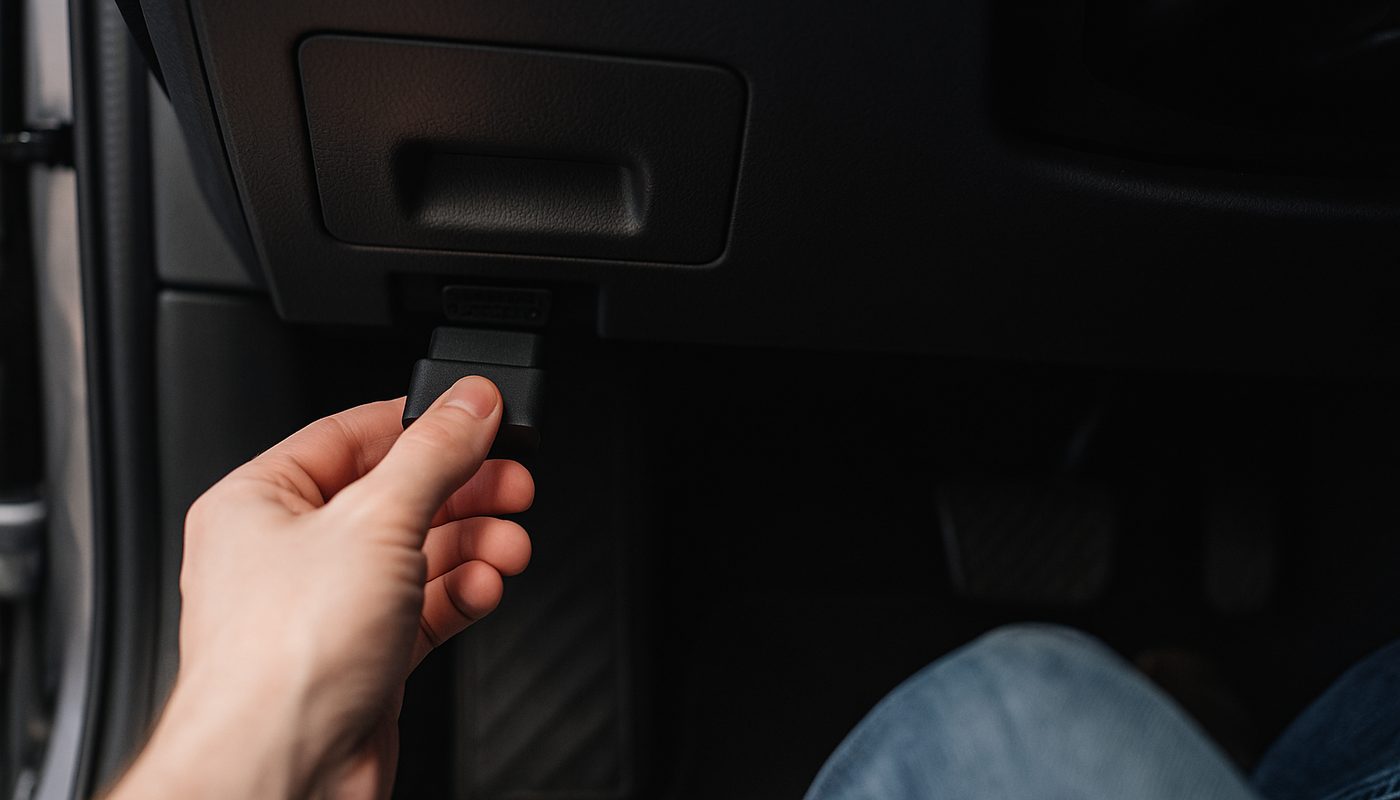
Every car sold in the US since 1996 has a 16-pin OBD2 port, and BMW puts theirs in basically the same spot across three decades of cars. It's under the dash on the driver's side, tucked up above the pedals and just below the steering column. On most E9x, F-series, and G-series cars there's a small plastic flap or trim panel covering it, sometimes labeled, sometimes not. Get down on your knees, shine a phone flashlight up under there, and you'll find it. On an X5 or X3 it's in the same relative spot even though the dash shape is different.
That physical connector hasn't changed in the OBD2 era, which is the one universal part of this whole process regardless of whether you're plugging in a $15 eBay dongle or a $300 Autel unit.
Generic OBD2 Versus BMW-Specific Modules
Here's the part that trips people up and honestly the reason this article exists. Every car has to support "generic" OBD2 codes for emissions compliance, the classic P0xxx codes like P0300 for a random misfire or P0171 for a lean fuel trim. A $15 Bluetooth dongle from Amazon plus a free app will read those fine. That's genuinely useful and it's step one in any check.
What Generic Codes Actually Catch
Misfires, fuel trim issues, catalytic converter efficiency codes, oxygen sensor faults, evap system leaks. If your check engine light is on and it's purely an engine/emissions thing, a cheap generic scanner will usually get you a code and a rough idea of what's wrong.
What Only BMW Modules See
Now here's where BMW gets weird compared to a Honda or a Toyota. Your G20 has somewhere north of twenty separate control modules, DME for engine management, DSC for stability and ABS, EGS for the transmission, FRM for the body/lighting electronics, CAS or FEM/BDC for keyless entry and security, plus airbag, steering angle, and a handful more depending on options. A generic OBD2 scan only talks to the powertrain module and maybe grabs a couple emissions-related things from adjacent systems. It has zero visibility into DSC faults, transmission adaptation issues, airbag codes, or most of the electrical gremlins that actually plague these cars as they age.
That "drivetrain malfunction" message on your iDrive screen is a perfect example. It's not a diagnosis, it's BMW's generic way of saying "something affecting torque delivery tripped a fault," and it could be a dozen different root causes across three different modules. Generic OBD2 can't tell you which. This is exactly why I wrote a separate piece on why generic OBD2 misses BMW codes if you want the deeper technical breakdown.
The Phone Adapter Plus App Workflow
This is the workflow I actually use, on my own 330i and on friends' cars when they call me over. It takes longer to explain than to do.
What You Need
A Bluetooth or Wi-Fi OBD2 adapter that's actually BMW-compatible (not every cheap one talks to the BMW-specific modules, this matters a lot, more on that below), and an app on your phone. BimmerLink and BimmerCode are the two I recommend most, Carly is a solid alternative if you want a more polished subscription experience, and I've laid out that comparison in Carly vs BimmerCode if you're torn between them.
The Actual Steps
Turn the ignition to the on position, engine off is fine and is what most apps want for a code read. Plug the adapter into the port under the dash. Open the app, let it pair over Bluetooth, and run a full system scan rather than just the engine module. Read the generic codes first since those are usually the most straightforward, then go through each BMW module one at a time. Write down or screenshot everything before you clear anything, including any freeze-frame or live data the app captured at the moment the fault triggered. Only after you've got that record should you even think about clearing.
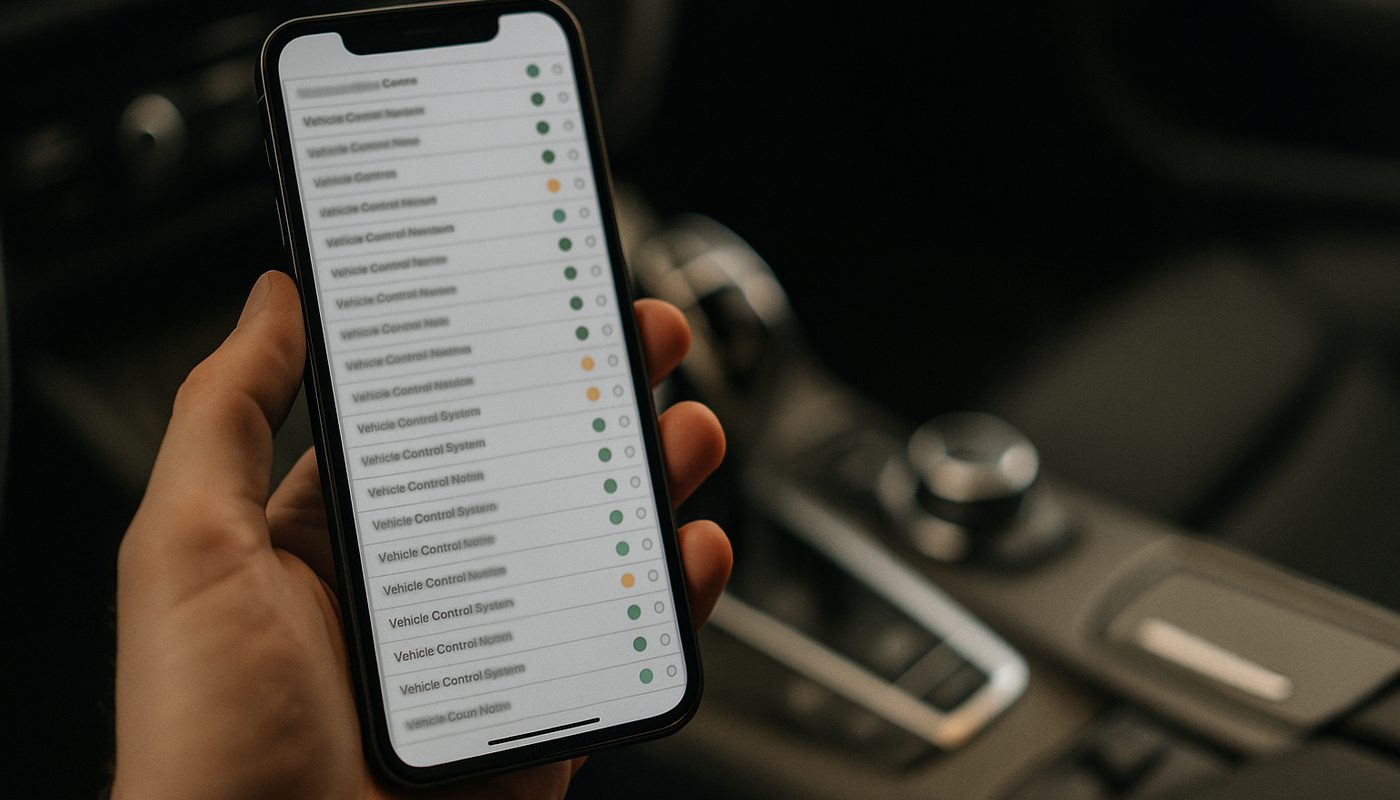
Once you've done a full scan you re-drive the car for ten or fifteen minutes covering a mix of city and highway speeds, then scan again. If a code comes back, it's real and current. If it doesn't, it was likely a one-time event. That second scan is the step almost everyone skips, and it's the single most useful habit I can hand you in this whole article.
If coding features and hidden menus interest you beyond just fault reading, that's a different rabbit hole entirely and I've got the full walkthrough in the step-by-step coding guide, plus a breakdown of which coding tool to buy if you want to go further than just fault codes.
BMW Fault Codes Explained
BMW fault codes and their meaning break down into two families you'll actually deal with day to day, the generic five-character P/B/C/U codes shared across the industry, and BMW's own internal fault memory codes which are usually a short alphanumeric string tied to a specific module. A bmw fault code lookup tool is genuinely useful here because memorizing a bmw fault codes list is not a realistic goal for a daily driver owner, and honestly I don't have them all memorized either after 15 years of this. I look them up same as you.
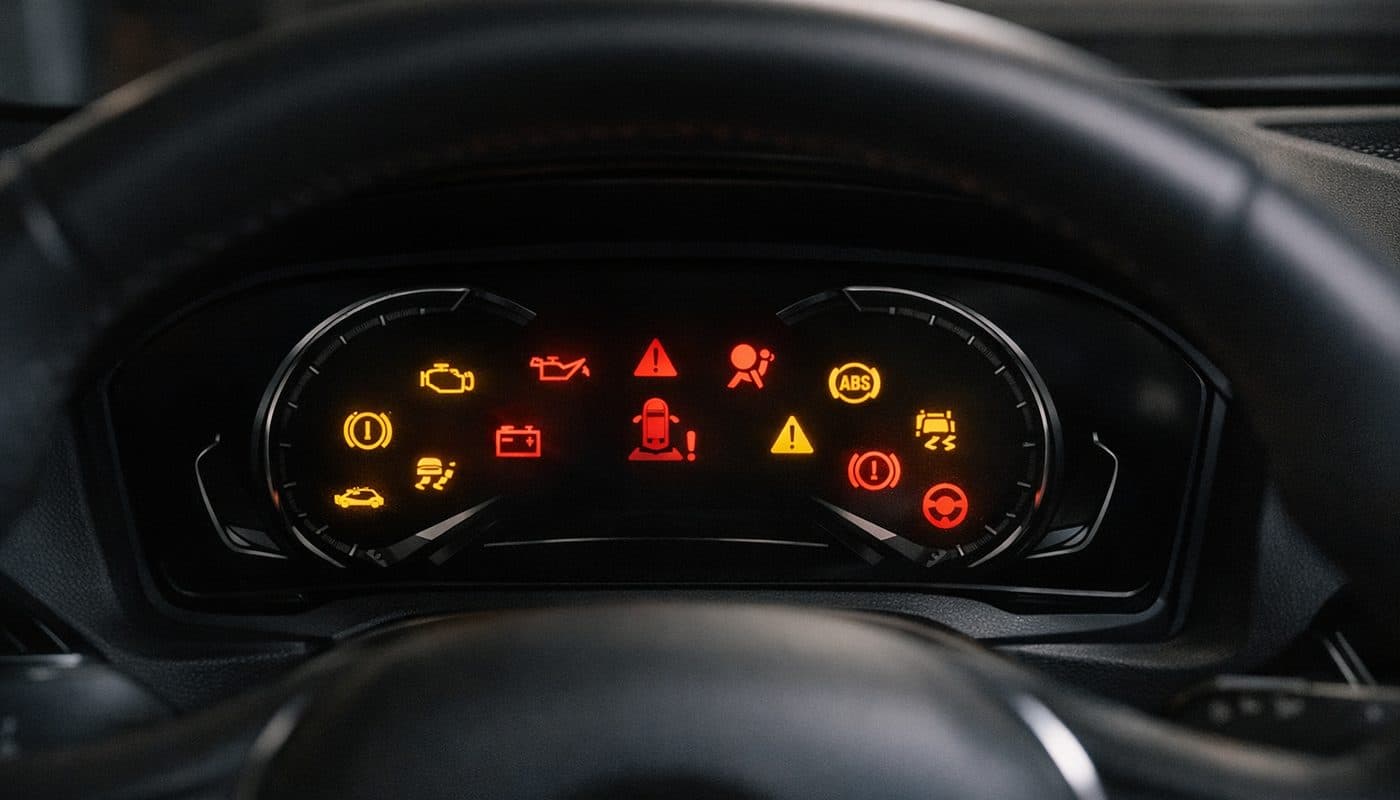
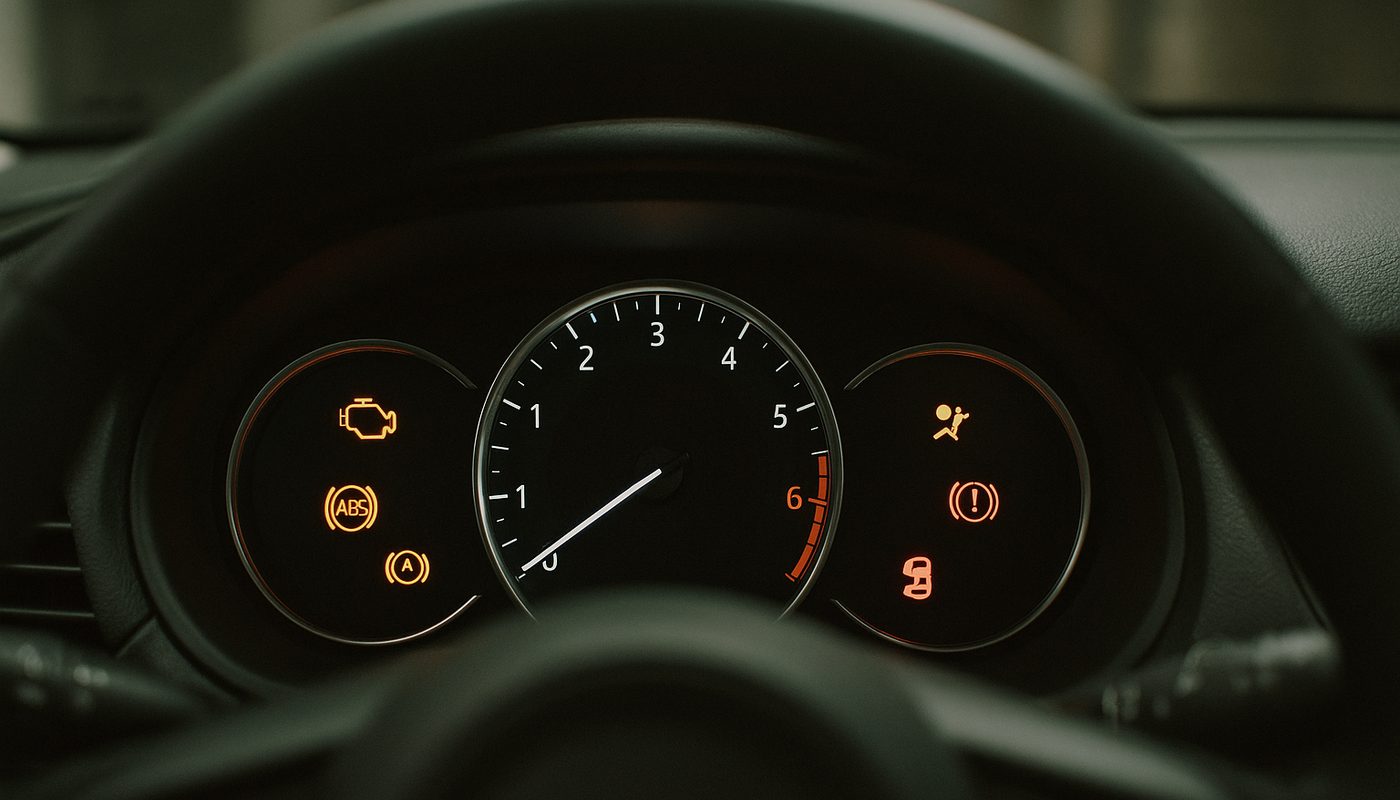
The dashboard symbols themselves are worth knowing at a glance even before you plug anything in, because they tell you roughly how urgent the situation is.
| Warning Shown | What It Usually Means | What To Do Next |
|---|---|---|
| Check Engine Light | Engine or emissions fault, often a P0xxx code | Read generic codes first, then scan BMW modules |
| Drivetrain Malfunction | Not a diagnosis, just BMW's flag that torque delivery is affected | Full module scan needed to isolate the actual cause |
| DSC Light Steady | Dynamic Stability Control has logged a fault | Check DSC and ABS module codes specifically |
| DSC Light Flashing | System actively intervening for low grip, not itself a fault | Usually normal in wet/snow, check tires if it happens on dry pavement |
| Brake Warning | Could be parking brake status, low fluid, or an electronic brake fault | Check fluid level immediately, then scan the brake module |
Check Engine Light
- What It Usually Means
- Engine or emissions fault, often a P0xxx code
- What To Do Next
- Read generic codes first, then scan BMW modules
Drivetrain Malfunction
- What It Usually Means
- Not a diagnosis, just BMW's flag that torque delivery is affected
- What To Do Next
- Full module scan needed to isolate the actual cause
DSC Light Steady
- What It Usually Means
- Dynamic Stability Control has logged a fault
- What To Do Next
- Check DSC and ABS module codes specifically
DSC Light Flashing
- What It Usually Means
- System actively intervening for low grip, not itself a fault
- What To Do Next
- Usually normal in wet/snow, check tires if it happens on dry pavement
Brake Warning
- What It Usually Means
- Could be parking brake status, low fluid, or an electronic brake fault
- What To Do Next
- Check fluid level immediately, then scan the brake module
Read Bimmerpost or e90post long enough and you'll see people posting bmw fault codes pdf files and old bmw e90 fault codes list threads from a decade ago. Those aren't wrong exactly, but codes and their descriptions do shift slightly across model years and module software versions, so a live lookup against your actual chassis is more reliable than an old forum PDF. That's the whole reason we built a free BMW fault code lookup tool, so you can paste in what you found and get a plain-English answer without digging through a decade-old forum thread.
Reading Versus Clearing - Don't Just Make The Light Go Away
This is the section that actually matters more than the tool you buy. Clearing a code is not the same thing as fixing the problem, and I cannot count how many cars have come through my hands where someone cleared a fault, drove happily for two weeks, and then had a much bigger failure because the underlying issue never went away, it just stopped announcing itself.
Clearing is genuinely fine and appropriate in a few specific situations. A loose gas cap that triggered an evap code, then you tightened it and want the light gone. A brief low-voltage event, like your battery got jump-started or you had the trunk open with accessories running for too long. A component you already repaired and you're clearing the code as confirmation. In all of these, you've already saved the code, confirmed the symptom is gone, and you're clearing to reset the system, not to hide anything.
When Clearing A Code Hides A Real Problem
The flip side is any active drivetrain malfunction, DSC, ABS, or brake warning where the symptom is still present when you clear it. If the car is in limp mode, misfiring under load, running hot, or showing reduced power, clearing that code does nothing except turn off the light temporarily while the actual mechanical or electrical problem keeps ticking away underneath. The tell here is simple, if the code comes right back after you clear it and drive a few miles, that fault is current and real, not a stored ghost from three months ago.
I've seen guys clear a DSC fault three separate times over a month because it kept the light off for a week or two each time before returning. Turned out to be a wheel speed sensor with a cracked connector, a $40 part and twenty minutes of labor, versus the anxiety and risk of driving around with degraded stability control for a month while pretending it wasn't happening.
Does Disconnecting The Battery Clear Codes On Modern BMWs
Short answer, not reliably, and it's honestly a bad habit on anything from the E9x era onward. Pulling the battery might reset a few temporary warnings and it will definitely mess with your window one-touch, sunroof initialization, and adaptive transmission or throttle learning, forcing the car to relearn from scratch. But it does not reliably clear stored fault memory in modules like DME, DSC, or EGS on a modern BMW. The fault is written to non-volatile memory in the module itself, and a lot of it survives a battery disconnect just fine, sometimes for weeks or months.
So if your plan is "disconnect the battery, code goes away, problem solved," you're going to be disappointed, and you'll have created a handful of new annoyances (relearning windows, resetting radio presets, sometimes even a CBS service reset going sideways) for a code that's probably still sitting in memory anyway. Proper scan-and-clear with an actual BMW-capable tool is the only method that reliably does what you want.
Which Tool Should You Actually Buy
I get asked this constantly and the answer genuinely depends on what you're trying to do, which is why I put together a full scanner roundup covering all five tiers. But here's the short version for someone who just wants to read and clear codes without overthinking it.
| Tool Tier | What It Actually Reads | Rough Street Price |
|---|---|---|
| Cheap generic Bluetooth dongle | Generic P0xxx powertrain codes only | around $15-25 |
| BMW-capable adapter plus app | Engine, DSC, ABS, transmission, body modules | around $40-100 |
| Prosumer bidirectional scanner | Full system scan plus actuation and coding | around $150-350 |
| BMW ENET cable plus laptop software | Full factory-level diagnostics and deep coding | around $30-60 for the cable |
Cheap generic Bluetooth dongle
- What It Actually Reads
- Generic P0xxx powertrain codes only
- Rough Street Price
- around $15-25
BMW-capable adapter plus app
- What It Actually Reads
- Engine, DSC, ABS, transmission, body modules
- Rough Street Price
- around $40-100
Prosumer bidirectional scanner
- What It Actually Reads
- Full system scan plus actuation and coding
- Rough Street Price
- around $150-350
BMW ENET cable plus laptop software
- What It Actually Reads
- Full factory-level diagnostics and deep coding
- Rough Street Price
- around $30-60 for the cable
For most people asking "how to read bmw fault codes" for the first time, I point them at OBDLink adapters because they're genuinely reliable at the Bluetooth handshake, which sounds trivial until you've dealt with a cheap dongle that drops connection mid-scan. The OBDLink MX+ is my go-to recommendation across the board.

If you're on an iPhone or running a newer G-series car, the CX version pairs a little better with certain apps, and I break down exactly which one to grab in OBDLink CX versus MX+.

OBDLink CX Bluetooth 5.1 OBD2 Adapter for BimmerCode
$79.95
If budget is genuinely tight and you just want something that reads BMW modules properly without spending $80, the Vgate vLinker BM has become my default value recommendation, and I go deeper on it in the standalone review.

Vgate vLinker BM+ OBD2 Bluetooth Scanner - BMW/Mini BimmerCode
$49.99
And if you truly just want the cheapest possible option to clear a check engine light one time and move on with your life, the Veepeak works fine for that narrow job, just know it won't get you deep into DSC or transmission fault memory the way the BMW-specific adapters do.

Veepeak OBDCheck BLE+ Bluetooth OBD2 Scanner - iOS & Android
$41.99
Checking Your Engine Code And Model Code, Not Just Fault Codes
Separate from fault codes entirely, a lot of people search for "engine code" meaning something different, they want to know what engine is actually under the hood, like an N54 versus an N55 versus a B58. BMW model numbers explained simply, the chassis code (E90, F30, G20) tells you the generation and body style, while the engine code (N20, N26, N52, B48, B58, S55) tells you the actual motor, and these don't always map one-to-one across trim levels and model years.
The most reliable free way to check this is your VIN. Every BMW's 17-digit VIN encodes the engine and production data, and our free VIN decoder will spit out your exact engine code, production date, and factory options in a few seconds, no dealer visit needed. Once you've got the engine code confirmed, our oil capacity tool will get you the right spec and quantity for it too, which matters more than people think since BMW has used a handful of different oil specs even within the same engine family.
FAQ
How do I decode a BMW fault code myself?
Plug a BMW-capable Bluetooth adapter into the port under your driver's side dash, open an app like BimmerLink or BimmerCode, and run a full system scan rather than just the engine module. The app will translate the raw code into a description, and if you want a second opinion or more context, paste the code into a dedicated fault code lookup tool.
Can Autozone or a parts store read BMW diagnostic codes?
They can read generic P0xxx powertrain codes with their free scan service, and that's genuinely useful for a basic check engine light. But their scanners almost never talk to BMW-specific modules like DSC, transmission, or body electronics, so a "no codes found" from a parts store loaner tool doesn't mean your BMW is actually clean, it means their tool couldn't see the modules where BMW stores most of its meaningful faults.
What are the most common BMW fault codes?
On the engine side, misfire codes (P0300 series), lean/rich fuel trim codes, and VANOS-related codes show up constantly on the N54 and N20 era engines. On the electrical side, low voltage codes and battery registration faults are extremely common because BMW's electrical system is picky about a properly registered battery. On the chassis side, wheel speed sensor and DSC faults are frequent culprits, especially past 80,000 miles.
How do I check my BMW's engine code, not the fault code?
Pop the hood and look for a badge or stamped code on the engine cover or block, but the fastest and most reliable method is decoding your 17-digit VIN, which encodes the exact engine variant your car left the factory with.
Can I find my engine code using my VIN number?
Yes, this is the most reliable free method. Your VIN's characters encode the engine family, plant, and production date, and a proper decoder will pull the exact engine code rather than a guess based on model year alone, since BMW sometimes ran two different engines in the same model year.
Is there a free way to check BMW fault codes without buying anything?
Some auto parts stores will read generic codes for free, and that covers basic check engine light situations. For BMW-specific module faults you'll need actual hardware, even a cheap $15-25 generic adapter plus a free app gets you further than nothing, though it won't see DSC, transmission, or body module faults the way a proper BMW-capable adapter will.
Which BMW engines should I be wary of?
The early N54 twin-turbo had well-documented high-pressure fuel pump and injector issues, though it's largely sorted by now with aftermarket parts. The N63 V8 from the early 2010s had enough oil consumption and turbo issues that BMW extended warranty coverage on it. Later engines like the B58 and B48 have been considerably more reliable in my experience wrenching on customer cars.
Do I actually need a scanner to clear a code, or will disconnecting the battery work?
Disconnecting the battery is not a reliable way to clear stored fault memory on a modern BMW, it just resets some temporary warnings while potentially creating new annoyances like window and sunroof relearns. A proper scan-and-clear with a BMW-capable tool is the only method that actually addresses the stored fault correctly.
The Verdict
Reading your own BMW fault codes isn't some mysterious dealer-only process, it's a $40-100 adapter, a free or cheap app, and about five minutes of patience to do it right instead of just clearing the light and hoping. The generic OBD2 port under your dash is the same on every BMW from the E90 to the current G-chassis cars, the difference is entirely in whether your tool can talk to the twenty-plus modules that actually live inside these cars, not just the engine. My honest advice after doing this professionally and now writing about it full time, spend the extra $20-30 to get a BMW-capable adapter instead of the cheapest generic dongle on Amazon. You'll actually see what's wrong instead of half the picture, and you'll know the difference between a code you can safely clear and one that's telling you something you need to fix first. Drive safe and read before you clear.