Which OBD2 Adapter Do You Need for BimmerCode
Affiliate disclosure. BimmerTalk is a proud partner of the Amazon Associates Program and Turner Motorsport. We may earn a small commission on qualifying purchases through our links, at no extra cost to you. Read the full disclosure.

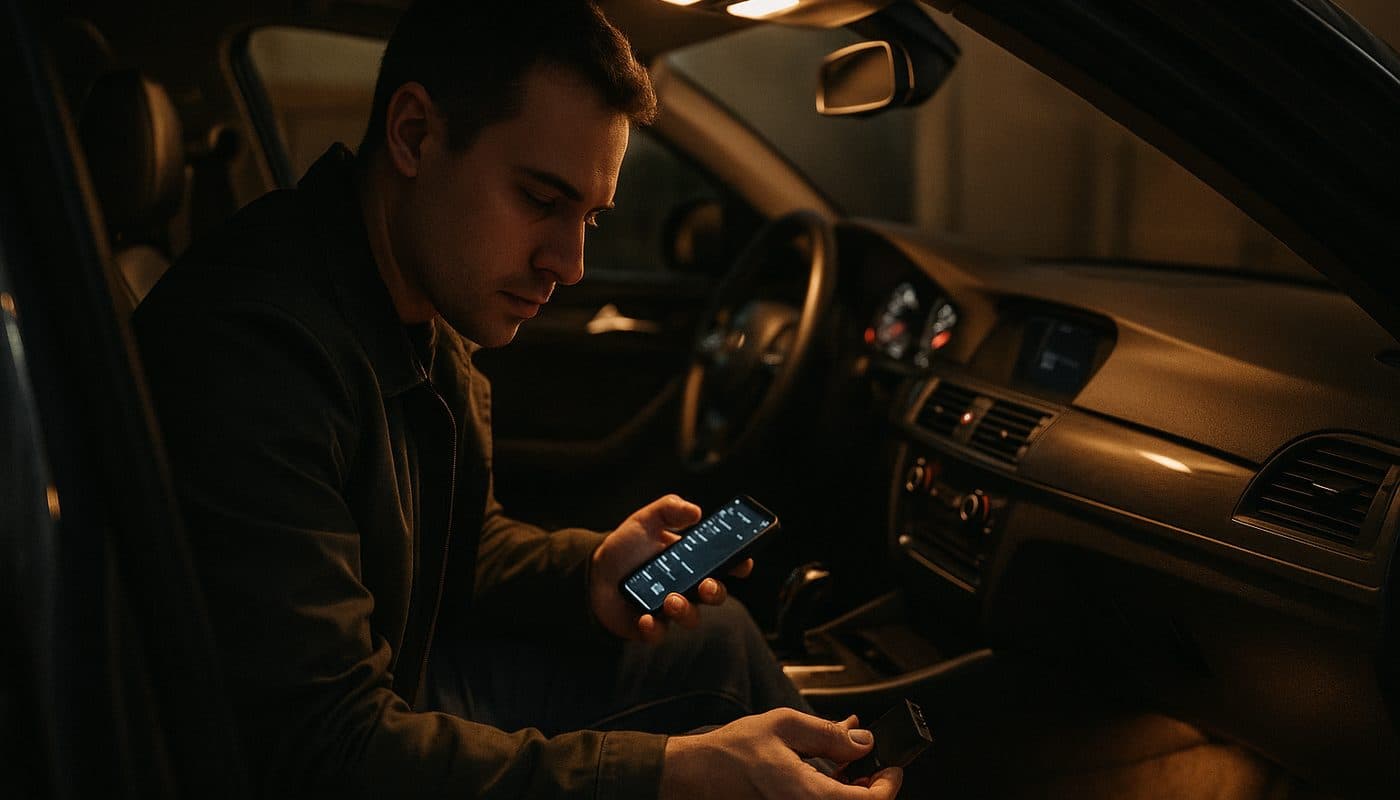
Every week somebody in a BMW forum posts the same question. "Which OBD2 adapter do I need for BimmerCode?" And every week the thread turns into forty replies of guys arguing about a five dollar eBay dongle that "worked fine for me" right up until it bricked somebody's FRM. I've been wrenching on these cars for fifteen years, spent a year on the other side of the counter at a BMW and MINI dealer, and I still daily drive my own G20 330i with BimmerCode installed on my phone right now. So let me save you the scroll.
The short version is that BimmerCode is picky on purpose. It's not being difficult for the sake of it, it's protecting you from bricking a module on a car that costs more to fix than the adapter ever saved you. The long version is what actually matters though, because "picky" changes depending on whether you're on an iPhone, whether your car is a G-series with Secure Gateway, and whether you're trying to save twelve bucks on a clone that looks identical to the real thing in the product photo.
This is the guide I wish existed before I burned an afternoon last year helping a buddy troubleshoot why his brand new G05 X5 wouldn't talk to BimmerCode at all, using an adapter that worked perfectly on his old E90. Spoiler, it's a Secure Gateway problem and we'll get to it.
4
BimmerCode Supported Adapters
~$49.99 one-time
Full Version Price (iOS)
None
Cheap Clone Support
OBDLink CX
G-Series Secure Gateway Pick
The Short Answer - Which OBD2 Adapters BimmerCode Actually Supports
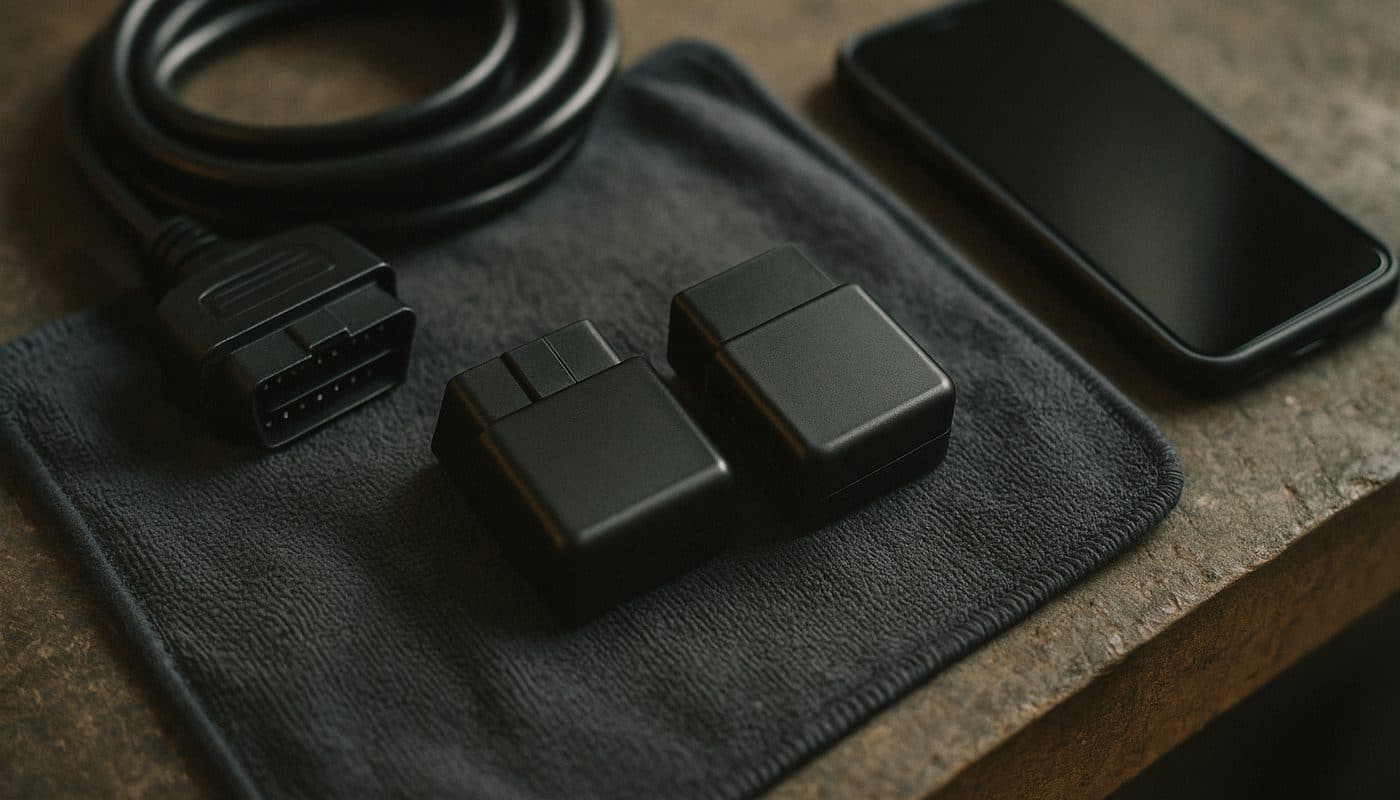
BimmerCode maintains an official supported list, and it's short by design. Four adapters make the cut for BMW and MINI coding work in 2026: the OBDLink CX, the OBDLink MX+, the Vgate vLinker BM, and the Veepeak OBDCheck BLE+. That's it. Everything else is either untested, unreliable, or flat out rejected by the app when it tries to open a session with your car's modules.
I know that's not the answer people want when they've already got a random ELM327 dongle sitting in a drawer from some other project. But this isn't like reading generic fault codes where any $8 clone will pull a P0300. Coding writes values directly into modules like the FEM, CAS, DME, or EGS, and if the connection drops mid write because the adapter's Bluetooth stack is garbage, you can end up with a module that won't initialize properly. That's a tow truck and a dealer visit, not a "just try again" situation.
Why Not "Any OBD2 Adapter" Works
The question I get constantly is basically "does BimmerCode work with any OBD2 adapter" and the honest answer is no, and it's not close. Generic OBD2 tools are built for reading and clearing fault codes, a one way, low stakes conversation with the car. Coding is a two way conversation where the app needs to hold a stable session open, sometimes for several seconds, while it pushes a new value into a control unit's configuration. Cheap chipsets choke on that. The official four adapters have Bluetooth firmware and chip level support that's been specifically validated against BimmerCode's protocol handling, and BimmerCode's own developers have said as much in their documentation.
Why Cheap ELM327 Clones Get Blocked
Let's talk about the clones directly because this is where most people get burned. Walk into any big marketplace and search "ELM327 Bluetooth" and you'll get two hundred listings, most of them the same board with different stickers, priced anywhere from six to twenty bucks. Some of them will physically pair to your phone. Some of them will even open in BimmerCode and show you a menu. Then halfway through writing a coding change, the connection drops and you're staring at an error, or worse, a module that's now in a half written state.
The core issue is the ELM327 chipset itself, or more accurately, the fake versions of it. Real ELM327 chips from the original manufacturer are licensed and consistent. The clones flooding the market are running reverse engineered firmware that fakes the version string but cuts corners on timing, on buffer handling, and on how it reports back to whatever software is talking to it. Generic scan tools tolerate that sloppiness fine because reading a code is forgiving. Coding is not.
BimmerCode's developers explicitly exclude these clones from their supported list because they can't guarantee consistent behavior across the thousands of different clone revisions out there. It's not snobbery, it's liability. The four adapters they do support use genuine, licensed chipsets with firmware built specifically around stable BLE and classic Bluetooth performance for exactly this kind of write heavy diagnostic work. If you want the deeper rabbit hole on why generic OBD2 tools miss so much on these cars in general, I go through it in why generic OBD2 misses BMW codes.
The G-Series and Secure Gateway Problem
This is the part that trips up newer BMW owners the hardest, and it's the reason my buddy's X5 wouldn't cooperate. Starting with the G-series cars, BMW rolled out something called the Secure Gateway Module, essentially a firewall sitting between the OBD2 port and the rest of the car's network. It exists to stop exactly the kind of unauthorized module access that coding apps rely on, which is a security feature for BMW and an annoyance for us.
On an F30 or an E90, basically any halfway competent Bluetooth adapter can talk directly to the CAN bus through the OBD2 port with no fuss. On a G20, G05, G01, or any current G-series chassis, the adapter has to be specifically capable of authenticating through that gateway before BimmerCode can even see the modules, let alone code them. Not every "supported" adapter handles this identically well in practice, and this is where the OBDLink CX has built its reputation as the go-to for newer chassis coding.
What This Means If You Just Bought a G20, G05, or Newer MINI
If your car is 2018 or newer and wears a G-series chassis code, don't cheap out here. This is the one scenario where I'd tell you to spend the extra twenty or thirty bucks over the budget option without a second thought. I run the OBDLink CX on my own 330i specifically because I don't want to be the guy troubleshooting a failed gateway handshake in a parking lot.

OBDLink CX Bluetooth 5.1 OBD2 Adapter for BimmerCode
$79.95
The iOS BLE Quirk Nobody Explains Well
Here's something that catches people off guard even after they've bought a "supported" adapter. iPhones don't do classic Bluetooth the same way Android phones do for accessory connections like this. Apple's ecosystem essentially requires Bluetooth Low Energy, BLE, for third party hardware like OBD2 adapters, and it won't let an app pair to a classic Bluetooth serial connection the way Android happily does.
So if you're on an iPhone, you need an adapter that specifically speaks BLE, not just "Bluetooth" in the generic sense. Two of the four official adapters nail this cleanly, the OBDLink CX and the Veepeak OBDCheck BLE+, both built around BLE from the ground up. The Vgate vLinker BM and OBDLink MX+ lean more on classic Bluetooth and Wi-Fi style connections that play nicer with Android's more permissive Bluetooth stack.
| Platform | Best Fit Adapters | Why |
|---|---|---|
| iPhone (iOS) | OBDLink CX, Veepeak OBDCheck BLE+ | Native BLE support, pairs reliably with Apple's Bluetooth restrictions |
| Android | OBDLink MX+, Vgate vLinker BM, OBDLink CX | Broader protocol tolerance, classic Bluetooth and BLE both work fine |
| G-Series Secure Gateway | OBDLink CX | Most consistently documented for gateway authentication |
iPhone (iOS)
- Best Fit Adapters
- OBDLink CX, Veepeak OBDCheck BLE+
- Why
- Native BLE support, pairs reliably with Apple's Bluetooth restrictions
Android
- Best Fit Adapters
- OBDLink MX+, Vgate vLinker BM, OBDLink CX
- Why
- Broader protocol tolerance, classic Bluetooth and BLE both work fine
G-Series Secure Gateway
- Best Fit Adapters
- OBDLink CX
- Why
- Most consistently documented for gateway authentication
This is genuinely the number one support question I see in the forums that isn't actually a defective adapter, it's someone on an iPhone with a Vgate vLinker BM that's technically on the list but fighting Apple's Bluetooth permission model the whole time. If you're on iOS, just start with a BLE native adapter and skip the headache.
My Actual Picks After Running These on My Own Cars
OBDLink CX - The One I Run and Recommend for Most People
Street price sits around $75 to $85 depending on where you catch it. This is the adapter I'd point almost anyone toward first, because it checks every box, it's BLE native so iPhone owners have zero drama, it's the most consistently reported adapter for getting through G-series Secure Gateway handshakes, and it's rock solid on older chassis too. I use it on my 330i for both coding sessions and quick diagnostic pulls, and it hasn't dropped a connection on me yet.
OBDLink CX Bluetooth 5.1 OBD2 Adapter for BimmerCode
$79.95
OBDLink MX+ - The Android Power User's Choice
The MX+ is the bigger, more capable sibling in the OBDLink lineup, and it earns its keep if you're planning to do more than just BimmerCode coding down the road, things like live data logging or using it across multiple diagnostic apps on Android. Pricing wasn't clearly nailed down across current listings when I checked, so verify at checkout, but it typically runs a bit above the CX. If you're weighing this against the CX specifically, I break the whole comparison down in OBDLink CX vs MX+ head to head.

Vgate vLinker BM - The Value Pick for Android
Around $50, sometimes less on sale, and it's genuinely good for the money if you're on Android and not fighting a G-series gateway. It's become the unofficial forum favorite for exactly that reason, cheap enough to not sweat, reliable enough that people keep recommending it years after buying one. I wouldn't lean on it as the primary tool for a brand new G05 or G20 owner, but for an F-series or E-series Android user, it's a smart buy. I've got the full rundown in the budget adapter reviewed.

Vgate vLinker BM+ OBD2 Bluetooth Scanner - BMW/Mini BimmerCode
$49.99
Veepeak OBDCheck BLE+ - The Cheapest Legit BLE Option
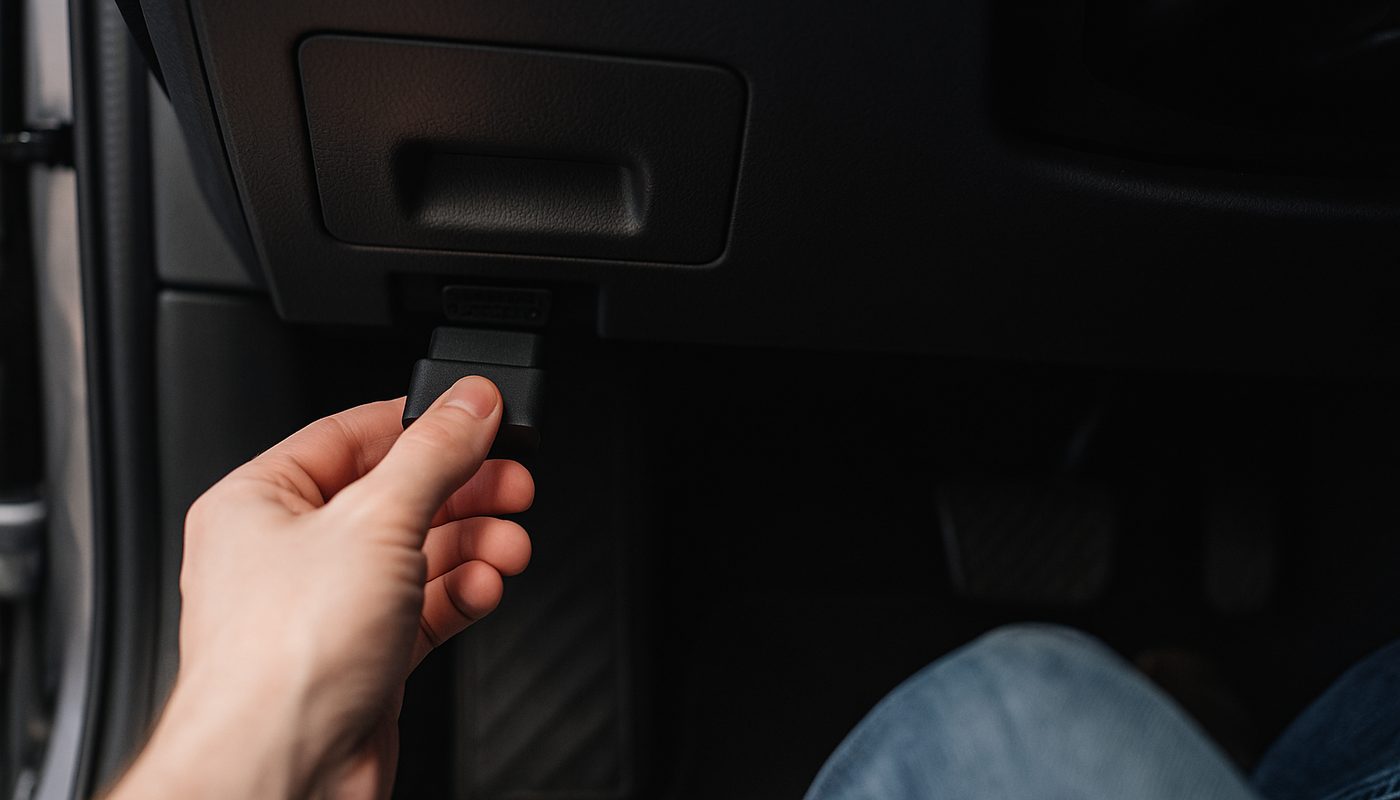
If you're on iPhone and the OBDLink CX price feels steep, this is the fallback that's still actually on BimmerCode's supported list rather than a gamble. It's BLE native so it plays nice with iOS, and it's generally the most affordable of the four official picks. It's not going to out-muscle the CX on the newest Secure Gateway cars, but for most F-series and E-series work it gets the job done.

Veepeak OBDCheck BLE+ Bluetooth OBD2 Scanner - iOS & Android
$41.99
What BimmerCode Itself Actually Costs
Separate from the adapter, you've got to pay for the app, and this trips people up because they assume it's subscription based like a lot of software these days. It isn't. BimmerCode is a free download on both iOS and Android, and you get limited functionality out of the gate, enough to poke around and see what it can see. To actually unlock the full coding feature set for your vehicle, there's a one-time in-app purchase, no recurring monthly charge.
On iOS, the verified current Full Version price sits around $49.99, a single purchase per platform, not per car if you're on the same phone and same app store account. Android pricing wasn't clearly published in what I could confirm, so don't assume the iOS number carries straight over, check the Play Store listing before you buy. Either way, once you own it, you own it, there's no monthly fee hanging over your head the way there is with some competing coding subscriptions.
BimmerCode vs BimmerLink vs OBDeleven - The Quick Detour
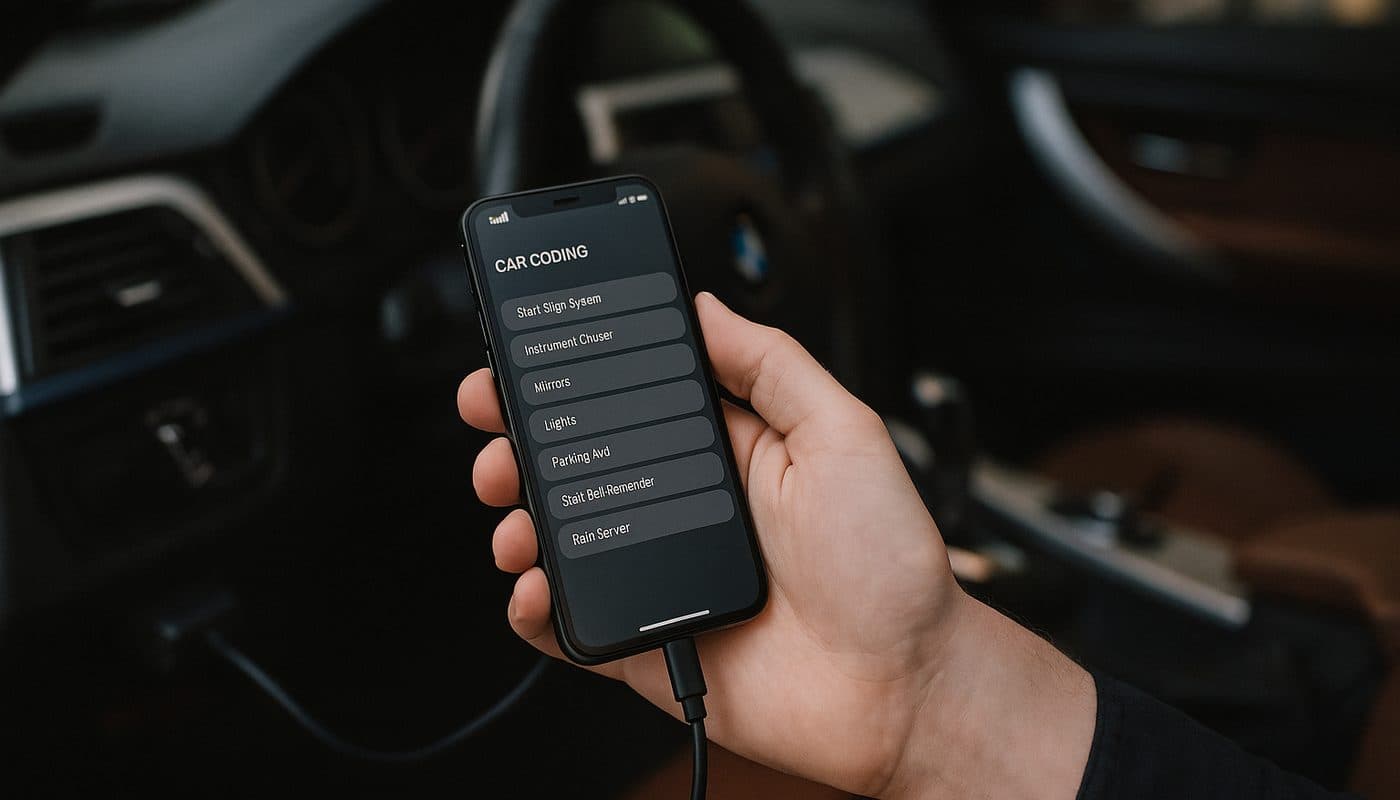
Since I'm already talking adapters, it's worth a beat on the apps themselves, because people conflate BimmerCode and BimmerLink constantly. BimmerLink is the diagnostic reading side of the same publisher's ecosystem, fault codes, live data, service resets. BimmerCode is the coding side, changing hidden feature values. They're built to work with the same adapter hardware, so if you own an OBDLink CX for BimmerCode, it'll happily run BimmerLink too, no need to buy two dongles.
OBDeleven is a different animal entirely, built primarily around the VAG world of VW, Audi, Skoda, and Seat, with BMW support added on more as an afterthought. If you're BMW or MINI only, BimmerCode is the more mature, more purpose-built tool for this platform, and its adapter compatibility list is cleaner because it's not trying to serve five different manufacturers at once. I go deeper on the app side comparison in Carly vs BimmerCode, which covers a lot of the same ground people ask about with OBDeleven too.
| App | Best For | Adapter Needed |
|---|---|---|
| BimmerCode | Coding hidden features on BMW/MINI | OBDLink CX, MX+, Vgate vLinker BM, Veepeak BLE+ |
| BimmerLink | Reading faults, live data, service resets on BMW/MINI | Same adapters as BimmerCode |
| OBDeleven | VAG platform first, BMW support secondary | Its own dedicated Pro adapter |
BimmerCode
- Best For
- Coding hidden features on BMW/MINI
- Adapter Needed
- OBDLink CX, MX+, Vgate vLinker BM, Veepeak BLE+
BimmerLink
- Best For
- Reading faults, live data, service resets on BMW/MINI
- Adapter Needed
- Same adapters as BimmerCode
OBDeleven
- Best For
- VAG platform first, BMW support secondary
- Adapter Needed
- Its own dedicated Pro adapter
If you want the step by step on what coding actually looks like once you've got the right adapter paired up, I walk through a real session start to finish in the step-by-step coding walkthrough.
What If You Need More Than BimmerCode Can Do
BimmerCode is fantastic for feature coding, retrofits, and cosmetic tweaks, but it's not a full diagnostic replacement for deeper module level work or true bidirectional testing. If you're chasing something more serious, an intermittent electrical gremlin, a full system scan across every module, or actual coded programming beyond what the consumer apps expose, that's a different conversation entirely. I cover the full range of tool tiers, from basic code readers up through shop grade equipment, in the full scanner roundup, and if you're leaning toward deep dealer-level coding, the which coding tool to buy guide and the BMW ENET cable route are worth a look too.

WARNING and TIP Round Up Before You Buy
That last tip matters more than people give it credit for. Half the "BimmerCode broke my car" forum posts I've read turn out to be a pre-existing fault that had nothing to do with the coding session, but nobody scanned first so there's no way to prove it either way.
FAQ
What OBD adapters work with BimmerCode?
Four adapters are officially supported, the OBDLink CX, the OBDLink MX+, the Vgate vLinker BM, and the Veepeak OBDCheck BLE+. Anything outside that list, especially generic ELM327 clones, is a gamble that BimmerCode's own developers don't stand behind.
What OBD scanner do I need for BimmerCode?
For most owners I'd point you at the OBDLink CX first, it's BLE native so it works cleanly on iPhone, and it's the most reliable option for G-series cars with Secure Gateway. Android owners on an older E or F chassis can save some money with the Vgate vLinker BM and still get solid results.
How much does BimmerCode cost?
The app itself is a free download with a one-time in-app purchase to unlock the Full Version, around $49.99 confirmed on iOS. It's not a subscription, you pay once per platform and keep the functionality going forward. That's separate from the adapter cost, which typically runs anywhere from about $50 to $85 depending on which of the four supported models you choose.
Is BimmerCode worth the money?
If you own a BMW or MINI for more than a year or two, yes, easily. Between removable auto-stop-start defaults, retrofitting features your car has the hardware for but isn't coded to show, and other small quality of life tweaks, most owners recoup that fifty dollar app purchase in the first afternoon of playing with it.
What is better, BimmerLink or BimmerCode?
They're not really competitors, they're companions from the same publisher. BimmerLink handles reading, diagnostics, and service resets. BimmerCode handles writing new coded values into modules. Most serious BMW owners end up with both apps installed and use the same adapter for either one.
Do you have to pay a subscription for BimmerCode?
No, and this trips people up because so much car software has gone subscription based lately. It's a single one-time purchase per platform for the Full Version unlock, no recurring monthly or annual fee attached to keep using it.
Is there a free alternative to BimmerCode?
The free version of BimmerCode itself gets you limited exploration but not real coding capability. There are some open source and community built tools floating around forums, but none of them match BimmerCode's polish, safety checks, or supported adapter validation, and I wouldn't trust an unvetted coding tool on a car I actually drive daily.
Which is better for me, BimmerCode or OBDeleven?
If you only own BMW or MINI vehicles, BimmerCode wins, it's built specifically for this platform with a cleaner supported adapter list and deeper feature coverage for BMW-specific modules. OBDeleven makes more sense if you're juggling a mixed garage that includes VAG platform cars too.
The Verdict
If you're about to buy BimmerCode and just want the plain answer, get the OBDLink CX. It's the safest all around choice whether you're on iPhone or Android, whether you've got an old E90 or a brand new G-series car, and it holds its resale value well enough that it's not really a wasted purchase even if you upgrade your diagnostic setup down the road. If you're on a tighter budget and know for certain you're on Android with an older chassis, the Vgate vLinker BM will do right by you for less money. Whatever you do, skip the six dollar clone, your FEM will thank you. That's it from me, go code something and enjoy actually owning your car's software instead of just driving whatever the dealer left it set to.