BimmerLink vs BimmerCode - Which App You Actually Need
Affiliate disclosure. BimmerTalk is a proud partner of the Amazon Associates Program and Turner Motorsport. We may earn a small commission on qualifying purchases through our links, at no extra cost to you. Read the full disclosure.

Every week someone lands on BimmerTalk after typing "bimmerlink vs bimmercode" into a search box, and I get it. Same developer, same visual style, same OBD adapter, almost the same price. From the outside they look like one product sold twice. They are not. One app changes how your BMW behaves. The other tells you what is wrong with it and lets you do the service jobs a dealer charges an hour of labor for.
I run BimmerCode on my 2022 G20 330i through an OBDLink CX, so the coding half of this comparison I know from the driver's seat. For the BimmerLink half I went through the developer's own documentation, the App Store and Google Play listings, and a lot of Bimmerpost and Reddit threads from owners who use it every week. I'm not going to pretend I registered a battery last weekend just to sound authoritative. Where something comes from owner reports or the developer's spec, I'll say so.
This is for the owner with one BMW, one phone and roughly a hundred dollars to spend, who wants to know which app to buy first, whether both are worth it, what each actually costs in 2026, which adapter works with which, and where both of them stop. If you want the Carly angle, that is its own article and I'll point you there. Here it is purely BimmerLink against BimmerCode.
around $40 one time on iOS US
BimmerLink full version
around $50 one time on iOS US
BimmerCode full version
none for either app
Subscription
one adapter runs both
Adapters needed
The quick answer
BimmerCode is for coding. BimmerLink is for diagnostics, live data and service functions. Buy the one that matches the job in front of you today, and buy the second one only when a second job shows up. Both are one-time purchases on the same adapter, so there is no bundle pressure and no clock ticking on a subscription.
If you only want the two-line version: a check engine light, a battery swap, a used car you want to scan before buying, or a diesel with a clogged DPF means BimmerLink. Wanting the car to remember your start-stop setting, fold the mirrors on lock, show a digital speed readout or stop nagging you about the seatbelt means BimmerCode. Needing both at once is rarer than the forum threads suggest, which is why I'd start with one.
| Owner type | First app to buy | Second app worth it |
|---|---|---|
| Just bought a used F or G series | BimmerLink to scan every module | BimmerCode once the car is sorted |
| Check engine or warning light on | BimmerLink | Probably never for this reason |
| Replacing the 12V battery yourself | BimmerLink for registration | No |
| Wants comfort and display tweaks | BimmerCode | BimmerLink if you also do maintenance |
| Diesel owner with DPF warnings | BimmerLink | No |
| Track or spirited driver watching temps | BimmerLink for live gauges | BimmerCode for exhaust and sound settings |
| MINI or A90 Supra owner | Same logic as above | Same logic as above |
Just bought a used F or G series
- First app to buy
- BimmerLink to scan every module
- Second app worth it
- BimmerCode once the car is sorted
Check engine or warning light on
- First app to buy
- BimmerLink
- Second app worth it
- Probably never for this reason
Replacing the 12V battery yourself
- First app to buy
- BimmerLink for registration
- Second app worth it
- No
Wants comfort and display tweaks
- First app to buy
- BimmerCode
- Second app worth it
- BimmerLink if you also do maintenance
Diesel owner with DPF warnings
- First app to buy
- BimmerLink
- Second app worth it
- No
Track or spirited driver watching temps
- First app to buy
- BimmerLink for live gauges
- Second app worth it
- BimmerCode for exhaust and sound settings
MINI or A90 Supra owner
- First app to buy
- Same logic as above
- Second app worth it
- Same logic as above
Prices in that STATS box are the US iOS store at the time of writing. Android and other regions differ, sometimes by quite a bit, and I'll go through that properly in the pricing section. The adapter is a separate purchase and in practice it is often the biggest line on the receipt.
Same developer, two different jobs
The reason people confuse these two is that they are built by the same small German team and they deliberately look alike. Same clean interface, same adapter list, same approach of hiding the scary bits behind a tidy menu. But they talk to the car for completely different reasons.
What BimmerCode actually does
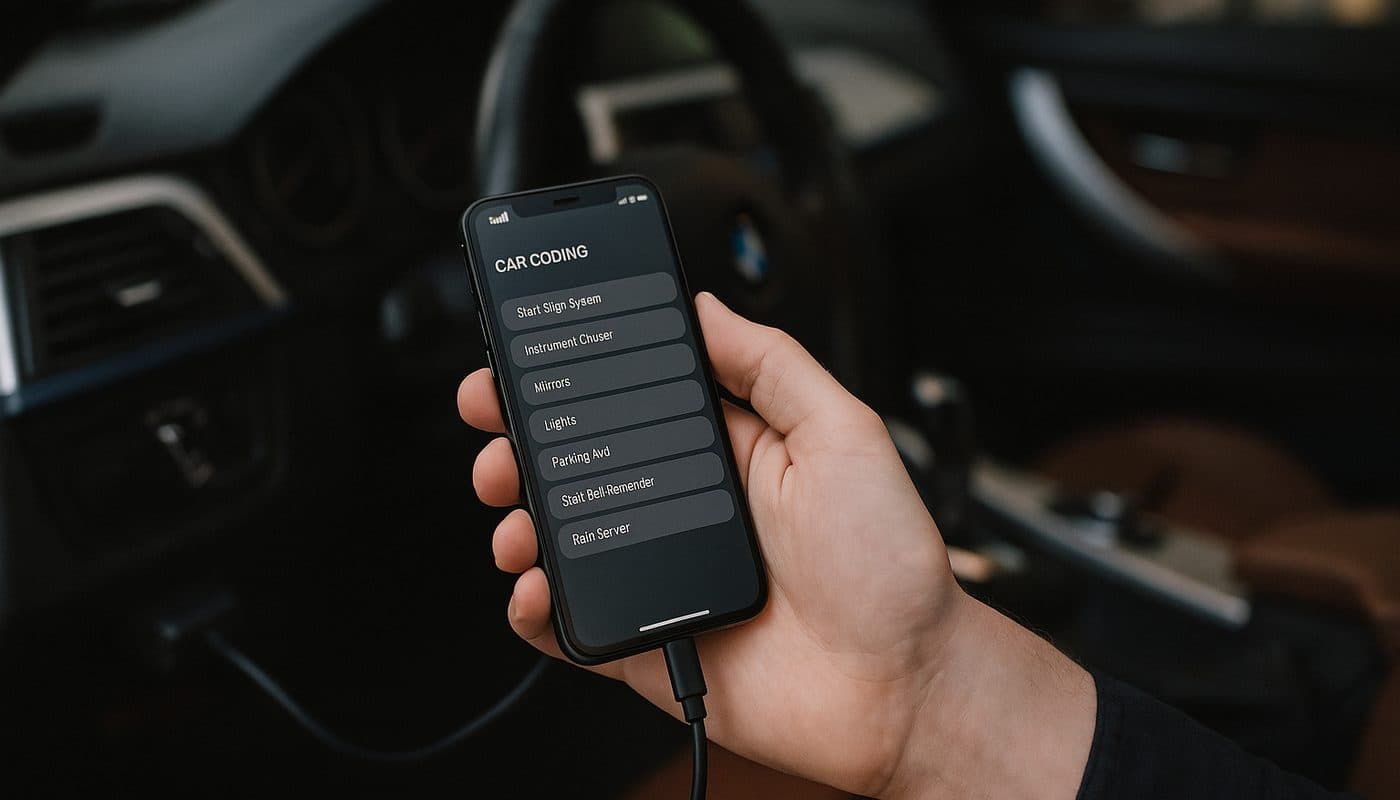
BimmerCode writes configuration changes into your car's control modules. On my G20 that means the FEM/BDC body controller for things like mirror folding and lighting behavior, the head unit for display options and video in motion, and the KOMBI cluster for the digital speed display. It does not read fault codes. It does not show you coolant temperature. It does not register a battery. It takes the settings the module already supports, shows you the ones that are safe to touch, and lets you flip them.
Think of it as the options menu BMW decided you were not allowed to see. Nothing it does adds hardware. If your car has no power-folding mirrors, BimmerCode cannot invent them. I cover the full workflow on my own car in the OBDLink and BimmerCode coding guide, so I won't repeat it here.
What BimmerLink actually does
BimmerLink reads. It pulls the fault memory from every control unit the adapter can reach, not just the DME. It shows live sensor data as gauges. It runs the handful of service routines a home mechanic actually needs, with battery replacement registration being the headline one, plus DPF status and regeneration on supported diesels, exhaust flap control and Active Sound Design muting on cars that have them. Per the developer's listing, it also clears those codes once you have fixed the cause.
What it does not do is change behavior. There is no menu in BimmerLink to turn off the seatbelt chime. The two apps overlap in exactly zero functions, which is the whole point of this article.
Why they are not one app
Owners ask this a lot and the honest answer is that the two tasks carry different risk. Reading data from a module is close to zero risk. Writing to a module is where a dropped Bluetooth connection or a low battery can leave a controller in a state you don't want. Keeping the write-side tool separate, with its own backup system and its own warnings, is a sensible design decision even if it means two purchases. Carly bundles both into a subscription, and the Carly vs BimmerCode comparison covers whether that bundle is worth the recurring cost. Spoiler, for most owners it is not.
The big task table
This is the table I wish someone had shown me before I bought anything. I've added a generic OBD2 app column because a lot of people already own a cheap ELM327 and a free app, and they want to know what that setup can and cannot do on a BMW.
| Task | BimmerLink | BimmerCode | Generic OBD2 app |
|---|---|---|---|
| Read DME engine fault codes | Yes | No | Yes, standard P codes only |
| Read codes from EGS, DSC, FEM, BDC, KOMBI and the rest | Yes, all reachable modules | No | No, engine only |
| Clear codes from all modules | Yes | No | Engine codes only |
| Live data gauges | Yes, BMW specific parameters | No | Yes, generic PIDs only |
| Battery registration after replacement | Yes on supported cars | No | No |
| DPF status and regeneration on diesels | Yes on supported cars | No | No |
| Exhaust flap open or close | Yes on equipped cars | Coding of flap behavior on some cars | No |
| Active Sound Design mute | Yes on equipped cars | Coding on some cars | No |
| Start-stop memory | No | Yes | No |
| Mirror fold on lock | No | Yes | No |
| Digital speed in cluster | No | Yes | No |
| Video in motion | No | Yes | No |
| Seatbelt and lighting behavior | No | Yes | No |
| Service interval or CBS reset | Reported on some cars, verify per model | No | No |
| Back up module coding | No | Yes, automatic before each change | No |
| Flash or program modules | No | No | No |
Read DME engine fault codes
- BimmerLink
- Yes
- BimmerCode
- No
- Generic OBD2 app
- Yes, standard P codes only
Read codes from EGS, DSC, FEM, BDC, KOMBI and the rest
- BimmerLink
- Yes, all reachable modules
- BimmerCode
- No
- Generic OBD2 app
- No, engine only
Clear codes from all modules
- BimmerLink
- Yes
- BimmerCode
- No
- Generic OBD2 app
- Engine codes only
Live data gauges
- BimmerLink
- Yes, BMW specific parameters
- BimmerCode
- No
- Generic OBD2 app
- Yes, generic PIDs only
Battery registration after replacement
- BimmerLink
- Yes on supported cars
- BimmerCode
- No
- Generic OBD2 app
- No
DPF status and regeneration on diesels
- BimmerLink
- Yes on supported cars
- BimmerCode
- No
- Generic OBD2 app
- No
Exhaust flap open or close
- BimmerLink
- Yes on equipped cars
- BimmerCode
- Coding of flap behavior on some cars
- Generic OBD2 app
- No
Active Sound Design mute
- BimmerLink
- Yes on equipped cars
- BimmerCode
- Coding on some cars
- Generic OBD2 app
- No
Start-stop memory
- BimmerLink
- No
- BimmerCode
- Yes
- Generic OBD2 app
- No
Mirror fold on lock
- BimmerLink
- No
- BimmerCode
- Yes
- Generic OBD2 app
- No
Digital speed in cluster
- BimmerLink
- No
- BimmerCode
- Yes
- Generic OBD2 app
- No
Video in motion
- BimmerLink
- No
- BimmerCode
- Yes
- Generic OBD2 app
- No
Seatbelt and lighting behavior
- BimmerLink
- No
- BimmerCode
- Yes
- Generic OBD2 app
- No
Service interval or CBS reset
- BimmerLink
- Reported on some cars, verify per model
- BimmerCode
- No
- Generic OBD2 app
- No
Back up module coding
- BimmerLink
- No
- BimmerCode
- Yes, automatic before each change
- Generic OBD2 app
- No
Flash or program modules
- BimmerLink
- No
- BimmerCode
- No
- Generic OBD2 app
- No
Two rows need a footnote. Exhaust flap and Active Sound Design appear in both app columns because they are different jobs. BimmerLink toggles the flap or mutes the sound right now, on demand, with a button. BimmerCode changes the rule the car follows, for instance which drive mode opens the flap. One is a remote control, the other is a settings change. Owners on Bimmerpost who want the flap open all the time tend to end up with both, which is fair enough, but most of us want one or the other.
The service interval row is marked "verify per model" because the developer's listing talks about service functions in general terms and does not publish a chassis-by-chassis list. Owner reports mention oil and brake service resets on F series cars, but I would not buy BimmerLink purely for CBS resets on a G series without checking the app's own vehicle page first.
BimmerLink feature by feature
The site already has a dedicated article on reading and clearing BMW fault codes, so I'll keep the general theory short and focus on what BimmerLink specifically does with each job.
All-module scan and clear
The single biggest reason BimmerLink beats a generic OBD2 app on a BMW is module reach. A $15 ELM327 with Torque or a free app reads the DME and that's it. Your G20 has dozens of control units on the bus, and the one throwing the warning on the dash is quite often the DSC, the EGS, the FEM or a comfort module that a generic app cannot see. BimmerLink queries every unit the adapter can reach, lists the stored codes with BMW's own descriptions, and lets you clear them per module or all at once.
One honest caveat from the forums. Some owners complain that the plain-English descriptions are occasionally vague or that a code shows up as a bare number. That's partly the nature of BMW's code database and partly the app, but it is a real complaint, so expect to cross-reference the odd code. Also, clearing a code is not fixing it. If the fault is current, it comes straight back, and emissions-related permanent codes stay until the DME has seen enough drive cycles to clear them itself.
Live data and gauges
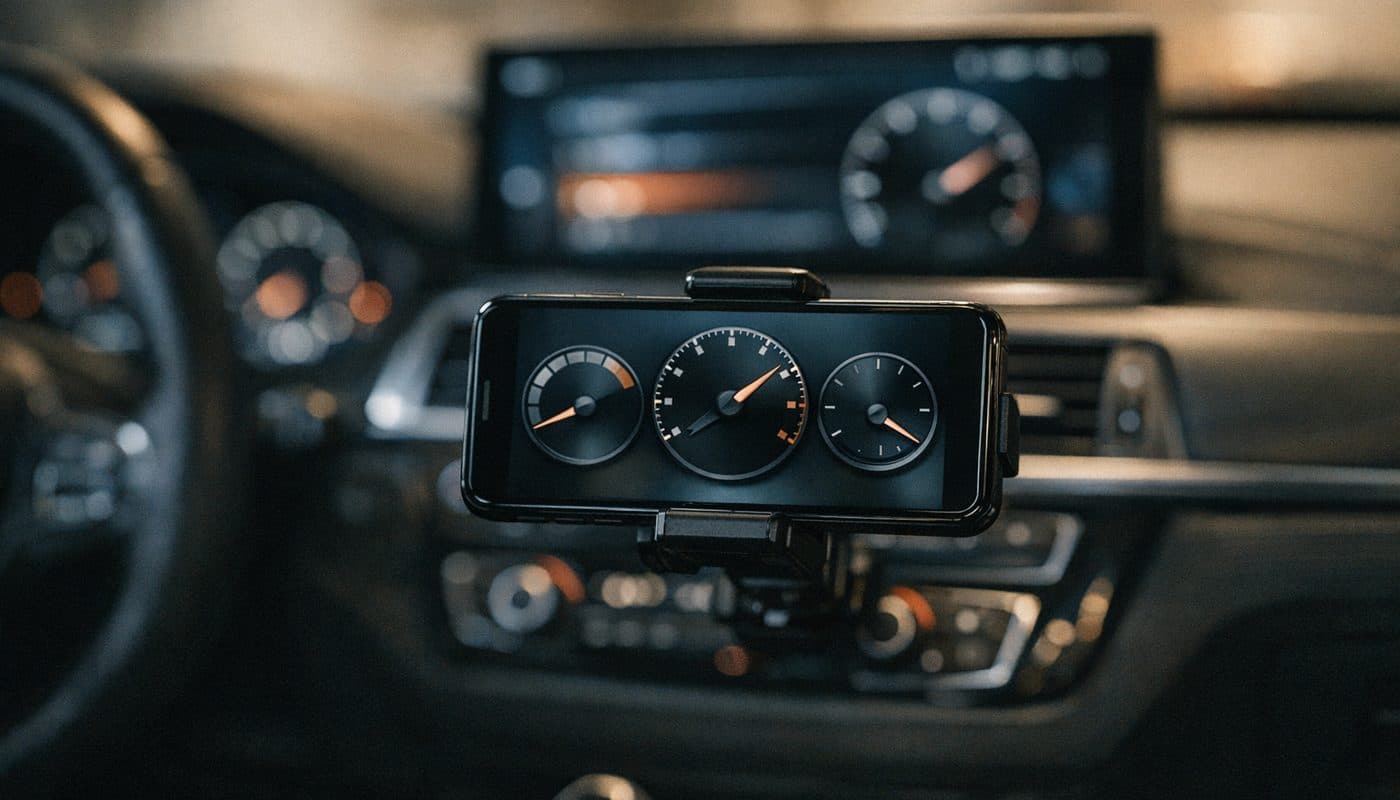
BimmerLink's gauges pull BMW-specific parameters from the DME rather than only the generic PIDs mandated by the OBD2 standard. On a B48 or B58 that means things like oil temperature, coolant temperature, boost, intake air temperature and timing-related values that a generic app either cannot see or gets wrong. The exact list depends on the engine and DME software, and the developer does not publish a universal parameter sheet, so treat any forum post listing "every available PID" as applying to that one car.
Data logging to a file is the one thing I'd call unconfirmed as a standard feature. Live monitoring is clearly there. Exportable, time-stamped logs of the kind tuners use are not clearly documented, and if that is what you want, the MHD tuning guide covers the tools that genuinely do it. Injector values and similar engine-health readouts fall into the same bucket. They may appear on some engines through the live data screens, but nobody should buy the app expecting a guaranteed injector report on every chassis.
Battery registration, DPF, exhaust flap and ASD
Battery registration is the function that sells BimmerLink on its own. Every BMW with an IBS sensor expects to be told when a new battery goes in, and if you skip it the charging strategy keeps treating the fresh battery like the tired old one. BimmerLink exposes a "Register Battery Replacement" service function on supported F and G series cars, and owner reports on Reddit and Bimmerpost are mostly positive for a same-spec swap. The battery registration guide explains the why in depth, so here I'll stick to the how, which is in the walkthrough section further down.
Where it gets murkier is changing the registered battery type or capacity, for instance going from a flooded battery to AGM or from 80Ah to 90Ah. BimmerLink shows those options on some cars but not all, and the developer does not promise it everywhere. Reports from i3 owners are a genuine mixed bag, with some registering fine over an OBDLink CX and others finding the function missing or behaving differently from ISTA. If you own an electrified BMW, verify in the app before you order the battery.
DPF regeneration only applies to diesels with a particulate filter, which rules out a lot of the US fleet, but for a 335d or X5 35d owner it can save a shop visit. The app reads DPF status and can trigger a regeneration on supported cars, but the car still needs the right conditions, warm engine and a steady drive, and a filter that is physically blocked or cracked is not going to be rescued by a button. Exhaust flap and ASD controls are for cars that have the hardware, which on a G20 330i means the flap is there and ASD can be muted if the car was built with it.
CarPlay and Android Auto add-ons
Both are optional extras on top of the full version. CarPlay is listed at around $10 to $12 on US iOS storefronts depending on region, and it puts live gauges and the flap and ASD toggles on the iDrive screen. There is a separate Android Auto add-on in the Play listing with similar functions, though I could not confirm its current price from a primary source. Nice to have on a track day. Not something I'd factor into the base decision.
What each app costs in 2026
Here is where the "same price" assumption falls apart a little, and where the search queries "bimmerlink cost" and "how much is bimmerlink" get a messier answer than people want.
BimmerLink price and the free tier question
BimmerLink is free to download on both platforms. The full version is a one-time in-app purchase, listed at around $39.99 on the US iOS store at the time of writing, with the CarPlay add-on around $9.99 on top. I've seen other Apple regional storefronts showing $49.99 for the full version, so your local store may differ. On Android the Play listing shows a range of in-app purchases, which in Europe runs from roughly ten to forty euros, covering the full version and the add-ons. There is no subscription on either platform.
So is BimmerLink free? Free to install, yes. Free to use fully, no. The listings do not describe a time-limited trial, and nothing I found confirms unrestricted fault reading or service functions in the free state. What the free download does let you do is connect to the car and see what the app offers for your specific chassis, which is genuinely the most useful thing a "free version" could do, because it stops you paying for a function your car doesn't expose.
BimmerCode price and whether you can code without paying
BimmerCode is also free to download with a one-time full version purchase, listed at around $49.99 on the US iOS store in 2026. Android pricing is less clearly documented but follows the same one-time model. Like BimmerLink, the free app connects to the car and reads your available codings before you pay, so you can confirm your G20 actually exposes the mirror-fold option before spending anything. Actually changing a setting requires the full version. That is the entire answer to "can I use BimmerCode without paying" - you can look, you cannot touch.
For a sense of how stable this pricing is, a Bimmerfest post from 2017 quotes $32 for the app. Nine years later it is about fifty dollars. That is less inflation than the oil change at the dealer went through.
The adapter is the real cost
Here is the realistic shopping list for an owner starting from nothing. The app numbers are US iOS at time of writing and move with region and the odd sale. The adapter numbers are the listed prices on our review pages and street prices wander below them often enough that checking before you click is worth thirty seconds.
| Item | Typical 2026 price | Payment model |
|---|---|---|
| BimmerLink full version | around $40 US iOS, varies by region | One time |
| BimmerLink CarPlay add-on | around $10 to $12 | One time, optional |
| BimmerCode full version | around $50 US iOS | One time |
| OBDLink CX adapter | listed $79.95, street often lower | One time |
| OBDLink MX+ adapter | listed $139.95 | One time |
| Vgate vLinker BM+ adapter | listed $49.99 | One time |
| Both apps plus OBDLink CX | roughly $170 at list | One time, no renewals |
BimmerLink full version
- Typical 2026 price
- around $40 US iOS, varies by region
- Payment model
- One time
BimmerLink CarPlay add-on
- Typical 2026 price
- around $10 to $12
- Payment model
- One time, optional
BimmerCode full version
- Typical 2026 price
- around $50 US iOS
- Payment model
- One time
OBDLink CX adapter
- Typical 2026 price
- listed $79.95, street often lower
- Payment model
- One time
OBDLink MX+ adapter
- Typical 2026 price
- listed $139.95
- Payment model
- One time
Vgate vLinker BM+ adapter
- Typical 2026 price
- listed $49.99
- Payment model
- One time
Both apps plus OBDLink CX
- Typical 2026 price
- roughly $170 at list
- Payment model
- One time, no renewals
Compare that last row with a year of Carly at a similar or higher figure and renewing every twelve months, and the two-app route starts to look cheap. The catch is simply that you buy the adapter once and the right one for your phone, which brings us to the part where most connection problems are born.
Which adapter works with which app
Both apps publish the same core adapter list, which is the good news. One adapter, both apps, no second purchase. The bad news is that the adapter decision interacts with your phone's operating system more than most people expect. The full breakdown lives in the BimmerCode adapter guide, so this is the short version aimed at the "bimmerlink obd adapter" question specifically.
| Adapter | BimmerCode | BimmerLink | iPhone | Android |
|---|---|---|---|---|
| OBDLink CX | Supported | Supported | Yes, BLE | Yes |
| OBDLink MX+ | Supported | Supported | Yes, pairs through the app | Yes |
| Vgate vLinker BM+ | Supported | Supported | Generally the iOS variant, verify listing | Yes |
| Vgate vLinker BM (no plus) | Some configurations | Some configurations | Unconfirmed, do not assume | Commonly yes |
| ENET WiFi adapter | F and G series, app dependent | F and G series, app dependent | Via WiFi | Via WiFi |
| Generic ELM327 clone | Not recommended | Not recommended | Usually fails | May connect then drop |
OBDLink CX
- BimmerCode
- Supported
- BimmerLink
- Supported
- iPhone
- Yes, BLE
- Android
- Yes
OBDLink MX+
- BimmerCode
- Supported
- BimmerLink
- Supported
- iPhone
- Yes, pairs through the app
- Android
- Yes
Vgate vLinker BM+
- BimmerCode
- Supported
- BimmerLink
- Supported
- iPhone
- Generally the iOS variant, verify listing
- Android
- Yes
Vgate vLinker BM (no plus)
- BimmerCode
- Some configurations
- BimmerLink
- Some configurations
- iPhone
- Unconfirmed, do not assume
- Android
- Commonly yes
ENET WiFi adapter
- BimmerCode
- F and G series, app dependent
- BimmerLink
- F and G series, app dependent
- iPhone
- Via WiFi
- Android
- Via WiFi
Generic ELM327 clone
- BimmerCode
- Not recommended
- BimmerLink
- Not recommended
- iPhone
- Usually fails
- Android
- May connect then drop
OBDLink CX
This is what I use and it is the one I'd buy again for a BMW-only, phone-only setup. It is a Bluetooth Low Energy adapter built specifically around BimmerCode and BimmerLink, which is why iPhones get on with it without any pairing drama. It is small, it stays in the port, and in two years of coding my G20 the only connection issues I've had were the ones I caused by leaving the car half-asleep. If you want the full picture, the OBDLink CX review has it, and the troubleshooting article covers the ignition-state and sleep-mode gremlins that catch everyone once.

BimmerTalk rating 4.4/5
$79.95Amazon price as of Nov 8, 2026 - may change
We may earn a commission if you buy - it never changes what we recommend or what you pay.
OBDLink MX+
The MX+ uses Bluetooth Classic, costs noticeably more, and its advantage is not BMW depth, it is breadth. It works with generic OBD2 apps across other brands, which matters if your household has a Toyota and a Ford alongside the Bimmer. For BimmerCode and BimmerLink alone it does nothing the CX doesn't. The CX vs MX+ article goes through it in detail, but my short take is that unless you need the multi-brand side, the extra sixty dollars buys nothing a BMW owner will notice.

BimmerTalk rating 4.0/5
$139.95Amazon price as of Nov 8, 2026 - may change
We may earn a commission if you buy - it never changes what we recommend or what you pay.
Vgate vLinker BM and BM+
The vLinker family is the budget route, and it works. The thing to get right is the suffix. The plain BM is commonly reported as fine on Android, but its iPhone support is something I'd call unconfirmed, with sources outright contradicting each other. The BM+ is the variant generally pointed to for iOS. Our review rated it a touch below the OBDLink, mainly on build and connection consistency, but for an Android owner who wants in for fifty dollars it is a reasonable call. Just read the listing carefully and buy the exact variant your phone needs.

BimmerTalk rating 3.8/5
$49.99Amazon price as of Nov 8, 2026 - may change
We may earn a commission if you buy - it never changes what we recommend or what you pay.
ENET and the ELM327 clone problem
Both apps list ENET-based WiFi adapters for F and G series cars, and some owners use them for a wired-feeling connection. But do not confuse that with the plain ENET USB cable. The cable we review is for laptop tools like E-Sys and ISTA. It plugs into a computer, not a phone, and it has no role in either app. I'll come back to it in the section on outgrowing these apps.
Cheap ELM327 clones are the single most common cause of "BimmerLink doesn't work" posts. They may connect, they may even read the DME, and then they fall over during the all-module scan or in the middle of a service function because they lack the protocol support or the firmware is counterfeit. Both apps are blunt about this in their documentation. Spend the money on a listed adapter and you remove about ninety percent of the troubleshooting threads from your future.
iOS vs Android quirks
The apps themselves are functionally the same on both platforms. The differences are all in how your phone handles Bluetooth and, to a lesser degree, in how the stores price the in-app purchase.
iPhone
Apple restricts Bluetooth Classic for third-party apps, which is why BLE adapters like the OBDLink CX are the path of least resistance. You never pair the CX in the iOS Bluetooth settings menu. You open BimmerCode or BimmerLink, it finds the adapter, done. The MX+ also works on iOS but connection is handled through the app rather than the settings screen, and a lot of first-time frustration comes from people pairing it in settings first and then wondering why the app can't see it. Per the developer's quick-start guide, both apps need iOS 13 or later.
Android
Android is more relaxed. It handles both BLE and Classic without fuss, so the CX, the MX+ and the vLinker units all behave. The developer lists Android 6.0 or later. The quirks on Android are more about permissions and battery management. Location permission is required for Bluetooth scanning on recent Android versions, which sounds wrong but is a platform rule, and aggressive battery optimization on some phones can kill the app's connection mid-scan. Whitelist the app from battery optimization before you run anything that writes to a module.
Pricing per platform
Google Play and the App Store price the full versions independently, and regional storefronts price them differently again. If you have both an iPhone and an Android tablet, the purchase does not carry across platforms. It is tied to the store account that bought it. Buy on the device you'll actually take to the car.
Supported cars
BimmerCode publishes a model list that runs from the E46-era 3 Series onward, broadly 2005 and later for the 3 Series, 2003 for the 5 and 6 Series, with F and G series cars across the whole range, MINI from 2006 and the A90 Supra from 2019 because it is a G29 Z4 under the Toyota badge. Some lines on the published list stop at 2024, which I read as the list lagging behind new model years rather than a hard cutoff, but I'd check the live list for a 2025 or 2026 car before buying.
BimmerLink's listing is less granular. The developer says functions vary by model, engine, control units and adapter, and that is the honest truth of it. Fault reading and live data are broadly available across E, F and G series. Battery registration is widely reported on F series and most G series ICE cars. Beyond that, the only reliable way to know whether your particular car exposes a given service function is to install the free app, connect, and look. MINI owners have the same experience, and the MINI scanner article goes through the R and F series specifics.
The important point for both apps is that "supported model" means the chassis is in the database. It does not mean every coding or every service function exists on every car in that chassis. My G20 is a 2022 build with the iDrive 7 head unit, and a 2019 G20 on an earlier software level or a 2024 G20 with iDrive 8 will show a different menu. Same for BimmerLink. Treat the list as the door being unlocked, not as a feature guarantee.
BimmerLink setup walkthrough on a G20
This is the procedure as the developer documents it and as owners describe it, using my car as the running example because it is the one I know the adapter behavior on. The adapter and ignition rules are identical to BimmerCode, so anything I say about getting the car into the right state applies to both apps.
First connect
- Install BimmerLink from the App Store or Google Play. Leave it unpaid for now. The free version connects and shows you what your car supports.
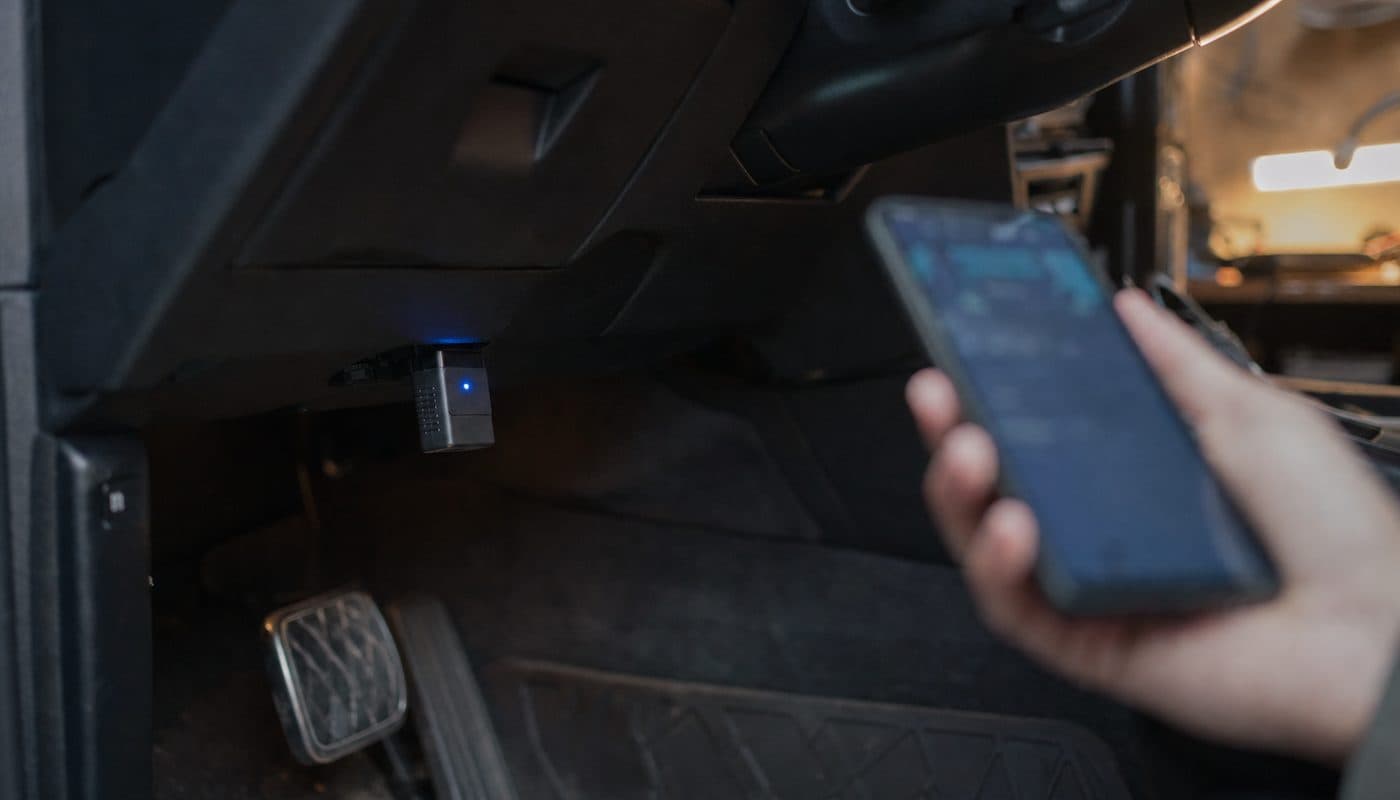
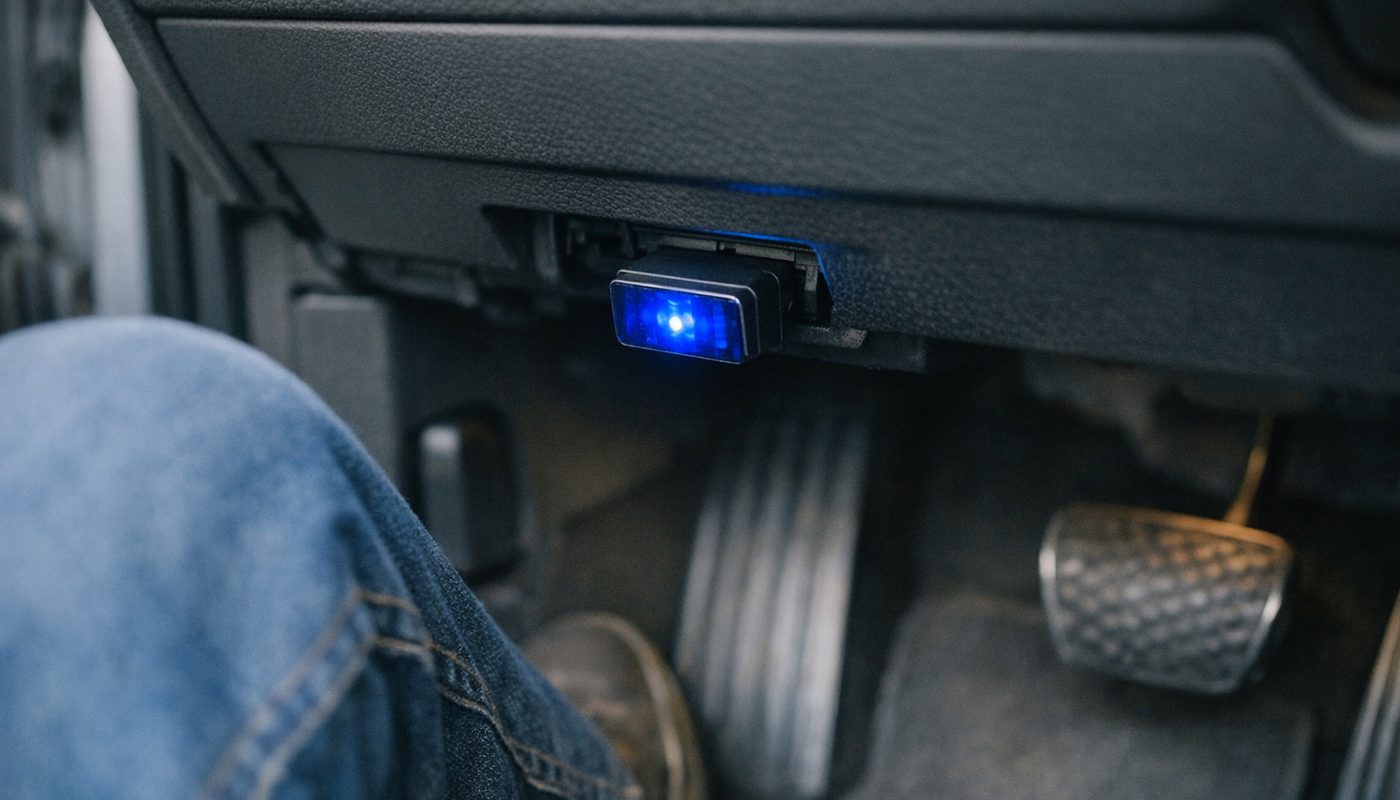
- Plug the adapter into the OBD port under the dash, driver's side, just above the footwell. On the G20 it has a small cover you flip down.
- Put the car in ignition-on without the engine running. On a keyless G20 that is a press of the start button without touching the brake pedal. The dash lights up, the engine stays off. This is the state the car's modules need to be in for a full scan.
- Open BimmerLink and let it search for the adapter. With an OBDLink CX on an iPhone you do nothing in the Bluetooth settings. The app finds it. On Android, grant location and Bluetooth permissions when asked.
- Confirm the vehicle the app identifies. It reads the VIN and should show your chassis and engine. If it shows nothing or the wrong car, the connection is the problem, not the app, and the adapter troubleshooting article covers the usual causes.
All-module scan
- From the main screen choose the fault code function. The app queries each control unit on the bus in turn. On a G20 this takes a minute or two, longer than a generic app, because it is doing a lot more.
- Read the results per module. Stored codes come with a description and often a status such as current or historical. A code with a mileage stamp from eight thousand miles ago that never came back is not the same problem as one that logged yesterday.
- Note everything down before clearing anything. Screenshot the list. Once cleared, the historical context is gone and if the fault returns you have lost the pattern.
- Clear per module or all at once. Then drive the car and rescan in a day or two. Anything that returns is a real fault to chase, and that is where the fault codes explained article earns its keep.
Battery registration
- Fit the new battery first, with the car fully off, and make sure it is charged. A fresh battery from the shelf is sometimes well below full, and the registration process is not the moment to find out.
- Ignition on, engine off, adapter in, app connected, exactly as above.
- Open the service functions menu and find the battery replacement registration function. If it is not there for your car, stop. That is the app telling you it cannot do this on your chassis, not a bug to force your way around.
- Confirm the battery type and capacity the app shows. For a same-spec replacement, accept the existing values. If you changed chemistry or capacity and the app offers to update those fields, change them to match what you fitted. If it does not offer them, you may need ISTA or a workshop for that part, and the battery registration guide explains why that matters.
- Run the function and wait for the confirmation. Do not touch the phone, do not open the door, do not let the screen lock. It is quick, but interrupted writes are how people end up with the car in a mood.
- Rescan the modules afterwards. A battery swap on a BMW often leaves a scatter of low-voltage codes across half the car. Clear them once and they should stay gone.
Where both apps stop
This is the part the forum threads get right and the app store reviews get wrong. Neither app is a programming tool. Neither one flashes firmware, updates a module, retrofits equipment, or does the sort of guided diagnostics ISTA does when a dealer tech is chasing an intermittent CAN fault. BimmerCode works at the level of settings the module already has. BimmerLink reads what the car reports and runs a short list of service routines.
When you want real coding depth
If you have been through BimmerCode's expert mode and still can't find the parameter you want, the next step is E-Sys over an ENET cable on a laptop. That is a different world, with its own learning curve and its own ways to brick a module, and the E-Sys coding guide walks through it. The cable itself is cheap, which is the only easy part.

BimmerTalk rating 4.0/5
$33.99Amazon price as of Nov 8, 2026 - may change
We may earn a commission if you buy - it never changes what we recommend or what you pay.
When you want tuning data
BimmerLink's gauges are excellent for keeping an eye on oil temp on a spirited drive. They are not a tuning tool. If you want to log a pull, read boost against target, or actually change the map on an N54, N55, B48 or B58, you are in MHD territory, and nothing in either app overlaps with that. The B48 in my car has been left alone so far, which after what I did to my old Skoda Superb's 1.8 TSI is a form of personal growth.
When you want a handheld scanner
Some owners simply don't want a phone involved. They want a dedicated handheld that lives in the glovebox, works without an app store account, and ideally covers the odd non-BMW in the driveway. That is Foxwell and Autel territory, and the best BMW coding tool article lays out when a handheld makes more sense than the phone route. For a single modern BMW and an owner who already has a decent phone, the apps are cheaper and more pleasant to use. For a shop or a two-brand household, the handheld argument gets stronger.
Which one do you actually need
Four owner profiles cover nearly everyone who asks this question. Find yours.
You just bought a used BMW
BimmerLink first, no debate. Before you change a single setting, you want to know what the previous owner cleared the week before the sale. An all-module scan on day one, screenshots saved, is the cheapest insurance you will ever buy on a used F30 or G20. Code the mirrors later. The read and clear codes guide is the companion to that first scan.
Your check engine light is on
BimmerLink, and specifically not a generic app. A generic reader gives you a P code from the DME and nothing else. On a BMW the DME code is often a symptom of something in another module, and seeing the whole picture at once is what separates a forty-dollar app from a four-hundred-dollar shop diagnostic fee. BimmerCode has no role here at all, which surprises people who assumed "coding" meant "fixing".
You want the car to behave your way
BimmerCode. This is me, honestly. My G20 was bought new, it has never thrown a code I needed to chase, and the thing that bugged me from the first week was start-stop defaulting to on every morning and the mirrors not folding when I walked away. BimmerCode fixed both in an afternoon. If your BMW is healthy and your complaints are about defaults, this is the one.
You do your own maintenance
BimmerLink, and then probably BimmerCode a year later. Anyone changing their own battery, running a diesel with a DPF, or doing their own brakes and oil on an F series where the service resets are reported to work will get their money back on the first job. The coding app comes when the maintenance is done and the itch to personalize sets in. There is no rush. One-time purchases don't expire.
FAQ
What does coding a BMW do
Coding changes the configuration values stored in your car's control modules so that existing hardware behaves differently. It is how you make the car remember your start-stop choice, fold the mirrors on lock, show a digital speed, change how many times the turn signal blinks, or disable a warning chime. It does not add features the car was not built with, and it does not touch the engine map.
BimmerCode is the consumer-friendly way to do it on a phone. The same changes are possible with E-Sys on a laptop, with far more depth and far more ways to get it wrong. For most owners the app covers everything they actually wanted.
How much does BimmerCode cost
The app is free to download and the full version is a one-time in-app purchase, around $49.99 on the US iOS store at the time of writing. Android pricing is in the same ballpark but set separately by Google Play and by region. There is no subscription, no annual renewal, and the purchase covers every supported car you connect to from that store account. The adapter is extra, which is where the real budgeting happens.
What can you do with BimmerLink
Read and clear fault codes from every control unit the adapter can reach, not just the engine. Watch BMW-specific live data as gauges. Register a replacement battery. Check DPF status and trigger a regeneration on supported diesels. Open or close the exhaust flap and mute Active Sound Design on cars that have them. Run selected service functions, with availability varying by model, and put the gauges on CarPlay or Android Auto with an optional add-on.
What it cannot do is change how the car behaves. That is BimmerCode's job, and the two apps do not overlap.
Do I have to pay for BimmerLink
To use it properly, yes. The download is free and the free state connects to the car and shows what functions your chassis supports, which is worth doing before you pay. Reading codes, live data and the service functions require the one-time full version, around $39.99 on US iOS at the time of writing and a similar range on Android. I found no evidence of a time-limited free trial, so plan on the purchase if you want to actually do anything.
Can I use BimmerCode without paying
You can install it, connect to the car and browse the list of available codings for your exact vehicle, which is useful because it tells you whether the option you care about exists on your car before you spend fifty dollars. You cannot change anything without the full version. Think of the free state as a shop window with the door locked.
Is BimmerCode risky
Less risky than people fear and more risky than people act. The app backs up the module before every change, restricts basic mode to settings known to be safe, and will refuse to proceed on an unsupported configuration. The real risks are environmental. A low battery that sags mid-write, a phone that sleeps, an adapter that drops Bluetooth, a cheap clone that corrupts the session. Keep the battery charged, the phone awake and the adapter on the supported list, and the risk on a modern F or G series is small. Expert mode raises the stakes because it exposes raw parameters without explanations, so stay out of it until you have a reason to be there. And a dealer software update can quietly overwrite your codings, which is annoying rather than dangerous.
Can BimmerLink register a battery on a G20
Owner reports say yes for a same-spec replacement on most G series ICE cars, over a supported adapter like the OBDLink CX. Changing the registered chemistry or capacity is model-dependent and the app may or may not offer those fields on your car. Electrified models are where reports get contradictory, with i3 owners reporting both success and missing functions. The reliable approach is to install the free app, connect, and confirm the function appears for your car before you buy the battery, let alone the app.
Do I need two adapters for the two apps
No. Both apps publish the same core adapter list and one OBDLink CX, MX+ or supported vLinker serves both. You can keep the adapter in the port and switch apps on the phone, though not with both open and connected at the same time. Buy the adapter for your phone's operating system first and the apps second.
Do BimmerLink and BimmerCode work on MINI and the Supra
Both do. MINI from 2006 onward is on BimmerCode's list and BimmerLink's functions carry over since the electronics are shared with BMW. The A90 Supra is supported because it is a G29 Z4 underneath, and it gets the same coding and diagnostic reach as the BMW it is based on, give or take Toyota-specific head unit differences owners occasionally mention.
Bottom line
BimmerLink and BimmerCode are not competitors and you are not choosing between them in the way the search query suggests. You are choosing which job to do first. If the car has a problem, or you are about to do maintenance, or you just bought it and want the truth about its history, BimmerLink is the one, and at around forty dollars one-time on a supported adapter it is the best value diagnostic purchase a BMW owner can make short of learning ISTA. If the car is healthy and the only thing wrong with it is BMW's defaults, BimmerCode is the one, and it is the only app of the two I personally use because that is the only job my G20 has given me so far.
Buy the adapter once and buy it right. OBDLink CX for an iPhone or a BMW-only Android setup, MX+ if other brands live in your driveway, vLinker BM+ if you want in cheap and read the listing carefully. Skip the clones. Then install whichever app matches today's problem, connect for free, confirm your car exposes the function you want, and only then pay. Owning both is perfectly sensible for anyone who both maintains and tinkers, and the total still undercuts a single year of the subscription alternative.
That's my take from a G20 that has so far only needed the coding half. If yours gives you a reason for the other half, the walkthrough above is exactly how I'd approach it, and I'll update this article the day I have to. Thanks for reading, and go charge that battery before you plug anything in.
Kamil