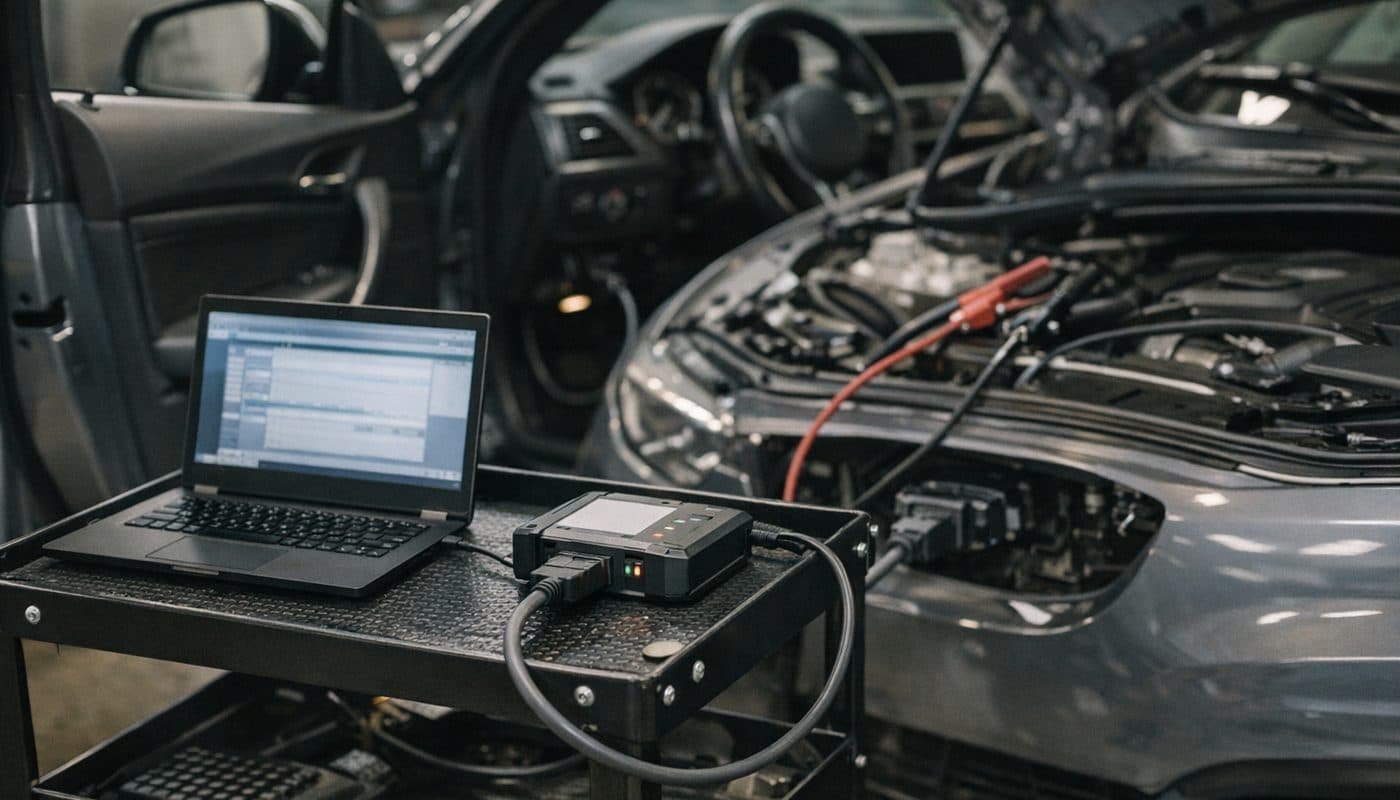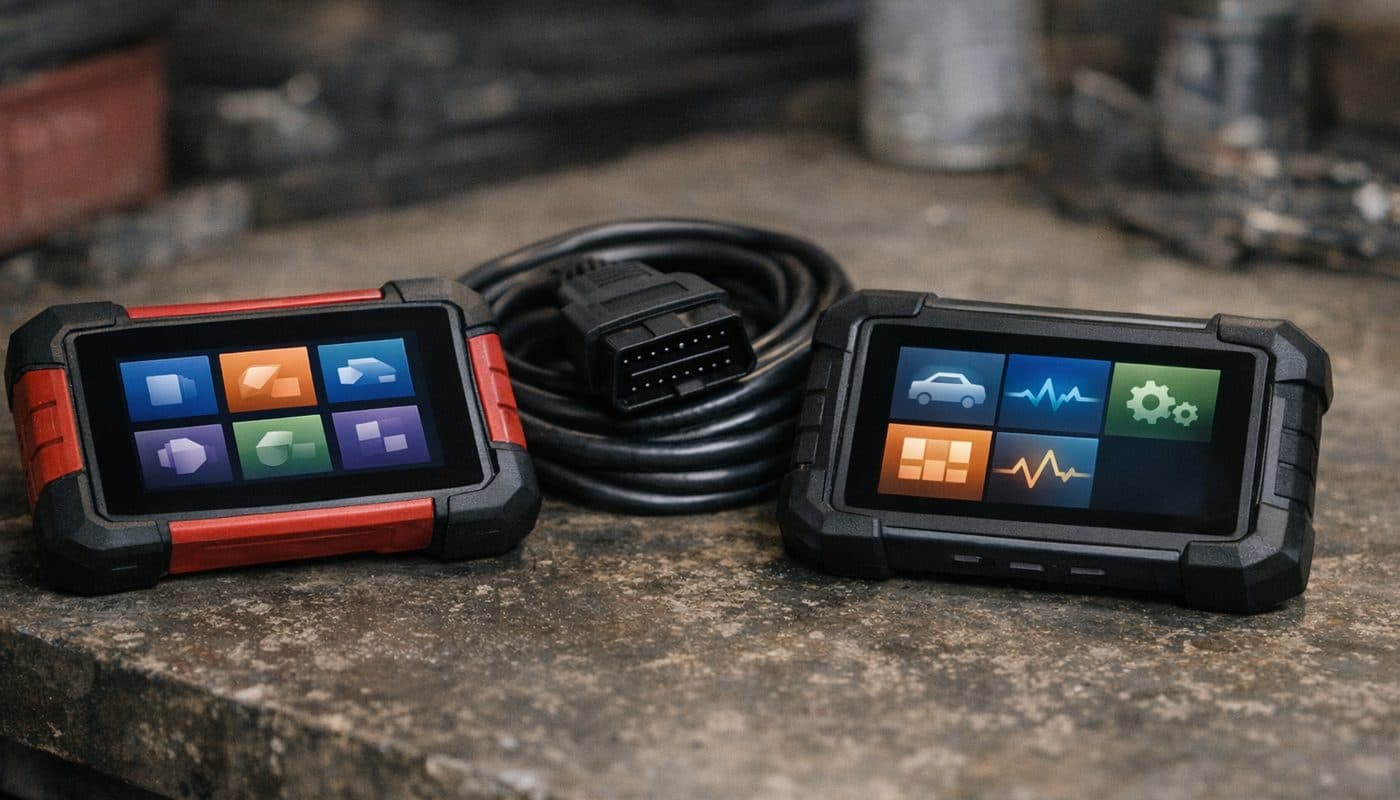
Foxwell NT510 Elite vs NT530 for BMW - Which One to Buy
Affiliate disclosure. BimmerTalk is a proud partner of the Amazon Associates Program and Turner Motorsport. We may earn a small commission on qualifying purchases through our links, at no extra cost to you. Read the full disclosure.

Every week somebody asks me a version of the same question. "I've got an E90, or an F30, or a G20, I'm tired of paying the dealer to tell me what's wrong, which Foxwell do I buy - the NT510 Elite or the NT530?" And every week the honest answer involves more hedging than people want to hear, because Foxwell has done a remarkable job of making two nearly identical products look like two different tiers.
Up front, so there is no confusion. I haven't put either unit on my own car. I daily a 2022 G20 330i and my hands-on tool experience is BimmerCode with an OBDLink CX, which is a completely different kind of product. So this is a research piece. I've gone through Foxwell's product pages, the NT510 Elite manual, their update and extra-software pages, and a lot of owner threads on Bimmerpost, Reddit and Amazon. Where a fact is solid I say so. Where it comes from a seller's listing getting creative, I say that too. No invented test numbers from me, because I don't have any.
Who this is for: the BMW owner who wants a dedicated handheld that reads every module, registers a battery, retracts the rear EPB pistons, and doesn't need a phone to do it. If that's you, read on. If what you really want is to turn off the seatbelt chime and watch live boost on a B58, skip to the section on phone apps and save yourself a chunk of money.
2.8 inch non-touch
Screen on both
$159 sale, $199 regular at time of writing
Foxwell list price
One, extra makes around $80 each
Included makes
Roughly 3 to 4 minutes
Full scan per owner reports
The short answer
For a BMW owner the NT510 Elite and the NT530 are the same tool wearing different badges. Same 2.8-inch screen, same button-driven Linux interface, same BMW software package, same lifetime free update promise, and within about ten dollars of each other at the time of writing. The research I did could not find a single confirmed BMW function that one has and the other definitively lacks. Not one. What differs is packaging and how the extra-make licensing is sold, plus a few unconfirmed claims about the NT530 being on a slightly newer platform.
So the practical advice is simple. Buy whichever is cheaper on the day from a seller who clearly states "BMW software included" and "Wi-Fi version". If you own one BMW and nothing else, the NT510 Elite is usually the one on sale. If you might add a second make later, the NT530 is the one Foxwell markets as "one make included, up to five", and extra makes are listed around $80 each. And if you have a G-series car, read the chassis coverage section before you buy either, because that is where the real limits live.
| What matters | NT510 Elite | NT530 |
|---|---|---|
| Screen | 2.8 inch colour, buttons | 2.8 inch colour, buttons |
| Operating system | Linux, proprietary UI | Linux, proprietary UI |
| Power | From the OBD port, no battery | From the OBD port, no battery |
| BMW full-module scan | Yes | Yes |
| Battery registration | Yes | Yes |
| EPB, SAS, DPF, throttle | Yes | Yes |
| ABS bleed | Explicitly listed for BMW | Not clearly listed, unconfirmed |
| Injector coding | Unconfirmed | Advertised, engine coverage unconfirmed |
| Feature coding like BimmerCode | No | No |
| Updates | Lifetime free, Wi-Fi on current version | Lifetime free, Wi-Fi on current version |
| Extra makes | Depends on package | Up to five total, around $80 each |
| Listed price at time of writing | Around $165 | Around $170 |
Screen
- NT510 Elite
- 2.8 inch colour, buttons
- NT530
- 2.8 inch colour, buttons
Operating system
- NT510 Elite
- Linux, proprietary UI
- NT530
- Linux, proprietary UI
Power
- NT510 Elite
- From the OBD port, no battery
- NT530
- From the OBD port, no battery
BMW full-module scan
- NT510 Elite
- Yes
- NT530
- Yes
Battery registration
- NT510 Elite
- Yes
- NT530
- Yes
EPB, SAS, DPF, throttle
- NT510 Elite
- Yes
- NT530
- Yes
ABS bleed
- NT510 Elite
- Explicitly listed for BMW
- NT530
- Not clearly listed, unconfirmed
Injector coding
- NT510 Elite
- Unconfirmed
- NT530
- Advertised, engine coverage unconfirmed
Feature coding like BimmerCode
- NT510 Elite
- No
- NT530
- No
Updates
- NT510 Elite
- Lifetime free, Wi-Fi on current version
- NT530
- Lifetime free, Wi-Fi on current version
Extra makes
- NT510 Elite
- Depends on package
- NT530
- Up to five total, around $80 each
Listed price at time of writing
- NT510 Elite
- Around $165
- NT530
- Around $170
What these two tools actually are
Before the comparison makes sense you need to understand the naming, because it is a genuine mess and sellers exploit it. Foxwell has sold a plain NT510, an NT510 Elite, an NT510 Pro, a plain NT530 and an NT530 Plus. Several of those have existed in a non-Wi-Fi and a Wi-Fi hardware revision. Amazon listings mix them up constantly, and I've seen listings for the NT510 Elite claiming Android, a 5-inch screen and Bluetooth. Foxwell's own documentation says none of that. Treat those as listing errors.
The NT510 Elite
This is Foxwell's long-running single-brand handheld. You pick one make at purchase - for us that's the BMW package covering BMW, MINI and Rolls-Royce - and the tool gives you dealer-style access to the modules on that make: DME, EGS, DSC, SRS, EPB, SAS, FEM or BDC body electronics, KOMBI, climate and the rest. The current version has built-in Wi-Fi for updates. Foxwell's own site listed it at $159 on sale and $199 regular at the time of writing, with a one-year warranty, and I've seen Amazon show it around $227 "discounted from $280", which tells you how elastic these prices are. Our listed price is around $165.
The NT530 and NT530 Plus
The NT530 is positioned as the mid-tier handheld. Foxwell's own NT530 Plus material describes the same lifetime free updates, one make included, up to five makes total, and extra makes purchased separately. Foxwell's site showed it "from $159". Our listed price is around $170. Secondary reviews describe it as the "newer platform" replacement for the NT510 line with somewhat better active test coverage, but I could not find a Foxwell spec sheet that confirms a different processor, more memory or a different radio. I'll come back to that, because it is the single most repeated claim online and it is also the least supported.
Why the naming matters for your wallet
The thing that actually changes what you get is the software package tied to the serial number, not the model number on the case. A "NT530 for Dodge" and a "NT530 for BMW" are the same box with a different licence. So when you compare prices, you are comparing a BMW-licensed NT510 Elite to a BMW-licensed NT530, and anything else is apples to Fiats. Also check whether a listing says "Wi-Fi version" or "non-Wi-Fi". The older non-Wi-Fi units updated through a PC and a card, and that workflow is the source of most of the update complaints you'll read about.
Hardware side by side
I'll keep this short because there isn't much to separate them and I refuse to pad it with specs I can't verify.
Screen and interface
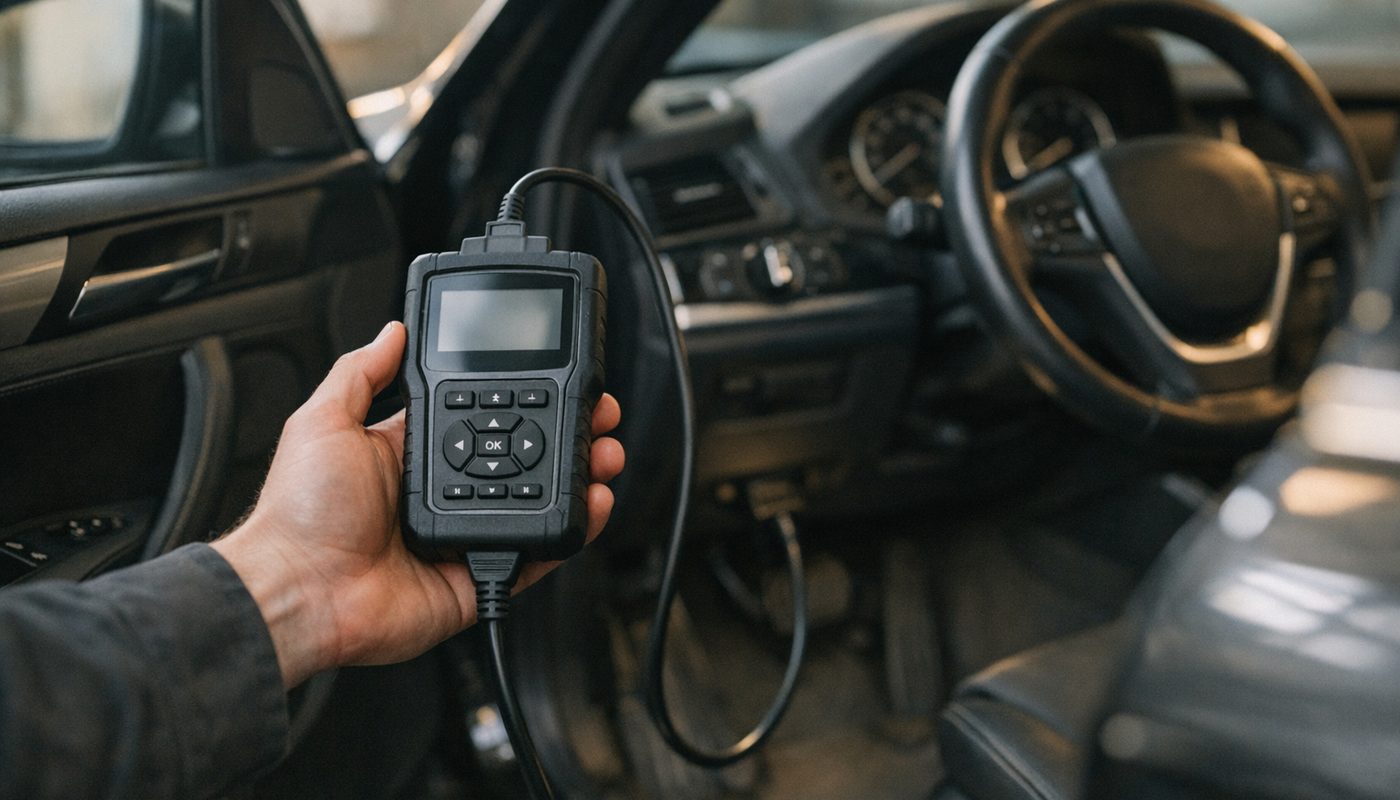
Both use a 2.8-inch colour screen with physical buttons. No touch. Foxwell's own NT530 Plus review admits that only about four live-data parameters fit on screen at once, so if you want to watch Valvetronic position, intake cam angle, coolant and rail pressure together on an N54 you are going to scroll. On a phone app you'd have a full graph page. That is the honest trade-off of a cheap handheld: it is a self-contained box, and the box is small.
Processor, memory and storage
Here is where I'd love to give you a table of clock speeds and I can't. Foxwell's public product pages for both tools do not state the CPU model or the RAM. Every number you see on a comparison site is either copied from an Amazon listing or guessed. Several reviewers describe the NT530 as "faster" and a 2026 BMW-focused review of the NT510 Elite recommends updating to software version V4.26.002 for better responsiveness, which hints that a lot of the speed difference owners feel is firmware, not silicon. I'd treat the hardware as effectively equal until Foxwell publishes otherwise.
Power and connectivity
Both draw power from the OBD port. No internal battery, which is fine for a cabled scanner but means the tool reboots if you cycle the ignition at the wrong moment. The current Wi-Fi revisions of both connect to your home network and update themselves from the menu. Foxwell says that on Wi-Fi units you don't even need to register through their FoxAssist PC software. Neither has Bluetooth to a phone. Ignore any listing that says otherwise.
BMW chassis coverage on E, F and G cars
This is the section that should decide your purchase, and it is also the section where the marketing is vaguest. Foxwell says the BMW package supports "BMW, MINI and Rolls-Royce across multiple generations". That is true and it is also nearly useless, because a tool can "support" an F30 and still be missing the one EPB routine you bought it for. Foxwell's own compatibility note, quoted in a 2026 review, says plainly that not all listed functions work on all supported vehicles. Believe that sentence over everything else.
E-series owners
If you drive an E46, E90, E60, E70 or an early E8x, this is where the Foxwell handhelds are at their best and where they built their reputation. Owners on Bimmerpost and the E90 subreddit consistently describe full-module access, working battery registration and the usual service resets on these cars, and one BMW buying guide I came across pegs the strongest coverage window as roughly E46 through F30. One caveat worth knowing: very early E46 cars use the older K-line protocols, so a reader with a late-2000s E-series will have a smoother time than someone with a 1999 car. If you want to go deeper on an E-series than any handheld can, that is really INPA and a K+DCAN cable territory, and it is a different hobby.
F-series owners
F-chassis cars are the sweet spot for a Foxwell. The ZGW gateway and the FEM or BDC body module are well understood by every aftermarket tool, the N55 and B48 DMEs talk happily over OBD, and the service functions you actually use - battery registration, EPB, SAS calibration, oil reset - are all advertised for the BMW package on both units. Amazon's NT510 Elite listing sat at 4.3 out of 5 across more than 3,000 ratings as of late 2026, and a large share of those reviewers are F-series owners. One reviewer described using it to separate a wheel speed sensor fault from what the dealer had diagnosed as a DSC control unit, which is exactly the kind of win a full-module scanner gives you. If you are chasing a DSC fault yourself, our DSC service guide covers what those codes actually mean.
G-series owners and the secure gateway question
Here is where I'd slow down, and I say that as a G20 owner. The research turned up a claim that the BMW software needs to be on version 15 or newer for G-series secure gateway support, and that older firmware may talk to the DME while failing on body modules. I could not find that in Foxwell's own documentation, so treat it as an owner-reported detail rather than a spec. What I can say with confidence is that G-series coverage is described everywhere as "newer and broader" on the NT530 and "uncertain or limited" on older NT510 Elite firmware, and nobody publishes an actual module-by-module list. If you have a G20, G05, G30 or anything from about 2019 on, do not buy either tool without checking Foxwell's current coverage list for your exact chassis and model year first. Plug-in hybrids and anything with the newest Ethernet-heavy architecture deserve extra suspicion.
Service functions compared, one by one
This is the heart of why anyone buys a Foxwell instead of a $30 code reader. Below is what I could confirm from Foxwell's listings and manuals for the BMW package on each tool, and where the evidence runs out I've said so rather than guessing in your favour.
| Function | NT510 Elite | NT530 | What to actually expect |
|---|---|---|---|
| Battery registration | Advertised | Advertised | Works on E and F cars per owners. One comparison claims same-spec batteries only, unconfirmed |
| EPB retract and release | Advertised | Advertised | Standard rear pad change workflow where the EPB module exposes the routine |
| DPF regeneration | Advertised | Advertised | The tool requests it, the DDE decides. Faults or high soot block it |
| Steering angle reset | Advertised | Advertised | Needed after alignment or SAS replacement |
| Throttle adaptation | Advertised | Advertised | DME and engine dependent |
| ABS or DSC bleed | Explicitly listed | Not clearly listed | Actuates the DSC pump and valves, you still bleed conventionally |
| Injector coding | Unconfirmed | Advertised | Diesel engine coverage not published. Check your engine code |
| TPMS | Diagnosis and relearn advertised | Diagnosis and relearn advertised | Not sensor programming. BMW direct and indirect TPMS behave differently |
| Oil and service reset | Advertised | Advertised | Fine, though BMW lets you do this from the cluster anyway |
Battery registration
- NT510 Elite
- Advertised
- NT530
- Advertised
- What to actually expect
- Works on E and F cars per owners. One comparison claims same-spec batteries only, unconfirmed
EPB retract and release
- NT510 Elite
- Advertised
- NT530
- Advertised
- What to actually expect
- Standard rear pad change workflow where the EPB module exposes the routine
DPF regeneration
- NT510 Elite
- Advertised
- NT530
- Advertised
- What to actually expect
- The tool requests it, the DDE decides. Faults or high soot block it
Steering angle reset
- NT510 Elite
- Advertised
- NT530
- Advertised
- What to actually expect
- Needed after alignment or SAS replacement
Throttle adaptation
- NT510 Elite
- Advertised
- NT530
- Advertised
- What to actually expect
- DME and engine dependent
ABS or DSC bleed
- NT510 Elite
- Explicitly listed
- NT530
- Not clearly listed
- What to actually expect
- Actuates the DSC pump and valves, you still bleed conventionally
Injector coding
- NT510 Elite
- Unconfirmed
- NT530
- Advertised
- What to actually expect
- Diesel engine coverage not published. Check your engine code
TPMS
- NT510 Elite
- Diagnosis and relearn advertised
- NT530
- Diagnosis and relearn advertised
- What to actually expect
- Not sensor programming. BMW direct and indirect TPMS behave differently
Oil and service reset
- NT510 Elite
- Advertised
- NT530
- Advertised
- What to actually expect
- Fine, though BMW lets you do this from the cluster anyway
Battery registration
Both tools advertise battery replacement registration in the BMW menu, and this is the single most-cited reason owners buy them. The full why and how is in our battery registration guide, so I won't repeat it here beyond the summary: the DME and the power management need to know a new battery went in, or charging strategy stays tuned to a tired old one. The caveat worth repeating is the claim, from a BMW comparison site rather than from Foxwell, that the NT510 Elite can only register a like-for-like battery and cannot change the registered capacity or switch from flooded to AGM. I couldn't confirm that from a Foxwell manual. If you're planning to upsize or change chemistry, that is a question to put to Foxwell support before paying, and it is one of the places where BimmerLink on a phone is reported to be more flexible.
EPB, the reason the NT530 gets bought
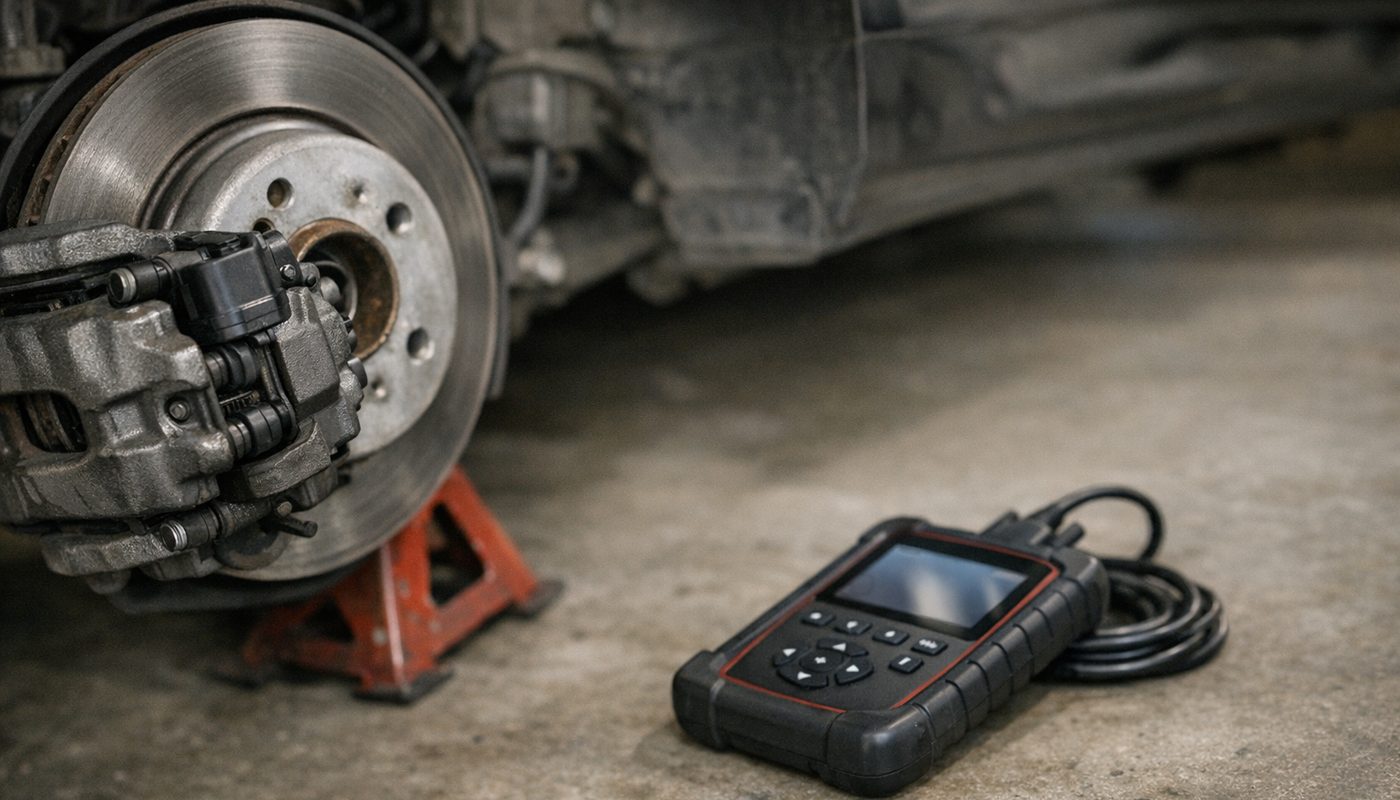
Rear pads on an F-series or G-series with an electric parking brake need the caliper motors wound back before the pistons will move, and then returned to service after. Both tools advertise this for BMW and it is the function most reviewers describe as "just worked". It is also the one where a mistake costs real money, because a caliper motor driven the wrong way against a fully seated piston is a new caliper.
DPF, injector coding and the diesel crowd
Both advertise DPF regeneration for BMW. Understand what that means: the tool asks the DDE to run a forced regen, and the DDE refuses if there is a stored fault, if soot load is outside the window, or if coolant and exhaust temperature conditions aren't met. The tool cannot override that and you shouldn't want it to. Injector coding is where the two differ on paper. The NT530 listings advertise it; the NT510 Elite listings I found don't mention it clearly. Neither publishes which engines are covered. If you have a 335d or an X5 diesel and injector coding is the whole point, email Foxwell with your engine code and get it in writing.
ABS bleed
Interesting one. ABS bleeding appears explicitly in the NT510 Elite BMW listings and not clearly in the NT530 ones. I suspect that is a listing difference rather than a software one, because they run the same BMW package, but I can only report what is published. Either way, a scan tool "bleed" cycles the DSC pump and valves to push trapped air out of the hydraulic unit. You still do a normal bleed with fluid and a helper, and you still need the car on the ground and the system fault-free before you start.
Steering angle, throttle and TPMS
SAS calibration after an alignment or a steering column job is advertised on both and is routine. Throttle adaptation is advertised on both and matters mostly on older drive-by-wire cars. TPMS is the one to read carefully: both offer diagnosis and relearn, but neither is a sensor programming tool, so don't buy one expecting to clone aftermarket sensors to a set of winter wheels.

$164.99
We may earn a commission if you buy - it never changes what we recommend or what you pay.
Bi-directional tests and coding, what the box really does
Two words get thrown around on every Foxwell listing: "bi-directional" and "coding". Both are technically true and both will disappoint you if you read them the way Autel or BMW mean them.
What active tests you get
Both tools advertise active or bi-directional tests on BMW. In practice the published examples are things like commanding a fan, a pump, a relay, a valve or a window motor, and Foxwell's own NT710 comparison page describes the NT510 and NT530 active control as limited and system-dependent compared to the NT710. Which actuators you can command depends entirely on the module, the chassis and the software version. That is useful for confirming an electric water pump responds or a purge valve clicks. It is not the full "command the ABS pump, cycle every injector, run the throttle sweep" menu you'd get on a tablet costing three times as much.
What coding you don't get
Let me be blunt, because this is the single biggest source of returns. Neither the NT510 Elite nor the NT530 does BMW feature coding in the sense you probably mean. No FDL coding, no VO coding, no changing the auto start-stop default, no digital speedo, no video in motion. A reputable BMW-focused review of the NT510 Elite says exactly this and Foxwell's NT530 Plus review explicitly rules out ECU flashing, module programming and key programming. What you get is "adaptations", meaning resets, relearns and service routines. For actual feature coding on an F or G car you want BimmerCode, and the long version of how that works is in our BimmerLink vs BimmerCode comparison. On my G20 the BimmerCode plus OBDLink CX combination handles everything I've wanted to change, and a Foxwell would add diagnostics on top of it, not replace it.
Updates, licensing, warranty and support
Foxwell advertises "lifetime free updates" on both tools and I believe it, because the volume of owner reports confirms updates keep arriving. What "lifetime free" does not mean is "every make free". The BMW package you buy is the one you get. Adding, say, Toyota for a second car was listed at around $80 per make on Foxwell's extra-software page at the time of writing, and the NT530 Plus is capped at five makes total. The NT510 Elite's extra-make rules depend on the package you bought, so ask the seller.
How the update process actually works
Older non-Wi-Fi units update through FoxAssist on a Windows PC with a USB cable, and some older ones used a MicroSD card. Owners describe this as tedious and occasionally unreliable, and one Reddit owner reported that the old FoxScanner software was no longer supported and FoxAssist didn't fix their problem. That is one person's experience, not proof of anything systemic, but it is why I'd only buy a current Wi-Fi unit. Here is the documented workflow for the Wi-Fi versions, per Foxwell's own pages:
- Plug the tool into the OBD port with the ignition on so it has power. These units have no battery.
- From the main menu open Settings and connect to your home Wi-Fi. A 2.4 GHz network is the safe bet on cheap hardware.
- Open the Update menu. On Wi-Fi units Foxwell says registration through FoxAssist is not required.
- Let it download the BMW package and firmware. Owners report this can take a while on a weak signal, so do it in the driveway near the router rather than at the back of a garage.
- Don't unplug mid-update. If the tool loses power during a firmware write you may be talking to support for a replacement.
- After the update, run a fresh full scan on your car and compare the module list to what you saw before. If body modules that were there have vanished, roll back or contact support before trusting any result.
Warranty and support
Foxwell states a one-year warranty for the NT510 Elite. I couldn't confirm a separate NT530 term from a primary source, so assume the same and check your invoice. Support quality is described as "decent, be patient" by one reviewer and I have nothing stronger than that. There is no reliable 2025-2026 data on warranty turnaround, so if a fast replacement matters, buy from Amazon or a retailer with their own returns policy rather than direct.
Speed, interface and what owners actually complain about
I read a lot of reviews for this piece and the complaints are consistent enough to be worth listing, because they apply to both units equally.
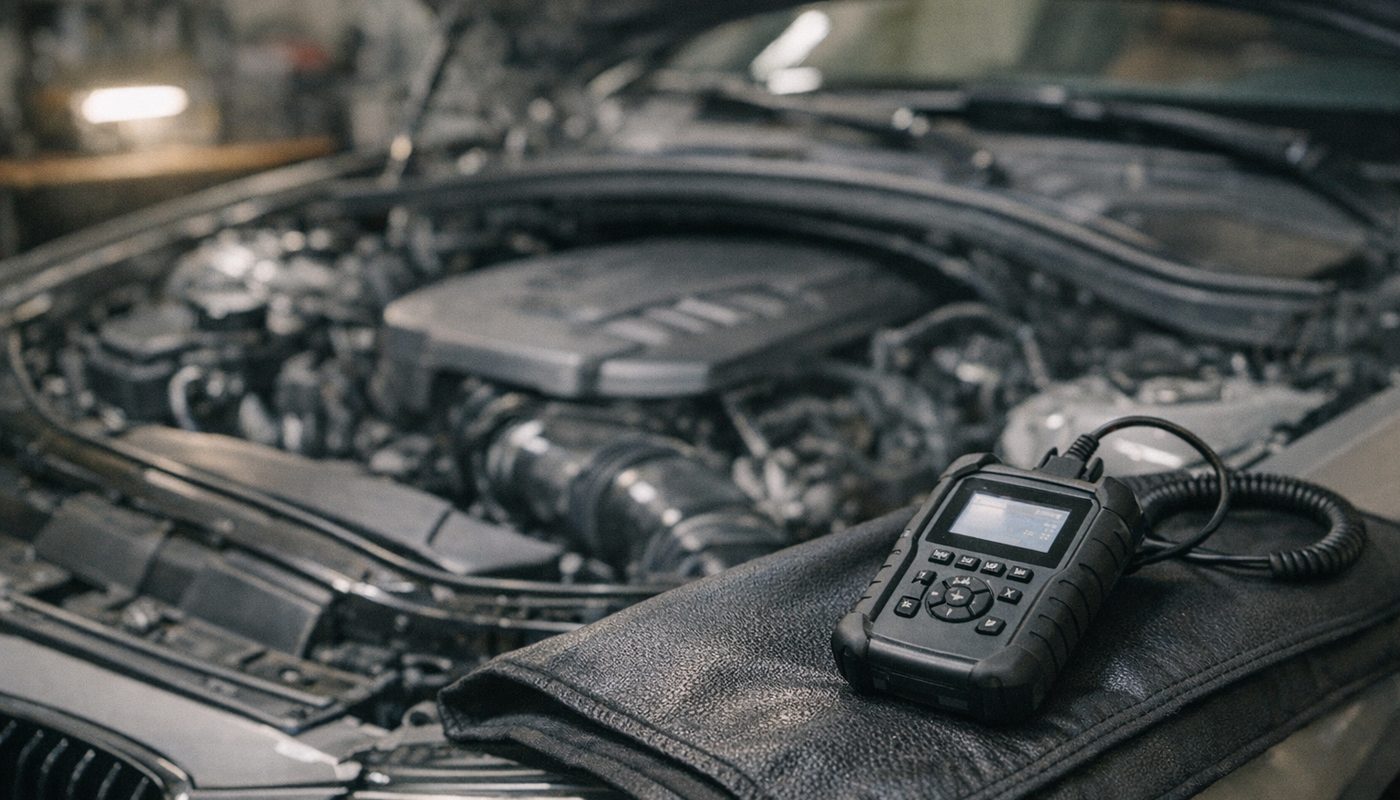
The number one complaint is speed. Secondary reviews describe boot as slow and a full-module scan as taking roughly three to four minutes; Foxwell's own NT530 Plus review admits to "several minutes" for a full scan and around 10 to 20 seconds when switching between live-data modules. One comparison literally called the NT510 Elite "slow as molasses". For a once-a-month "why is the light on" session that is fine. For live data logging on a track day it is not the tool.
Number two is the interface. Button navigation on a 2.8-inch screen, dated menus, and manuals that read like they were translated twice. Number three is reliability of the small stuff: one review reports occasional screen freezes needing a restart and intermittent failure to auto-read the VIN, which forces you to pick the chassis manually. Number four is updates, covered above. What you almost never see complained about is the core function - owners who bought it to read every module on an E90 or F30 and register a battery are, by a wide margin, happy. That matches the Amazon rating.
The "it found what the dealer missed" stories
Worth a paragraph because they are why this category exists. The pattern in owner reports is always the same: the dealer quotes a module, the owner scans every module themselves, finds a sensor or wiring fault upstream, and fixes it for a tenth of the price. A full-module scan is what makes that possible and it is the whole argument for spending $160 on a Foxwell instead of $30 on an engine-only reader. If you want to see how the various tools stack up on exactly that capability, we broke it down in the BMW scanner that actually reads every module, and the cost comparison against a dealer visit lives in our BMW diagnostic cost piece.
Where the NT510 Pro, NT710 and NT809 fit
Foxwell's range above and beside these two confuses people, so here is the lineup as documented at the time of writing, with prices from Foxwell's own US site where they were shown.
| Tool | Form factor | Foxwell price seen | Who it is for |
|---|---|---|---|
| NT510 Elite | 2.8 inch handheld, buttons | $159 sale, $199 regular | One BMW, routine diagnostics and service |
| NT530 Plus | 2.8 inch handheld, buttons | From $159 | Same, plus room for up to five makes |
| NT510 Pro | Handheld with built-in battery tester | Not confirmed on Foxwell US site, listed around $206 with us | BMW owner who also wants cranking and charging tests |
| NT710 | Android, about 5.5 inch touchscreen, Wi-Fi | $259 sale, $349 regular | Broad active tests and advertised BMW E F G coding |
| NT809 | Android tablet, 7 inch on the BT version | $359 sale, $499 regular wired | Multi-brand shop or mobile mechanic |
NT510 Elite
- Form factor
- 2.8 inch handheld, buttons
- Foxwell price seen
- $159 sale, $199 regular
- Who it is for
- One BMW, routine diagnostics and service
NT530 Plus
- Form factor
- 2.8 inch handheld, buttons
- Foxwell price seen
- From $159
- Who it is for
- Same, plus room for up to five makes
NT510 Pro
- Form factor
- Handheld with built-in battery tester
- Foxwell price seen
- Not confirmed on Foxwell US site, listed around $206 with us
- Who it is for
- BMW owner who also wants cranking and charging tests
NT710
- Form factor
- Android, about 5.5 inch touchscreen, Wi-Fi
- Foxwell price seen
- $259 sale, $349 regular
- Who it is for
- Broad active tests and advertised BMW E F G coding
NT809
- Form factor
- Android tablet, 7 inch on the BT version
- Foxwell price seen
- $359 sale, $499 regular wired
- Who it is for
- Multi-brand shop or mobile mechanic
NT510 Pro
The Pro is the newest name and the least documented. The listings describe the same BMW, MINI and Rolls-Royce package plus an integrated 12-volt battery tester: voltage, state of health, internal resistance, state of charge, cranking and charging tests. That is a genuinely useful add-on for an older E or F car with a questionable battery, because it lets you test before you register. What I couldn't confirm from Foxwell's own material is whether the Pro is new hardware or a BMW retail bundle on the Elite platform, whether its BMW software goes any deeper, and whether the battery tester can inform an AGM registration decision or just measure. If the battery tester is the draw, it is worth the roughly $40 premium over the Elite. If not, it isn't.

$205.99
We may earn a commission if you buy - it never changes what we recommend or what you pay.
NT710
This is the one I'd actually be tempted by if I were shopping Foxwell. Android, a roughly 5.5-inch touchscreen, Wi-Fi, about 2 GB of RAM and 32 GB storage per Foxwell, over-the-air updates, and Foxwell specifically advertises ECU coding on BMW E, F and G chassis along with broader bi-directional control. At $259 on sale it is about $100 more than the handhelds and it fixes nearly every complaint in the previous section. Two caveats. "ECU coding" on the NT710 page still doesn't mean unrestricted VO or FDL coding or flashing, and the exact operations are chassis and module dependent. And it comes with 12 brands, so if you only own one BMW you are paying for coverage you'll never use. If you're at that budget, our professional BMW scanner guide is where the NT710 competes.
NT809
A 7-inch Android tablet on the BT version, Android 9, Bluetooth, a 4,000 mAh battery, at $359 wired or $379 for the BT model on sale. It is a general multi-brand workshop tool and nothing in Foxwell's material suggests it goes deeper on BMW than the NT710. Buy it if you fix lots of makes. Don't buy it because the number is bigger.
Who should buy which
Here is how I'd call it for the four kinds of reader who land on this page.
E-series owner, one car
NT510 Elite, whichever is cheaper that week. Your car is squarely in the best-supported window, you don't need G-series coverage, you probably don't need a second make, and the functions you care about - full scan, battery registration, EPB if you have one, SAS, throttle adaptation - are all advertised. The extra $10 for the NT530 buys you nothing you'll use.
F or G series owner
F-series, either tool, same reasoning. G-series, this is where I'd stop and think. Check Foxwell's coverage for your exact chassis first. If it's listed and the modules you need are confirmed, the NT530 is the one most sources describe as having the newer coverage, so lean that way. If you also want feature coding on a G car, the honest recommendation is an OBDLink adapter plus BimmerLink and BimmerCode, and a Foxwell only if you still want a standalone handheld on top. My own setup on the G20 is the app route and I haven't felt the need for a handheld.
Multi-car household
NT530, because the extra-make model is clearly documented: one included, up to five, around $80 each. If the second car is a MINI, you don't even need an extra make - the BMW package covers it - and our MINI Cooper scanner guide covers the MINI-specific quirks. If the other car is a Honda or a Ford, budget the $80 and you still come out under an NT710.
Small shop or serious DIYer
Skip both handhelds. The three-to-four-minute scans and the four-line live-data screen will drive you mad by the second car of the day. The NT710 at around $260 or an Autel tablet is the floor for that use.

$169.95Amazon price as of Nov 8, 2026 - may change
We may earn a commission if you buy - it never changes what we recommend or what you pay.
Should you buy a Foxwell at all
This is the question the comparison videos skip, so here it is. A Foxwell handheld is competing with two very different alternatives: a Bluetooth adapter plus a phone app, and an Android tablet scanner. Each beats it somewhere.
BimmerLink plus an OBDLink adapter
For a BMW owner who already carries a phone, an OBDLink CX or MX+ with BimmerLink gives you module fault reading across the car, live data with proper graphs, battery registration including capacity and chemistry changes that the Foxwell reportedly can't do, DPF regen on diesels, and a modern interface that doesn't take three minutes to scan. Add BimmerCode and you get the feature coding neither Foxwell does. On my G20 the OBDLink CX has been faultless and the workflow is: plug in, open the app, done. The weaknesses are real though. You need a charged phone, the adapter and app together cost about the same as a Foxwell, BimmerLink's service menu is narrower than a Foxwell's on things like EPB and SAS depending on chassis, and there is no cabled, self-contained box to hand to a less technical family member. The choice of adapter is its own rabbit hole covered in our best OBD scanner for BMW roundup, where the MX+ scored 4 out of 5 for its extra network support.

BimmerTalk rating 4.0/5
$139.95Amazon price as of Nov 8, 2026 - may change
We may earn a commission if you buy - it never changes what we recommend or what you pay.
Autel MK808S
The Autel is what you buy when you want a real touchscreen, multi-brand coverage, a faster scan and broader active tests. It is also listed at around $479, roughly three times a Foxwell handheld, and in our own review we gave it 3.5 out of 5 for BMW DIY use, largely because a lot of that price buys brand coverage a BMW owner never touches and the BMW-specific depth isn't dramatically better than Foxwell's dedicated package. The full reasoning is in our MK808S review. If you fix several makes, it earns the money. If you fix one BMW, it is overpriced for the job.

BimmerTalk rating 3.5/5
Currently unavailable at last check - see current options
We may earn a commission if you buy - it never changes what we recommend or what you pay.
Where the Foxwell still wins
Three cases. First, you want a dedicated, cabled, no-phone-required box that lives in the glovebox and works when your phone is flat. Second, your car is an E-series where phone adapters and apps are at their weakest and the Foxwell is at its strongest. Third, you want EPB, SAS and ABS bleed routines in one tool for under $200 and you're willing to accept a slow, ugly interface to get them. In those cases it is a good buy and the thousands of positive owner reviews aren't wrong. The ANCEL BM700 Pro competes directly at the same price and we've reviewed it as well in our BM700 Pro review, so compare the two before assuming Foxwell is the only option.
How I'd check before paying
Since neither tool publishes a proper per-chassis function matrix, here is the pre-purchase routine I'd follow, especially on a 2019-on car.
- Write down your chassis code, model year, engine code and whether you have an EPB and direct TPMS. A 2015 F30 328i with an N20 is a different question to a 2021 G20 330i with a B48.
- Go to Foxwell's vehicle coverage page and find your exact chassis and year. "BMW 3 Series" is not enough. If you can't find your year listed, stop.
- Email Foxwell support with the chassis and the two or three functions you specifically need, for example "EPB service and battery registration on a 2019 G05 X5". Keep the reply.
- On the seller listing, confirm three things: BMW package included, Wi-Fi version, current software version. Ask for the version number if it isn't shown.
- Buy from a retailer with an easy return window, plug it in on day one, update it, run a full scan, and confirm every module you expect appears. If body modules are missing on a G car, return it inside the window rather than hoping the next update fixes it.
FAQ
Is the Foxwell NT530 better than the NT510 Elite for BMW
Not in any way I could confirm. Both run the same BMW, MINI and Rolls-Royce package on the same 2.8-inch Linux handheld hardware, both advertise the same core service functions, and Foxwell's own site had them within a few dollars of each other at the time of writing. The NT530 is described by secondary sources as the newer platform with broader G-series coverage and slightly more active tests, but there is no manufacturer function matrix proving it. Buy the cheaper one unless you need the NT530's documented up-to-five-makes licensing.
Does the Foxwell NT510 Elite do BMW coding
No, not in the sense most owners mean. It does adaptations - resets, relearns and service routines like battery registration and SAS calibration - but it does not do FDL or VO coding, so it won't change hidden features, disable start-stop memory or flash a module. A BMW-focused review of the Elite says this explicitly and the NT530 Plus material rules out flashing and programming too. For feature coding you want BimmerCode on a phone with a good adapter.
Will a Foxwell work on a G20 or other G-series BMW
Partly, and it depends on software version. G-series cars are listed as supported, but owner reports and one comparison site describe older BMW package versions reading the engine while failing on body modules behind the secure gateway, and nobody publishes a confirmed module list per chassis. I couldn't verify the specific "version 15 or newer" claim from Foxwell's own documentation. If you have a G car, check Foxwell's current coverage for your exact year, update on day one, and verify the module list before you trust it.
Can the Foxwell register a battery of a different size or AGM type
Both tools advertise battery replacement registration for BMW. One BMW comparison site claims the NT510 Elite can only register a like-for-like battery and cannot change capacity or chemistry; I could not confirm that from a Foxwell manual, so treat it as a question for Foxwell support before you buy. BimmerLink is widely reported to handle capacity and chemistry changes, which is why a lot of owners end up with both an app and a handheld.
How many car makes come with the Foxwell NT530
One. Foxwell's NT530 Plus material says one make is included, you can add makes up to five total, and extra makes were listed at around $80 each at the time of writing. The BMW package already covers MINI and Rolls-Royce, so a BMW plus MINI household doesn't need a second licence. The NT510 Elite's extra-make rules vary by package, so ask the seller.
Are Foxwell updates really free for life
Foxwell advertises lifetime free updates on both tools and owner reports back that up. The catch is that "free updates" applies to the makes you own, not to new makes, and the older non-Wi-Fi units update through a Windows PC or a memory card, which owners describe as tedious and occasionally unreliable. Buy a current Wi-Fi version and update from the tool's own menu.
Why is my Foxwell NT510 Elite so slow
Because it is a cheap handheld. Owners and even Foxwell's own NT530 review describe several minutes for a full scan and 10 to 20 seconds switching between live-data modules. A 2026 review recommends updating the Elite to V4.26.002 or later for better responsiveness, so update first. If speed matters to you day to day, the NT710 or an Android tablet is the fix, not a different handheld.
Is the Foxwell NT510 Elite worth it over BimmerLink and an OBDLink adapter
Only if you want a standalone cabled box or you drive an E-series. On F and G cars an OBDLink CX or MX+ with BimmerLink and BimmerCode gives you faster scans, better live data, more flexible battery registration and the feature coding the Foxwell lacks, for about the same money. The Foxwell wins on EPB, SAS and ABS bleed depth and on not needing a phone. Plenty of owners sensibly end up with both.
Does the Foxwell NT510 Elite work on MINI
Yes. The BMW package on both the NT510 Elite and NT530 covers BMW, MINI and Rolls-Royce under one licence, so an R56 or F56 owner gets the same module access and service functions as a BMW owner, subject to the usual "not every function on every model" caveat. No second make purchase is needed.
Bottom line
The NT510 Elite versus NT530 question is mostly a marketing question, not a technical one. Same screen, same software, same BMW package, same functions as far as anyone can prove, same ten-dollar price band. If you own one BMW or MINI and want a cheap, cabled, full-module handheld that will register a battery and service the EPB, buy whichever is on sale as a Wi-Fi version with the BMW package, and stop overthinking it. If you might add a second make, the NT530's five-make licensing is the clearer deal. If you have a G-series car, verify coverage for your exact chassis first and be ready to return it if body modules don't show. And if what you actually wanted was coding and fast live data, neither of these is your tool - an OBDLink adapter and the BimmerLink and BimmerCode pair is, and that's what I run on my own G20.
I'd love to tell you I have a Foxwell on the bench and a stopwatch, but I don't, and I'd rather give you a straight research piece than a fake hands-on. If you've got one of these on an E, F or G car and your experience contradicts anything here, especially on G-series module coverage, tell me and I'll update the article. Until then, read the listing twice, update once, scan everything, and keep the receipt. Kamil.